11 Best Money Saving Apps That Actually Work in 2026

Money saving apps are mobile apps that reduce your spending by tracking your budget, canceling forgotten subscriptions, and paying cash back on purchases.

Disclosure: This post may contain affiliate links. As an Amazon Associate, we earn from qualifying purchases. This comes at no extra cost to you. Read our full disclosure, or see how we review platforms.
Money saving apps are mobile apps that reduce your spending by tracking your budget, canceling forgotten subscriptions, and paying cash back on purchases.
An app can do one of three jobs: show you where the money went, claw back a percentage of what you spend, or move cash into savings before you touch it. This roundup covers 11 apps across all three jobs, plus the 3-app stack that actually sticks.
The 11 Best Money Saving Apps at a Glance
Tap a button to go straight to an app’s signup page.
| # | App | Job it does | Cost | Join |
|---|---|---|---|---|
| 1 | Acorns | Round-up investing | Monthly subscription | Join Now |
| 2 | Chime | Automatic round-up savings | Free | Join Now |
| 3 | Fetch Rewards | Points on grocery receipts | Free | Join Now |
| 4 | Rakuten | Online shopping cash back | Free | Join Now |
| 5 | Upside | Gas and fuel cash back | Free | Join Now |
| 6 | Rocket Money | Cancels subscriptions, negotiates bills | Free, Premium optional | Visit Site |
| 7 | YNAB | Zero-based budgeting | $14.99/mo or $109/yr | Visit Site |
| 8 | Monarch Money | Flexible budgeting for couples | Paid subscription | Visit Site |
| 9 | Goodbudget | Envelope budgeting | Free tier available | Visit Site |
| 10 | Empower Personal Dashboard | Net worth and spending tracking | Free | Visit Site |
| 11 | Qapital | Rule-based automatic saving | $3, $6, or $12/mo | Visit Site |
How We Picked These Money Saving Apps
These picks were judged on published criteria rather than hands-on lab testing:
- Transparent pricing. Every cost cited comes from the company’s own page.
- US availability on both iOS and Android.
- A clear single job. No app earns a spot by claiming to do everything.
- A usable free tier or a defensible price.
- Real bank connectivity, except where manual entry is the point, as with envelope budgeting.
Where a company makes a savings claim about its own product, it is attributed.
The 11 Best Money Saving Apps Reviewed
Each review below follows the table’s order: what the app does, what it costs, and the honest catch. All pricing comes from the companies’ own pages.
1. Acorns [Best for Round-Up Investing]
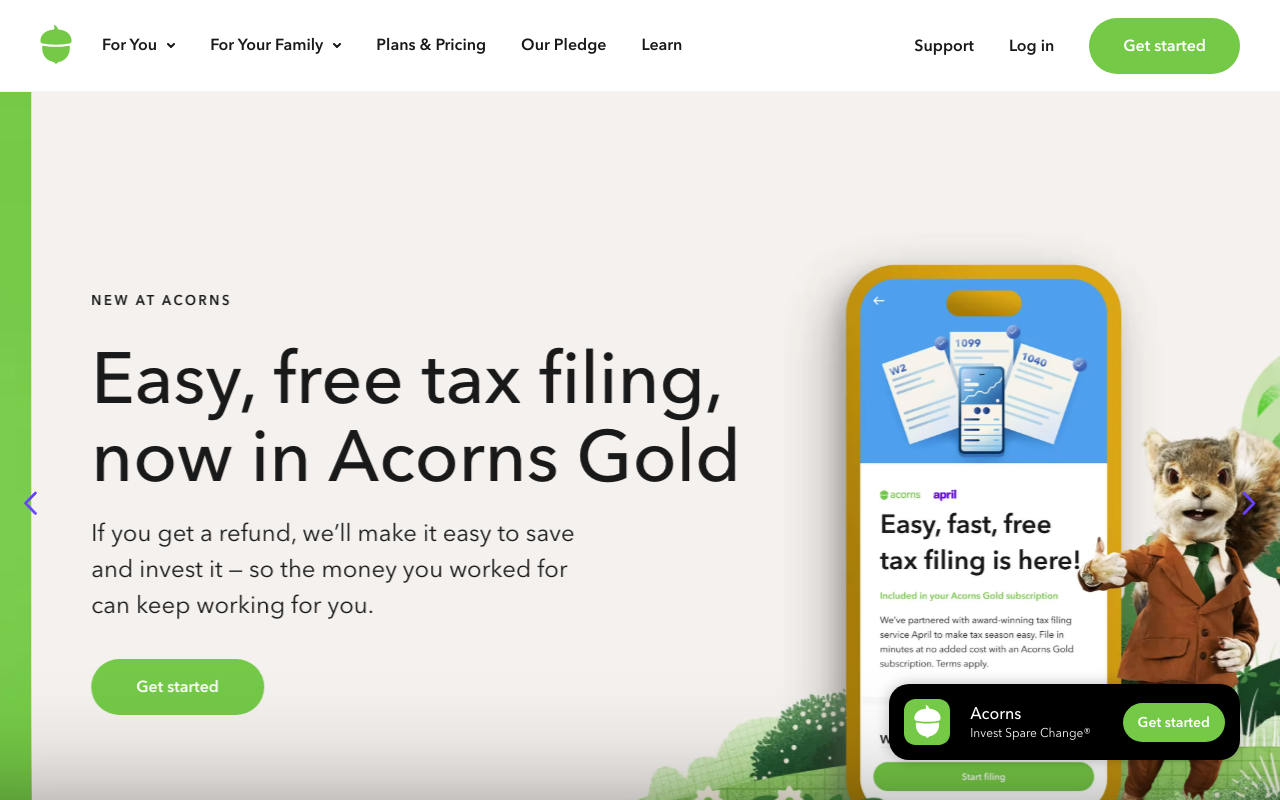
Acorns points the round-up concept at investing: every card purchase rounds up to the nearest dollar, and the spare change lands in a diversified investment portfolio.
The honest caveat is the flat monthly subscription, which is proportionally enormous on a small balance. Acorns makes sense once contributions outgrow the fee, or when the alternative is investing nothing.
| Acorns at a Glance | |
|---|---|
| 📱What It Does | Invests your spare change automatically |
| 💰Cost | Flat monthly subscription |
| ⭐Standout Feature | Round-ups on every card purchase |
| 🎯Best For | First-time investors |
| 📝Full Review | Our Acorns review |
2. Chime [Best for Automatic Savings Without Fees]
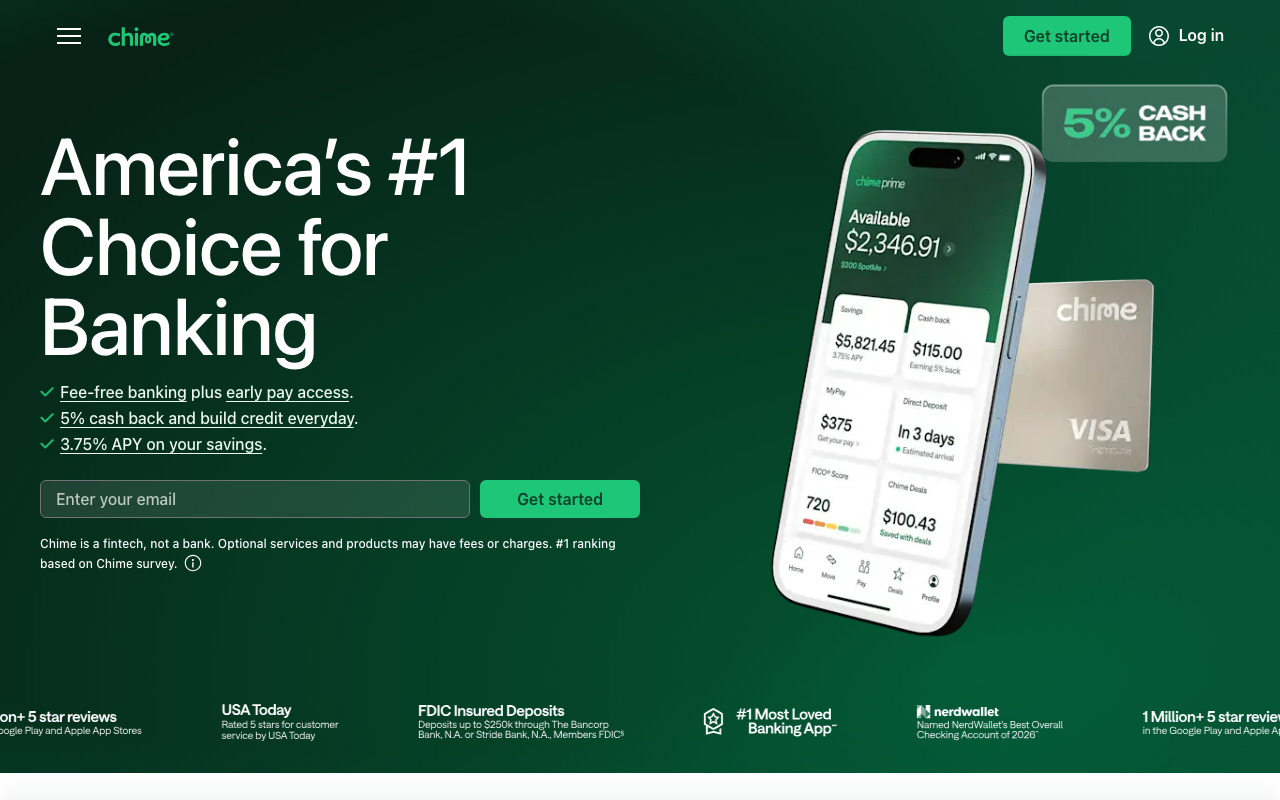
Chime is a financial technology company rather than a bank, partnering with FDIC-member banks to hold deposits. Round Ups sweeps spare change from every debit card purchase into savings, while Save When I Get Paid moves a set percentage of each direct deposit before you see it.
It charges no monthly or overdraft fees on the standard account, and it is one of the few apps here that saves money and earns interest via those partner banks.
| Chime at a Glance | |
|---|---|
| 📱What It Does | Automatic savings built into a checking account |
| 💰Cost | Free, no monthly fees |
| ⭐Standout Feature | Save When I Get Paid paycheck sweeps |
| 🎯Best For | Paycheck-level automatic saving |
3. Fetch Rewards [Best for Zero-Effort Grocery Rewards]
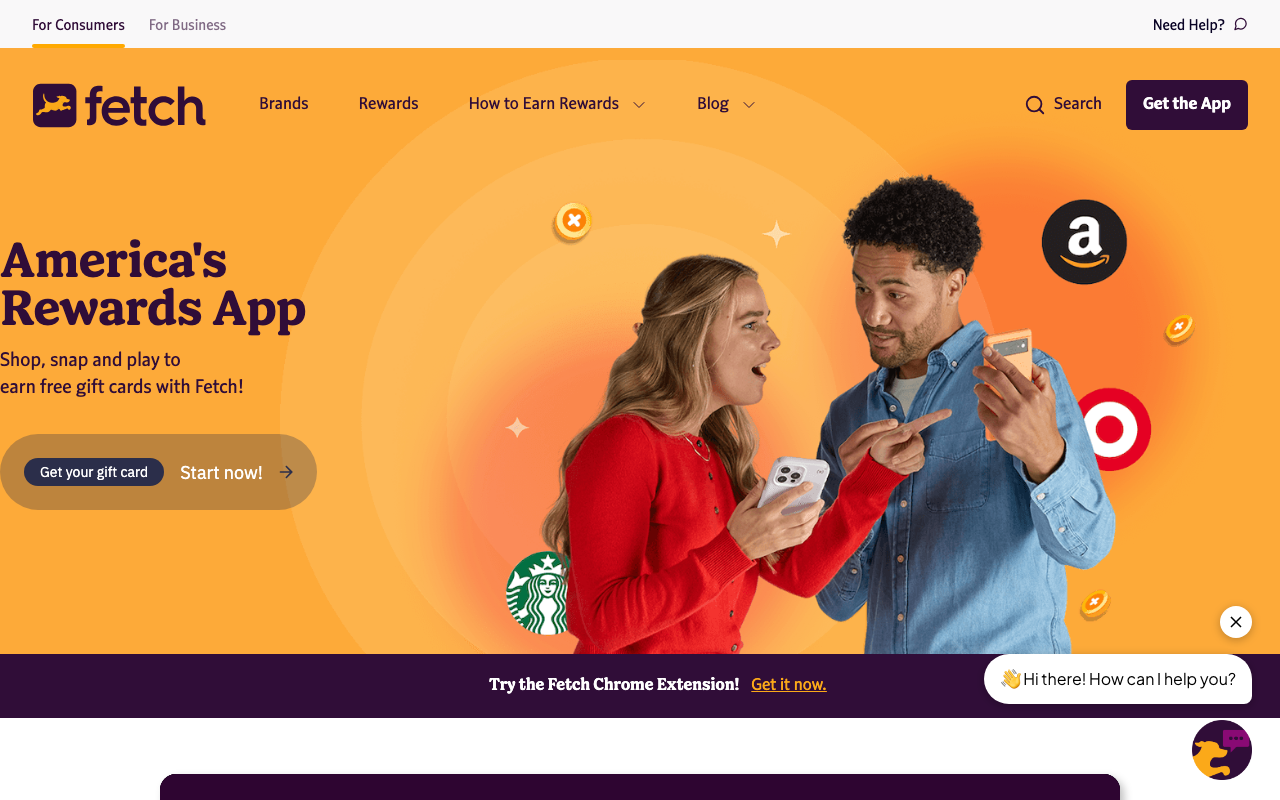
Fetch Rewards turns grocery receipts into gift cards: snap any receipt and points land automatically, no offers to clip. Points run about 1,000 to the dollar, the real value sits in partner-brand offers, and redemptions start around $3 in gift cards rather than cash.
New users get a $2 bonus when they sign up with promo code QC54BN. If groceries are your biggest variable expense, go deeper with apps built specifically for grocery savings.
| Fetch Rewards at a Glance | |
|---|---|
| 📱What It Does | Turns grocery receipts into gift cards |
| 💰Cost | Free |
| ⭐Standout Feature | Points on any receipt, no offer clipping |
| 🎯Best For | Zero-effort grocery rewards |
| 📝Full Review | Our Fetch Rewards review |
4. Rakuten [Best for Online Shopping Cash Back]
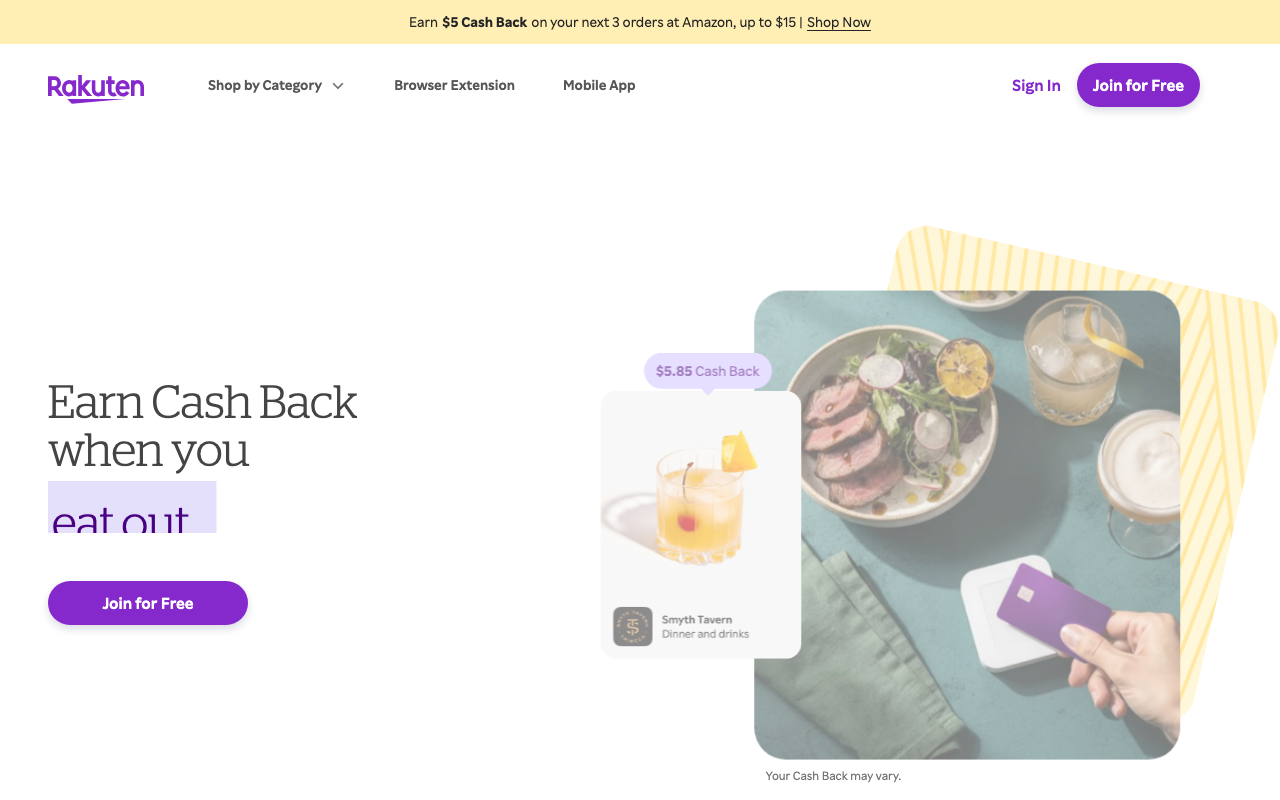
Rakuten pays 1% to 10% back when you start an online purchase through its link or browser extension, with payouts arriving quarterly. The habit that matters is activating the extension before checkout, since one forgotten click means zero cash back.
Rates are worth comparing across cash back portals, and layering coupon extensions and deal stacking catches savings the base rate alone will miss.
| Rakuten at a Glance | |
|---|---|
| 📱What It Does | Cash back on online shopping |
| 💰Cost | Free |
| ⭐Standout Feature | Quarterly payouts by PayPal or check |
| 🎯Best For | Frequent online shoppers |
| 📝Full Review | Our Rakuten review |
5. Upside [Best for Gas and Fuel Cash Back]
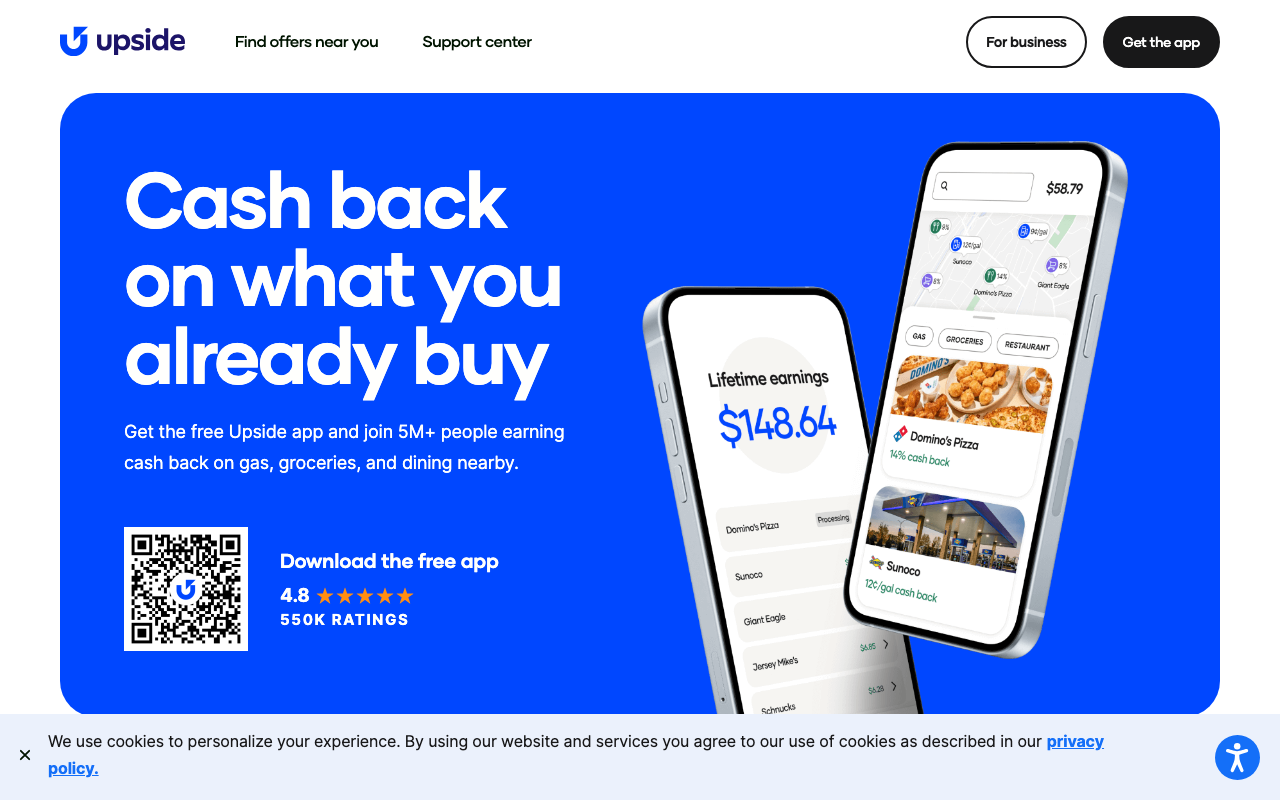
Upside pays cash back per gallon at participating gas stations: claim an offer before filling up, pay with any credit or debit card, then upload the receipt. Coverage thins outside metro areas, and offer rates decay as more local drivers claim them, so never drive further to chase an offer than the offer is worth.
Pair it with broader tactics that cut what you spend on gas.
| Upside at a Glance | |
|---|---|
| 📱What It Does | Cash back per gallon on gas |
| 💰Cost | Free |
| ⭐Standout Feature | Works with any credit or debit card |
| 🎯Best For | Commuters and frequent drivers |
6. Rocket Money [Best for Killing Subscriptions You Forgot About]
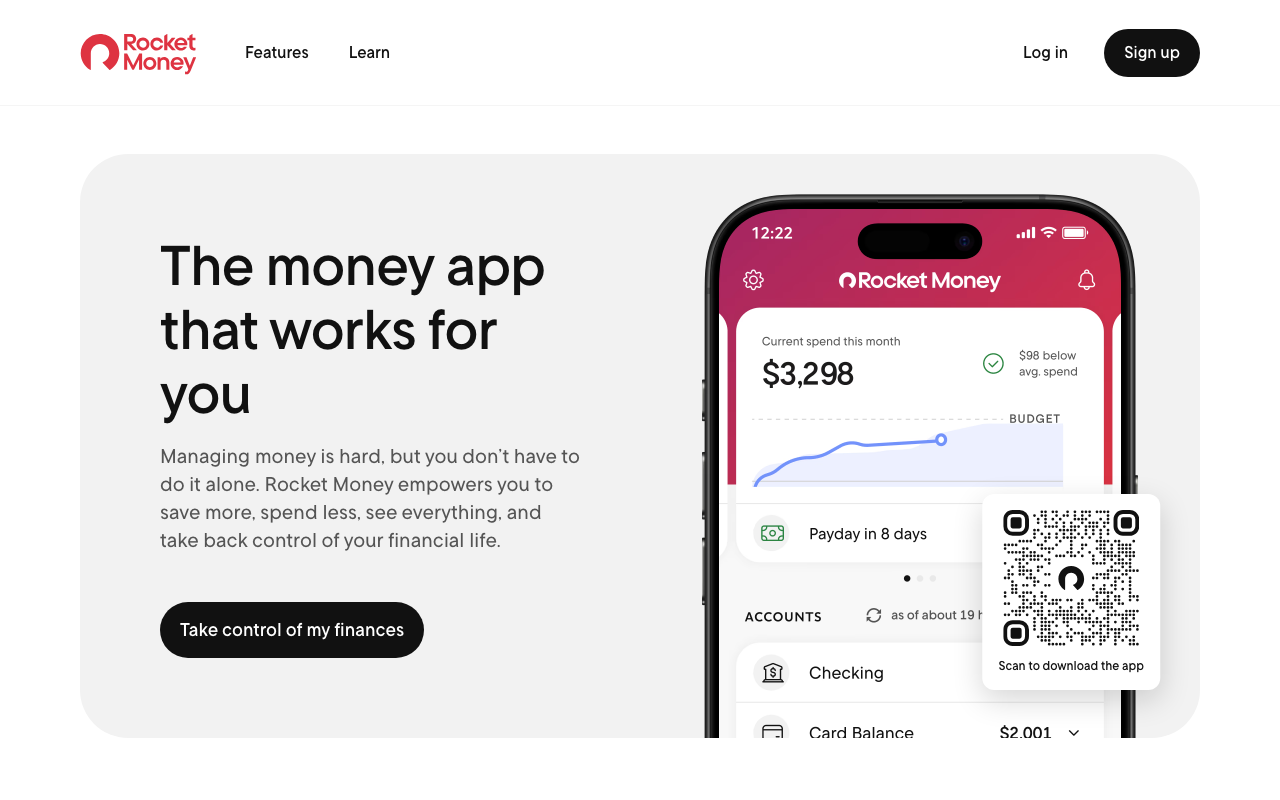
The fastest money you’ll ever save is money you were already bleeding. Rocket Money connects to your bank and debit card accounts, then lays out every recurring charge in one uncomfortable list.
Rocket Money is free to download, and the company’s own FAQ explains that its bill negotiation service charges a success-based fee only if it actually saves you money. The free tier surfaces subscriptions but nudges you toward Premium for concierge cancellation, and doing the cancelling yourself costs one afternoon.
| Rocket Money at a Glance | |
|---|---|
| 📱What It Does | Finds and cancels forgotten subscriptions |
| 💰Cost | Free, Premium optional |
| ⭐Standout Feature | Success-based bill negotiation |
| 🎯Best For | A first subscription audit |
7. YNAB [Best for Zero-Based Budgeting]
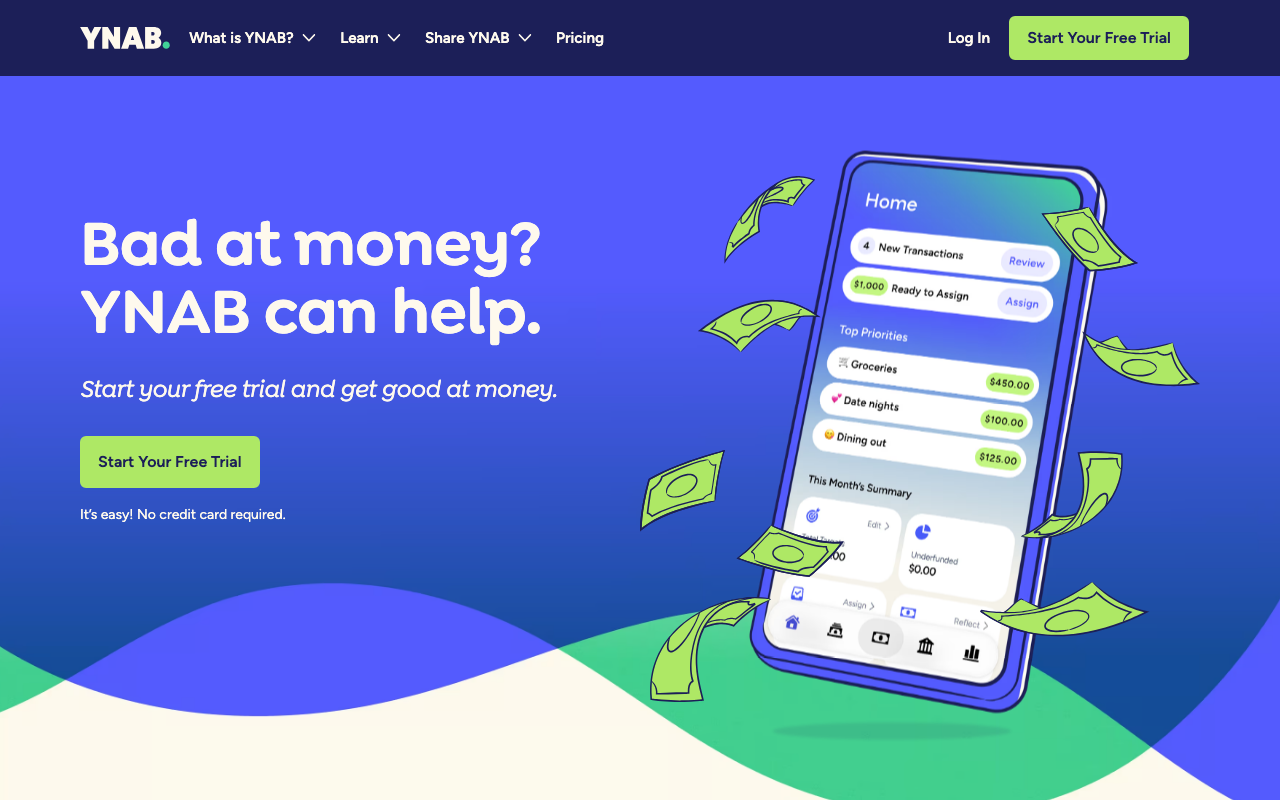
YNAB uses zero-based budgeting: every dollar of income gets assigned a job before the month begins. YNAB states that new users save an average of $600 in their first two months and more than $6,000 in their first year, a company claim rather than an independent study.
Per YNAB’s pricing page, it runs $14.99 per month or $109 per year, about $9.08 monthly billed annually, and it only pays off if you genuinely open it weekly.
| YNAB at a Glance | |
|---|---|
| 📱What It Does | Zero-based budgeting |
| 💰Cost | $14.99/mo or $109/yr |
| ⭐Standout Feature | Every dollar gets a job before the month starts |
| 🎯Best For | Irregular income and debt payoff |
8. Monarch Money [Best for Couples and Flexible Budgets]
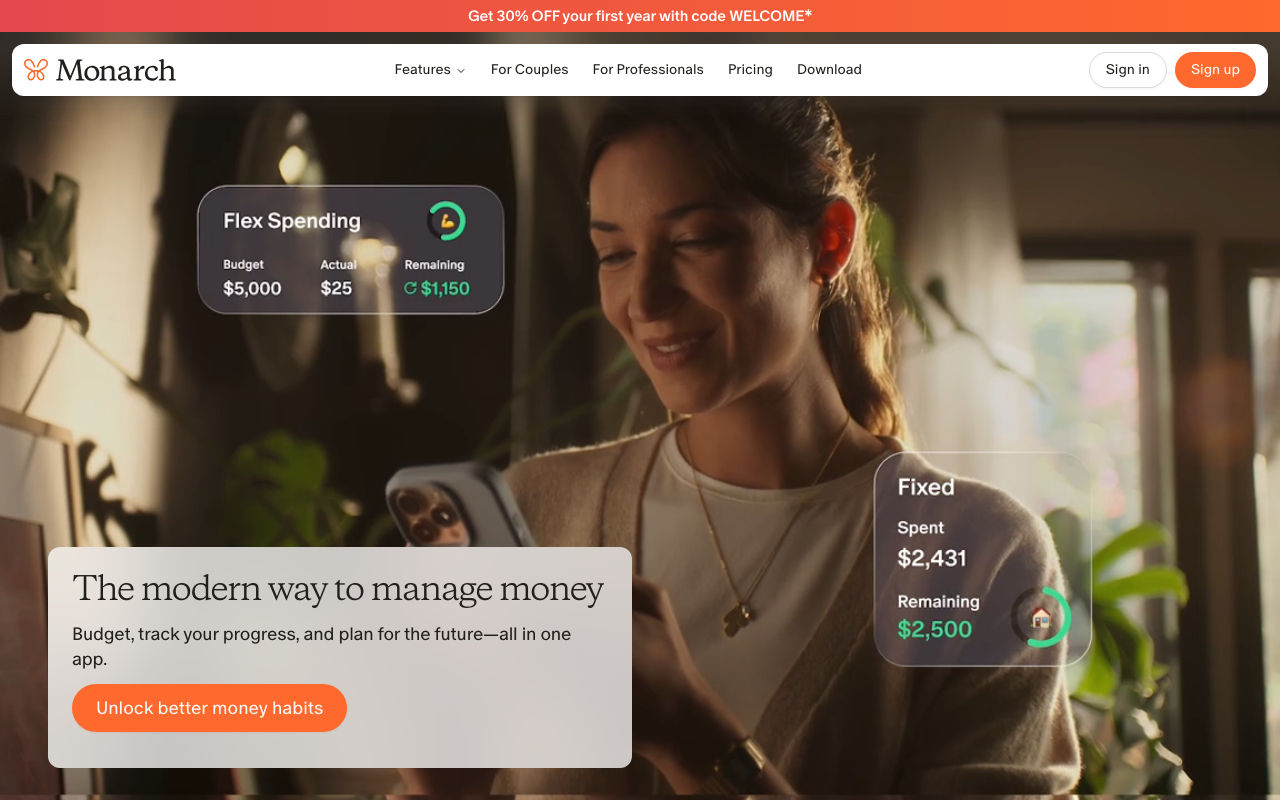
Monarch fills the gap Mint left behind, and the couples feature is the real differentiator: two people share a household budget while keeping separate personal categories, the one thing most budgeting apps handle badly.
It is subscription-only, so solo budgeters wanting free should look at Goodbudget or Empower.
| Monarch Money at a Glance | |
|---|---|
| 📱What It Does | Full-household budgeting dashboard |
| 💰Cost | Paid subscription |
| ⭐Standout Feature | Shared budgets with separate personal categories |
| 🎯Best For | Couples merging finances |
9. Goodbudget [Best Free Envelope Budgeting App]
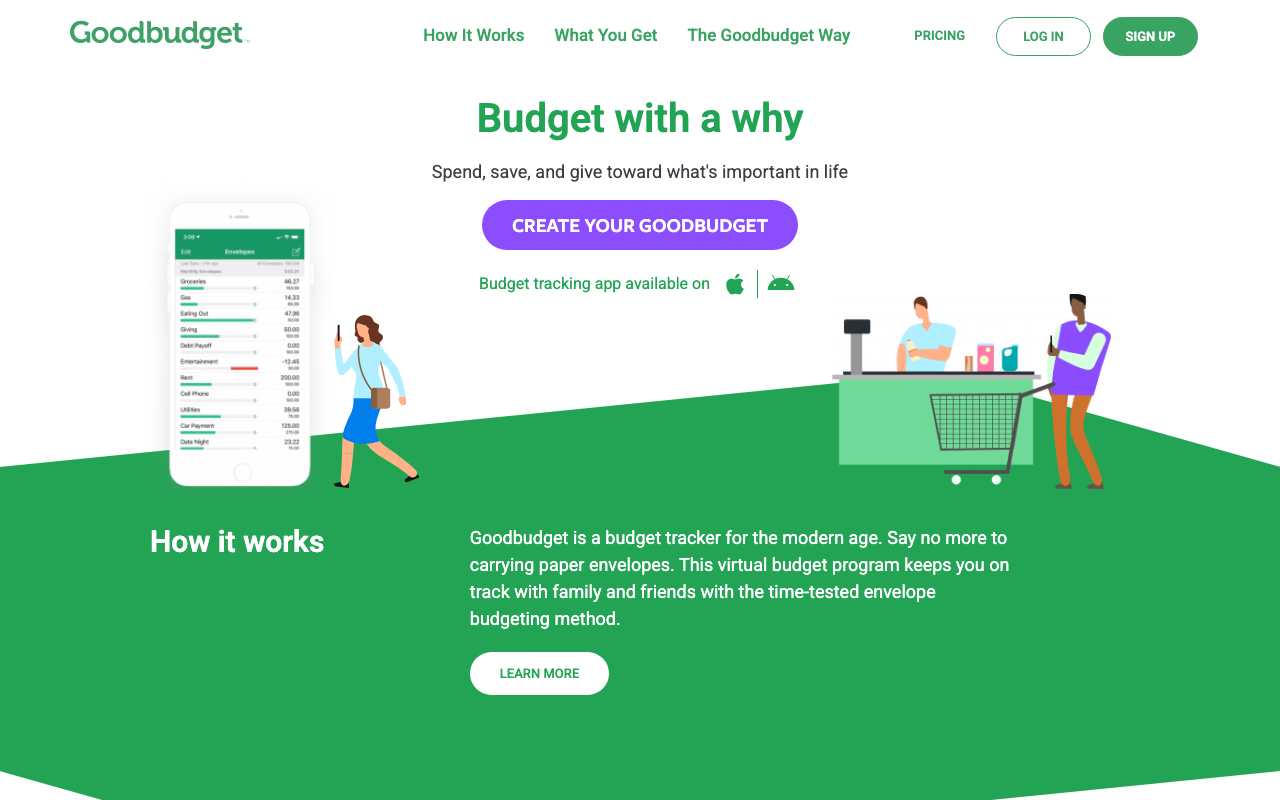
Goodbudget is a digital version of the cash envelope system: divide income into labeled envelopes and stop spending from an envelope when it is empty.
The free tier caps envelopes rather than crippling core features, making it the best zero-cost entry point; the manual entry quietly forces you to notice every purchase.
| Goodbudget at a Glance | |
|---|---|
| 📱What It Does | Digital envelope budgeting |
| 💰Cost | Free tier, paid tier optional |
| ⭐Standout Feature | Envelopes for irregular expenses like car repairs |
| 🎯Best For | First-time budgeters |
10. Empower Personal Dashboard [Best Free Net Worth Tracker]
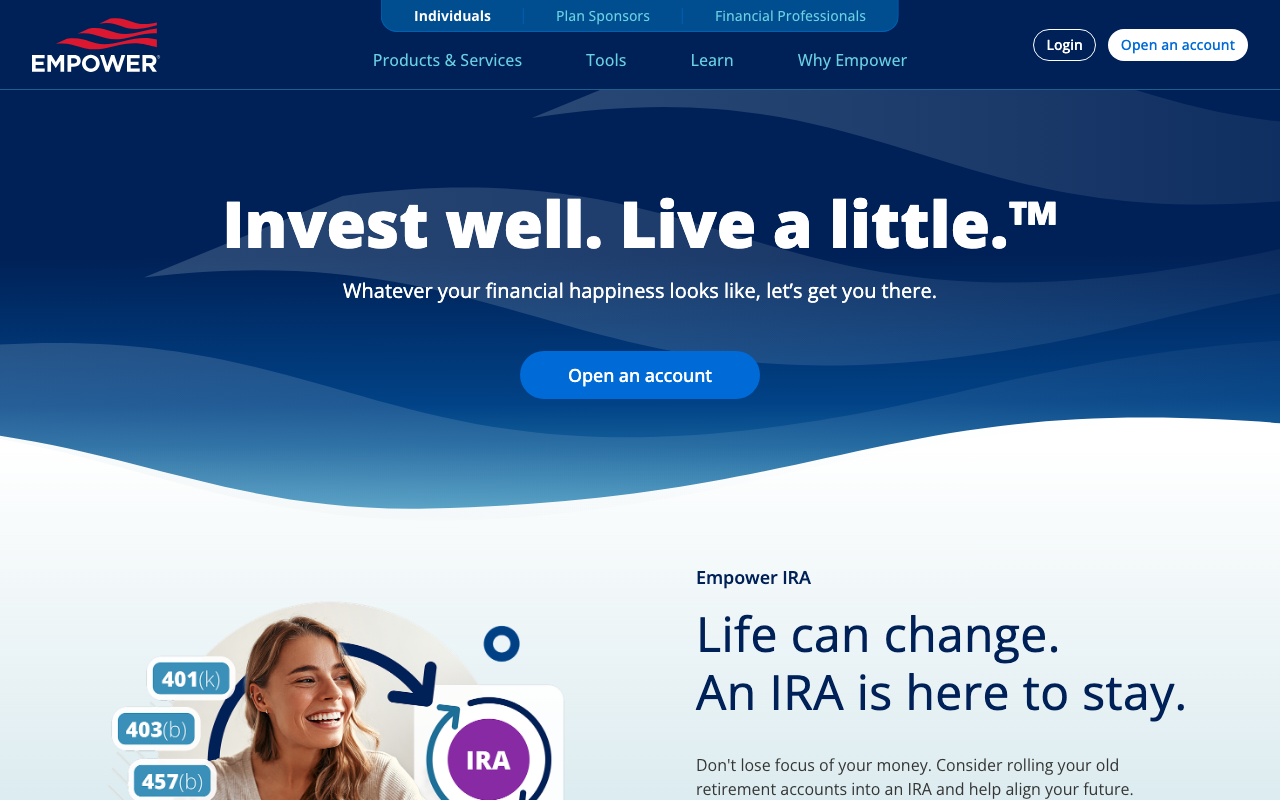
Empower Personal Dashboard is a free tracker rather than a budgeting app.
It pulls bank accounts, credit cards, and retirement and investment holdings into one net worth figure, and its underrated fee analyzer scans retirement accounts for expense ratios no budgeting app will catch.
| Empower Personal Dashboard at a Glance | |
|---|---|
| 📱What It Does | Net worth and spending tracking |
| 💰Cost | Free |
| ⭐Standout Feature | Retirement fee analyzer |
| 🎯Best For | Big-picture net worth tracking |
11. Qapital [Best for Daily Automatic Saving]
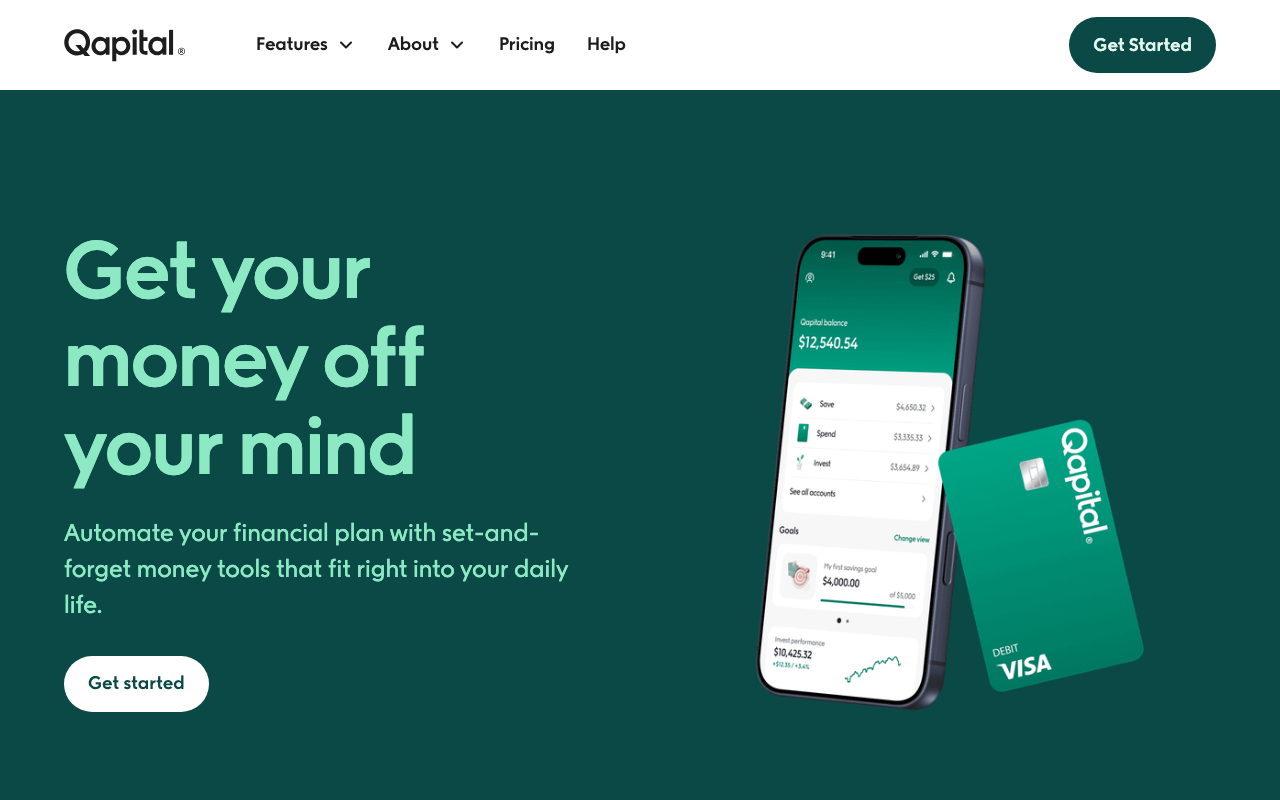
If you want one app that saves money for you every single day without any thought, Qapital is the answer. Set a rule, such as rounding up every purchase or transferring a set amount every payday, and the app executes it automatically.
Qapital publishes three tiers on its pricing page: Basic at $3 per month for automated savings goals, Complete at $6, and Premier at $12. Basic covers what most people want.
| Qapital at a Glance | |
|---|---|
| 📱What It Does | Rule-based automatic saving |
| 💰Cost | $3, $6, or $12/mo |
| ⭐Standout Feature | Custom rules like round-ups and payday sweeps |
| 🎯Best For | Automating savings with rules |
How to Build a Money Saving App Stack
One app per job, no more than three total. A realistic stack: Rocket Money cancels $40 a month in dead subscriptions, Rakuten pays back $10 to $20 a month online, and Chime sweeps 5% of every paycheck into savings. The first two fund the third.
Downloading all 11 is the fastest way to use none of them.
What Do Reddit Users Recommend?
Community threads consistently favor free, low-maintenance apps like Rocket Money, Goodbudget, and the major cash back apps over paid suites. The recurring complaint is subscription fatigue.
Free vs. Paid Money Saving Apps
The subscription business model has taken over personal finance software, but free money saving apps cover most needs: every cash back app on this list costs nothing, Chime charges no monthly fee, and the free tiers on Goodbudget, Empower, and Rocket Money handle real budgeting, tracking, and subscription auditing.
A paid app earns its keep only when it changes behavior you can point to. If you cannot name what it saved after 90 days, cancel it.
Are Money Saving Apps Safe?
In simple terms, reputable ones are. Budgeting tools connect to your bank in read-only mode, so they can see transactions and balances but cannot move money. Apps that do move money, like Chime or Qapital, require explicit separate authorization. A tracking app should never need transfer rights.
FDIC Insurance and What It Covers
If an app holds your deposits, the relevant protection is FDIC insurance. The Consumer Financial Protection Bureau explains that money held in a savings account at an insured bank is protected up to $250,000 per depositor, per bank, per ownership category.
Chime is not itself a bank, so coverage flows through its partner banks. Money in an Acorns portfolio is invested rather than deposited, so it is not FDIC insured and can lose value.
Money Saving Apps for Students
Students should stay entirely on free tiers: Goodbudget for budgeting, Rakuten plus Fetch for textbooks and groceries, and Chime for its no-fee structure, since overdraft fees hurt on a small balance. YNAB offers a student discount worth checking, but a free app you actually use beats a paid app you can’t afford.
Several of these apps also surface your credit score free, worth tracking during school.
The Bottom Line
The best money saving app is the one still on your phone in six months. Start with Rocket Money, since auditing your subscriptions surfaces real money in a single sitting. Then add a cash back app once that is a habit, and automatic savings once you have a surplus worth moving.
Frequently Asked Questions
How can I save $1,000 in a month?
Saving $1,000 in 30 days almost always requires cutting fixed costs rather than trimming small purchases. Start by auditing subscriptions with Rocket Money, which commonly surfaces $30 to $80 a month in forgotten charges, then negotiate one large recurring bill.
The remaining gap usually comes from one large temporary cut, such as pausing dining out. Cash back apps contribute $30 to $60 in a strong month, closing the last stretch, not the bulk.
What is the No. 1 earning app?
This question is about earning rather than saving, and the two are different problems. Earning apps pay you for tasks, surveys, or gig work, while the apps in this roundup reduce what you spend.
If your goal is genuinely more income rather than lower expenses, none of the 11 apps here is the right tool. Our highest paying apps roundup covers that side. Fetch and Upside come closest by paying you back on spending, but the ceiling is roughly $50 a month.
Which app is best for daily saving money?
Qapital is the strongest pick for daily automatic saving. Its rule engine triggers transfers on every purchase, step goal, or skipped expense, so saving happens multiple times a day without any decision from you.
Chime is the free alternative: its Round Ups feature saves on every debit card purchase, though without Qapital’s custom rules.
How to save 5000 dollars fast?
Saving $5,000 quickly comes down to a scheduled transfer, not incremental tactics. At six months that is roughly $833 a month, at twelve months about $417.
Set an automatic transfer on payday for that exact amount using Chime or a Qapital goal. Round-ups and cash back add perhaps $60 to $90 a month on top, an accelerant rather than the plan itself.

Jason is a personal finance expert and the founder of Frugal For Less. He has spent over a decade researching and testing hundreds of money making apps, survey sites, and savings strategies to help readers earn more and keep more of their hard-earned cash.
More about the author →
Want to learn how to make an extra $1,000 per month?
Download our free guide with:
- 10 Side Hustles to Make $1,000/month
- Worksheet for setting money making goals
- Resource List to help you succeed