17 Highest Paying Apps in 2026, Ranked by What They Really Pay

The highest paying apps put real money in your pocket, and the wrong ones waste hours for pocket change.

Disclosure: This post may contain affiliate links. As an Amazon Associate, we earn from qualifying purchases. This comes at no extra cost to you. Read our full disclosure, or see how we review platforms.
The highest paying apps put real money in your pocket, and the wrong ones waste hours for pocket change.
We only kept the apps that actually pay a decent amount for your time. Most lists don’t filter out the junk, which is why people download a survey app expecting rent money, then delete it a week later feeling scammed.
This guide breaks down 17 apps by what they really pay, how much you need before you can cash out, and how fast the money hits your account. Every payout number comes straight from each company’s own terms.
How We Picked These Apps
These 17 picks were judged on published payout data and platform track record rather than hands-on lab testing. The criteria:
- Verified payout minimums taken from each company’s official terms of service or help documentation
- Realistic earnings range, based on the rate the platform itself advertises and what the work plausibly supports
- Payout speed and method, including PayPal cash, gift card, or direct deposit
- Platform stability, meaning the app is still live and accepting new users as of July 2026
- No pay-to-play, so every app here is free to join with no deposit and no credit card required
Anything dead, unreachable, or charging an entry fee got cut, even where it still ranks well on Google. One widely recommended survey app came off this list during fact-checking for the simplest reason there is: its website wouldn’t load.
The Top 7 at a Glance
Here are our top seven picks, along with what each realistically pays and where the payout bar sits.
| # | App | Min. payout | Join |
|---|---|---|---|
| 1 | Survey Junkie | $5 | Join Now |
| 2 | KashKick | $10 | Join Now |
| 3 | DoorDash | None (weekly) | Join Now |
| 4 | Rakuten | $5 | Join Now |
| 5 | Fetch Rewards | ~$3 (gift cards) | Join Now |
| 6 | Snakzy | $25–$35 (by region) | Join Now |
| 7 | Scrambly | $1 | Join Now |
Survey and Rewards Apps: Small but Steady
Survey and rewards apps compensate you for market research participation and for completing brand offers. Calibrate now: this is coffee money, not rent money.
The reason is structural. Advertisers pay a few dollars for your opinion and the app keeps a cut, so no amount of hustle turns surveys into $100 days. Apps that pay back on spending you already do follow a different math entirely, and the best cash back options return 1% to 8% without costing you any time.
1. Survey Junkie [Best for Beginner-Friendly Surveys]
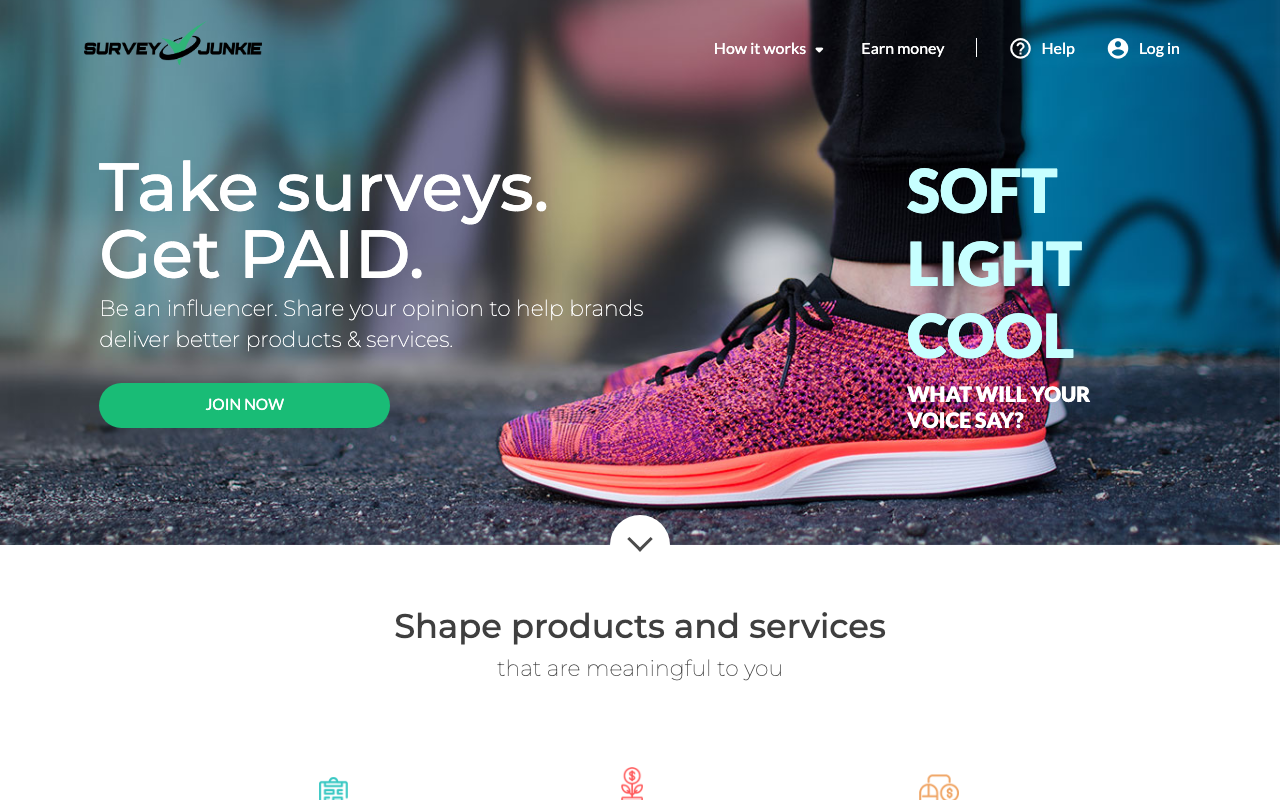
Survey Junkie does exactly one thing, surveys, and it does them with far less clutter than the broader rewards platforms. Most pay $0.50 to $3 for 5 to 20 minutes of work.
Cashouts start at $5 to PayPal or gift card. Disqualifications are the real frustration, since you can burn three minutes on screening questions and walk away with nothing.
Filling out your full demographic profile measurably cuts that disqualification rate. The platform can’t match you to studies it doesn’t know you qualify for.
| Survey Junkie at a Glance | |
|---|---|
| 📈 Typical Pay | $0.50–$3 / survey |
| 💰 Minimum Payout | $5 |
| 🏦 Payment Methods | PayPal, gift cards |
| 🎯 Best For | Beginner-Friendly Surveys |
| 📝 Full Review | Our Survey Junkie review |
2. KashKick [Best for PayPal-Only Earners]
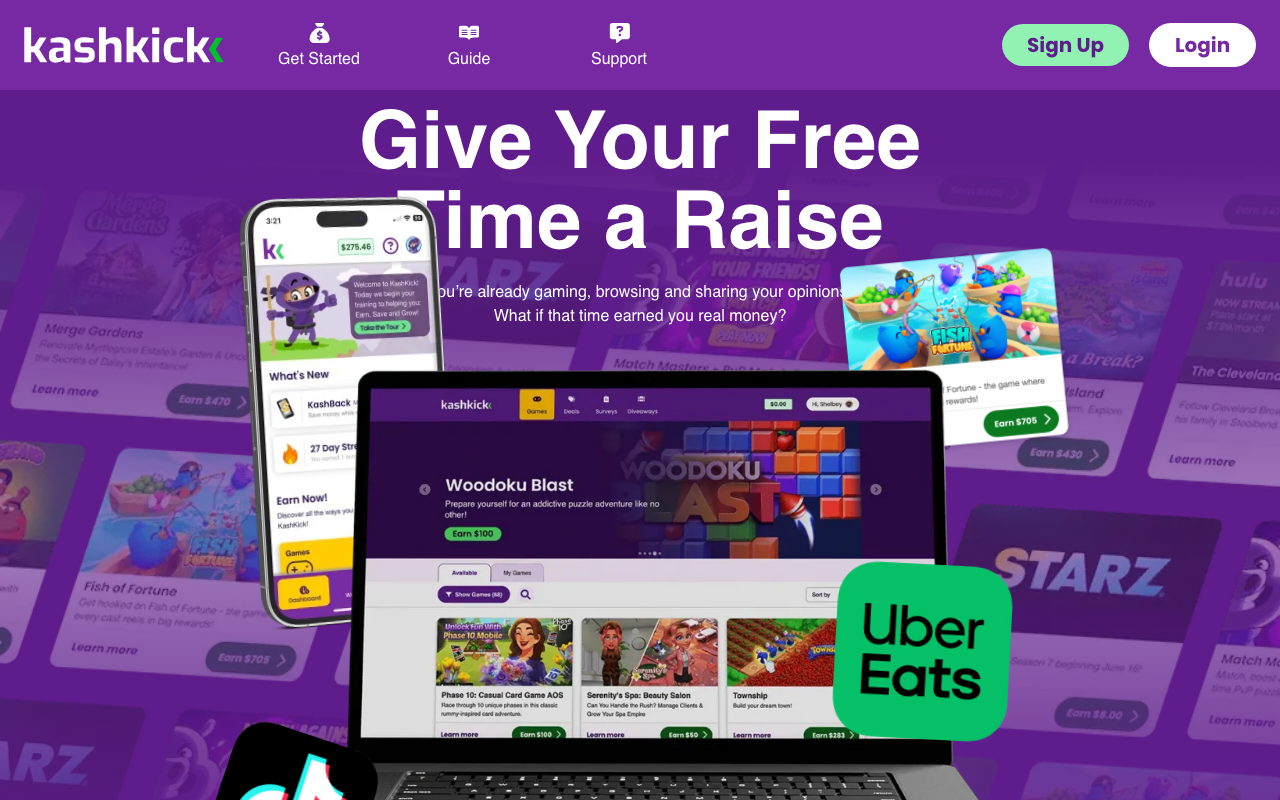
KashKick pays in real dollars for surveys and game offers, and it’s become a favorite among PayPal-only earners. Offers pay far better than surveys, often $5 to $30 for hitting a specific game milestone.
KashKick’s terms of service state that your balance is unredeemable until you reach a $10 minimum, and that the company can change that number at its sole discretion. Payouts run through PayPal, full stop.
That PayPal-only restriction matters if you don’t have an account. There’s no gift card fallback waiting for you here.
| KashKick at a Glance | |
|---|---|
| 📈 Typical Pay | $10–$60 / mo |
| 💰 Minimum Payout | $10 |
| 🏦 Payment Methods | PayPal only |
| 🎯 Best For | PayPal-Only Earners |
3. Swagbucks [Best for All-Around Earning]
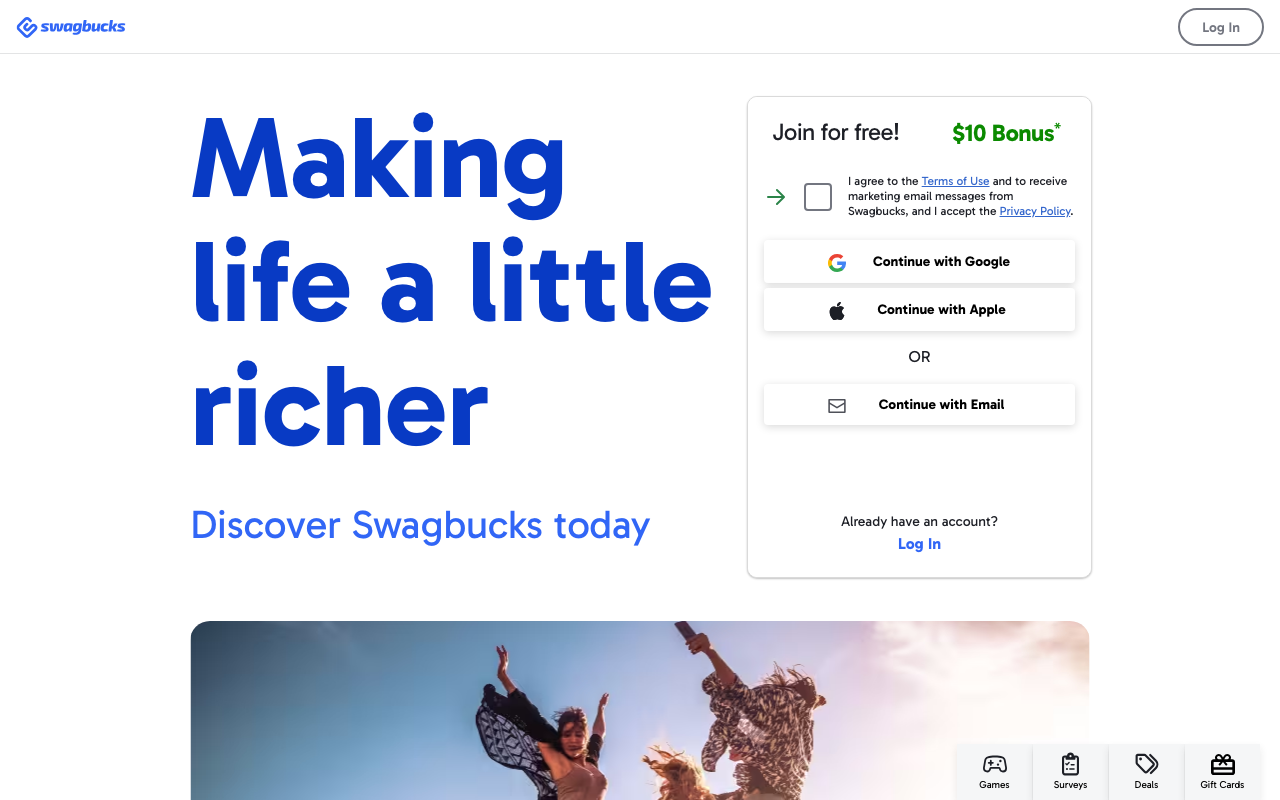
Swagbucks is the most established rewards platform around, run by Prodege, and it pays you to make money through surveys, shopping, watching videos, and web search. Its strength is breadth, not rate.
Points convert at roughly 100 SB to $1, and gift cards start around $3. That’s one of the lowest thresholds anywhere, which makes it the fastest first payout on this list.
PayPal cash is available but costs more points than the equivalent gift card. If you want actual cash, you’re taking a worse rate than the advertised one.
| Swagbucks at a Glance | |
|---|---|
| 📈 Typical Pay | $10–$50 / mo |
| 💰 Minimum Payout | $3 (gift cards) |
| 🏦 Payment Methods | Gift cards, PayPal |
| 🎯 Best For | All-Around Earning |
| 📝 Full Review | Our Swagbucks review |
4. Freecash [Best for App and Game Offers]
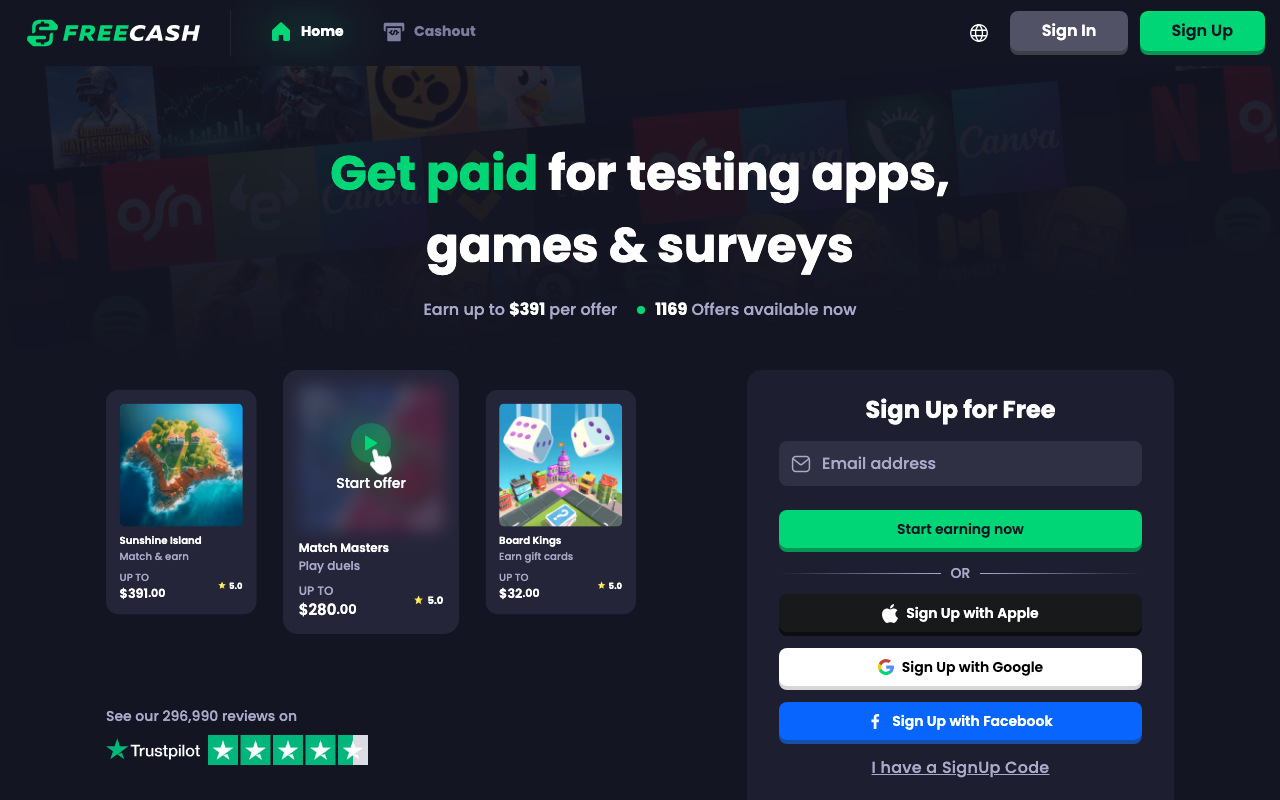
Freecash is the top earner in this category because it leans on game and app offers instead of surveys. The company advertises payouts up to $391 on a single high-tier offer, with over 1,100 offers live at any moment.
Those headline numbers take weeks of in-game progression, so read them as a ceiling and not a target. Realistic monthly earnings land at $20 to $150 for someone working offers consistently.
According to Freecash’s own terms, the minimum cashout varies by region and ranges from $5 to $25. Payouts go to PayPal, Bitcoin, or Amazon and Google Play gift cards.
It also carries one of the largest public review footprints of anything in this category, and that kind of volume makes systematic non-payment very hard to hide for long.
| Freecash at a Glance | |
|---|---|
| 📈 Typical Pay | $20–$150 / mo |
| 💰 Minimum Payout | $5–$25 (by region) |
| 🏦 Payment Methods | PayPal, Bitcoin, gift cards |
| 🎯 Best For | App and Game Offers |
5. InboxDollars [Best for Real-Dollar Tracking]
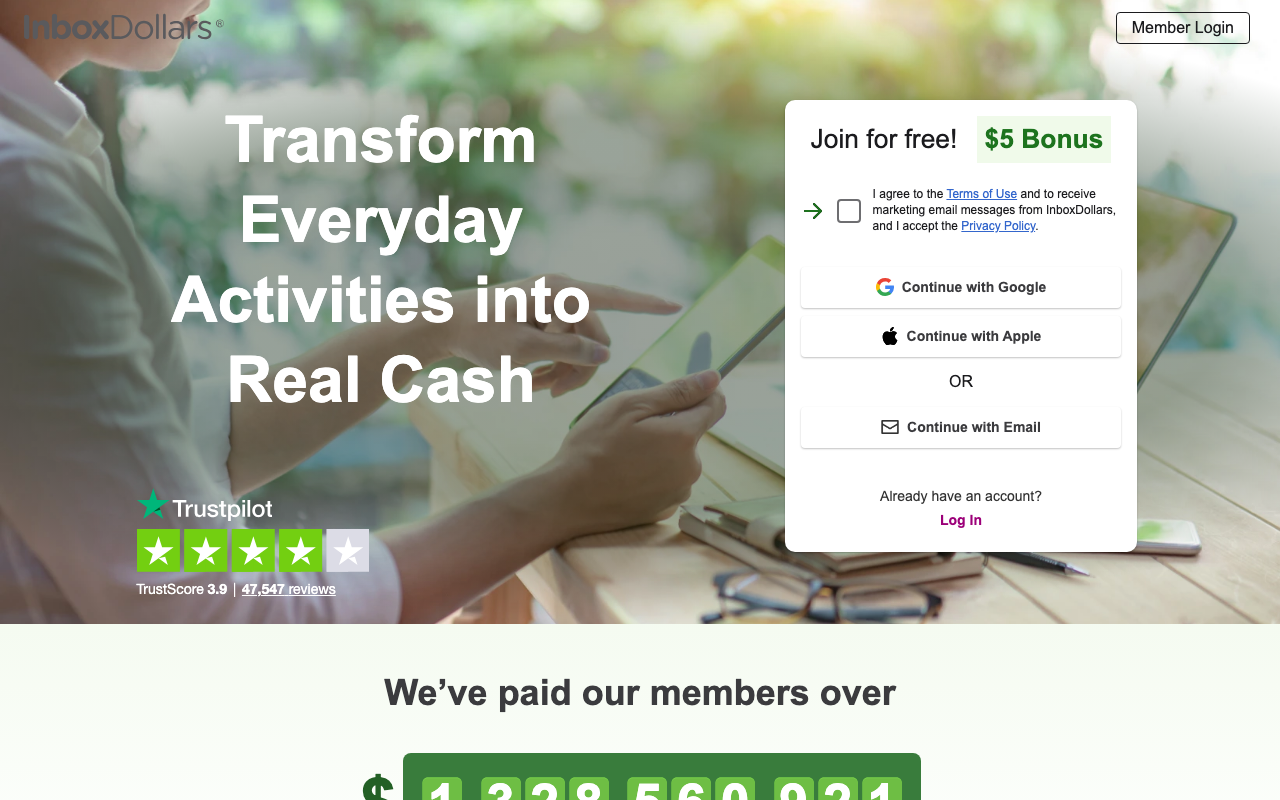
InboxDollars is a Prodege sibling that tracks your balance in real dollars instead of points. That one design choice keeps the math honest and makes comparing it to other apps that pay real money far easier.
It pays for surveys, videos, and reading email. The InboxDollars terms govern its redemption thresholds and payment processing, with cashouts starting at $15.
That’s a higher bar than Swagbucks, so brace for a slower first payday. The $5 signup bonus knocks out a third of it right away.
| InboxDollars at a Glance | |
|---|---|
| 📈 Typical Pay | $10–$40 / mo |
| 💰 Minimum Payout | $15 |
| 🏦 Payment Methods | PayPal, check, gift cards |
| 🎯 Best For | Real-Dollar Tracking |
Freelancing Apps: The Highest Hourly Rates
Freelancing apps match a skilled freelancer with remote clients who pay per project or per hour. This is the only category here where your income scales with skill instead of with hours logged.
It’s also the only one where a single order can out-earn an entire month of surveys.
6. Fiverr [Best for Productized Gig Sales]
Fiverr turns freelancing on its head. Rather than bidding on jobs, you list a fixed-price service and let buyers come to you.
Sellers routinely charge $25 to $150 per gig for logo design, voiceover, or copywriting. Fiverr holds a 20 percent commission, noticeably steeper than Upwork’s.
Funds clear 14 days after order completion, dropping to 7 once you hit the higher seller levels. That first two-week wait blindsides almost everyone.
The trap is underpricing to win early reviews and then getting anchored there forever. Raise your rate the moment you’ve got five reviews banked.
| Fiverr at a Glance | |
|---|---|
| 📈 Typical Pay | $25–$150 / gig |
| 💰 Minimum Payout | $5 |
| 🏦 Payment Methods | PayPal, bank transfer, Fiverr Revenue Card |
| 🎯 Best For | Productized Gig Sales |
7. Upwork [Best for Skilled Freelance Rates]
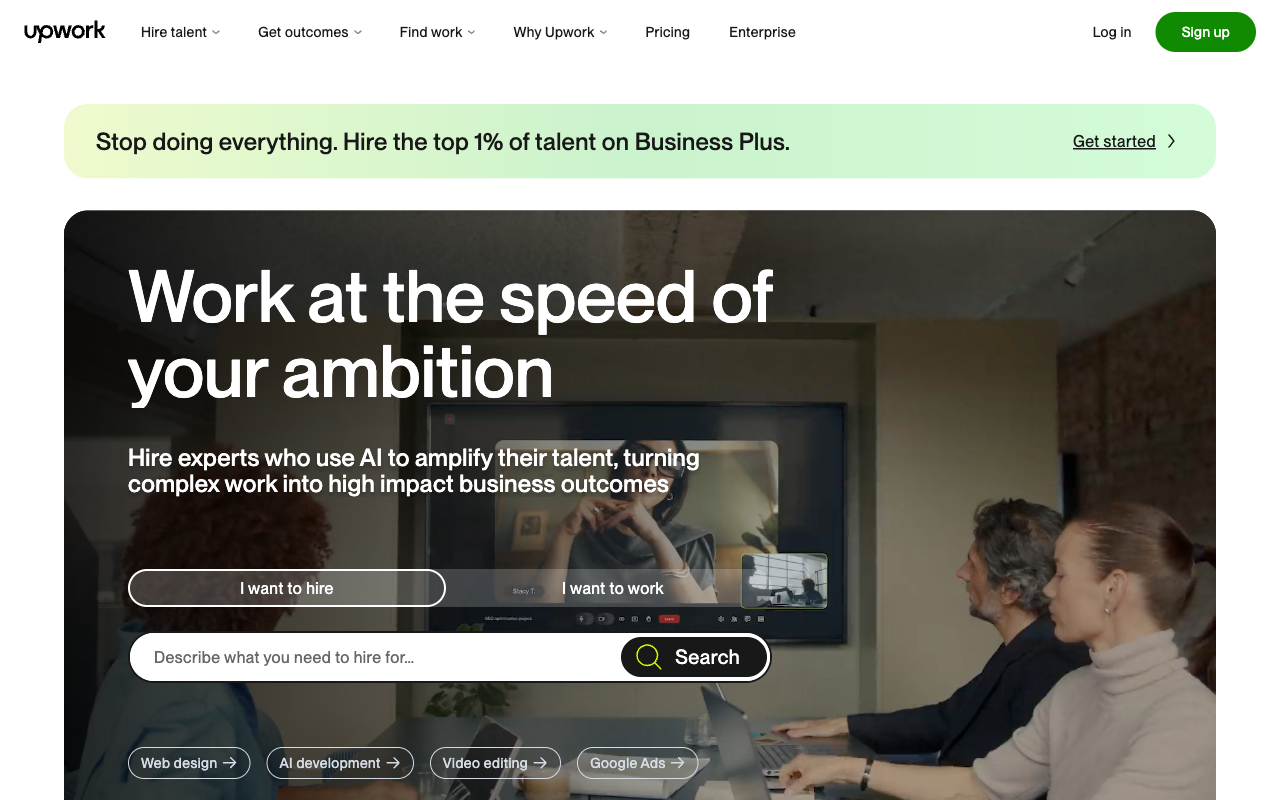
Upwork is the largest freelance marketplace going, covering writing, design, development, video editing, and virtual assistance. Rates run from $20 an hour for entry-level admin work to well past $100 for developers and consultants.
The catch is the ramp. Those first three or four contracts are brutal to land, because clients filter by job success score and you’re starting without one.
Upwork skims a 10 percent service fee off your earnings. Payment clears by direct deposit or PayPal after a security period, usually five days on hourly contracts.
Here’s where new freelancers burn out: blasting 30 generic proposals with their free connects. Ten specific ones that actually reference the client’s brief will beat all 30.
| Upwork at a Glance | |
|---|---|
| 📈 Typical Pay | $20–$100+ / hr |
| 💰 Minimum Payout | $1 (direct deposit) |
| 🏦 Payment Methods | Direct deposit, PayPal, wire |
| 🎯 Best For | Skilled Freelance Rates |
Gig Economy Apps: Fast, Reliable Hourly Pay
Gig apps generate active income through on-demand delivery and ridesharing. Nobody gets rich, but the money is predictable and it shows up weekly.
This is also where gig economy tax rules bite hardest, so set aside 25 to 30 percent for taxes and log your miles from day one.
8. DoorDash [Best for Fast Delivery Cash]
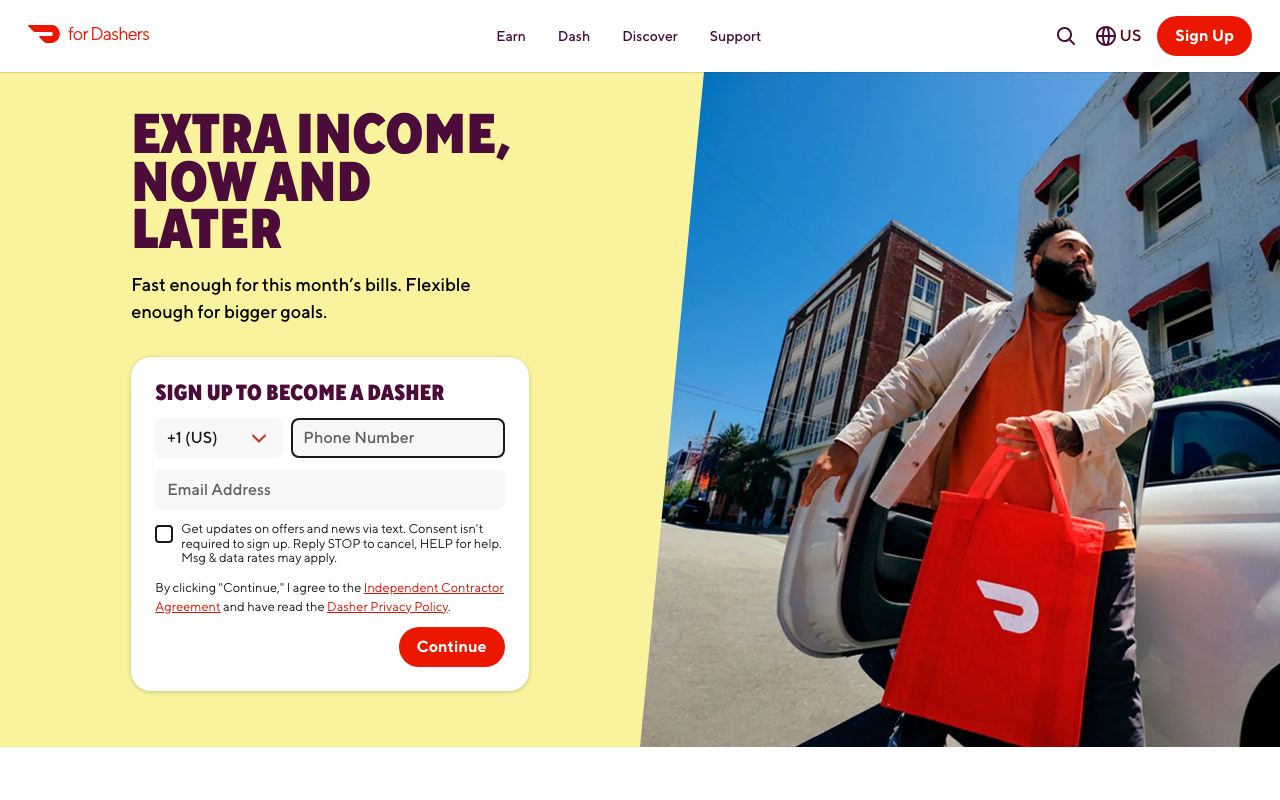
DoorDash pays per delivery plus 100 percent of tips, landing most Dashers at $15 to $25 an hour through peak dinner windows. Off-peak, that can sink below $12.
Your real hourly rate is lower than the app implies once gas and mileage come out. Weekly direct deposit is free, or Fast Pay moves the money instantly for $1.99.
Declining low-tip orders is the biggest lever you have on your hourly rate. Acceptance rate affects priority scheduling, not what you’re paid per order.
| DoorDash at a Glance | |
|---|---|
| 📈 Typical Pay | $15–$25 / hr |
| 💰 Minimum Payout | None (weekly) |
| 🏦 Payment Methods | Weekly deposit, or Fast Pay for $1.99 |
| 🎯 Best For | Fast Delivery Cash |
9. TaskRabbit [Best for Hands-On Local Tasks]
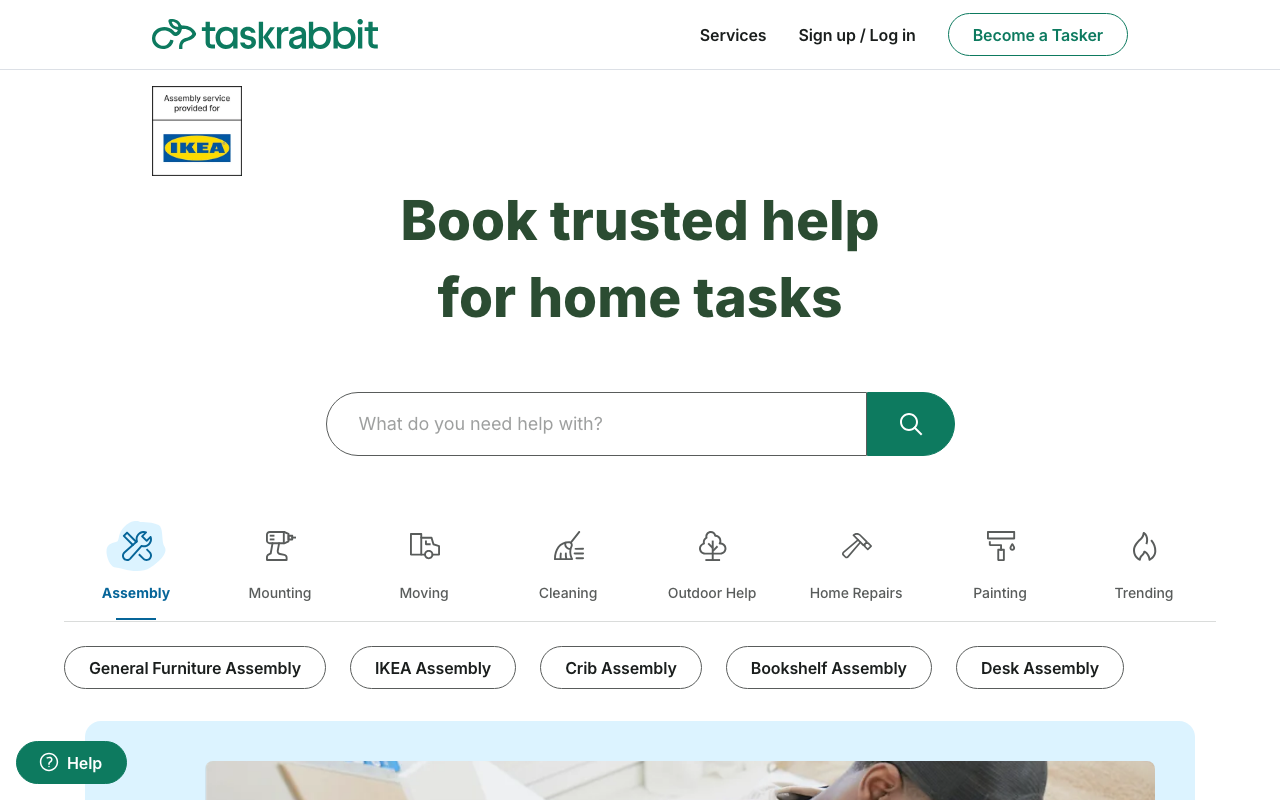
TaskRabbit is the highest paying app in this category, with Taskers setting their own rates for furniture assembly, moving help, and mounting. Rates of $25 to $60 an hour are normal, and skilled handyman work climbs higher.
You name your own hourly price, which is exactly why it out-earns delivery work. The tradeoff is that jobs come in lumps and lean heavily on your metro area.
IKEA assembly is the dependable bread-and-butter here, since TaskRabbit is IKEA’s official partner. Expect a registration fee waiver but a genuine vetting process before your first job.
If odd jobs suit you, there are other platforms for local task work worth stacking alongside it.
| TaskRabbit at a Glance | |
|---|---|
| 📈 Typical Pay | $25–$60 / hr |
| 💰 Minimum Payout | None (weekly deposit) |
| 🏦 Payment Methods | Weekly direct deposit |
| 🎯 Best For | Hands-On Local Tasks |
10. Uber [Best for Rideshare Earnings]
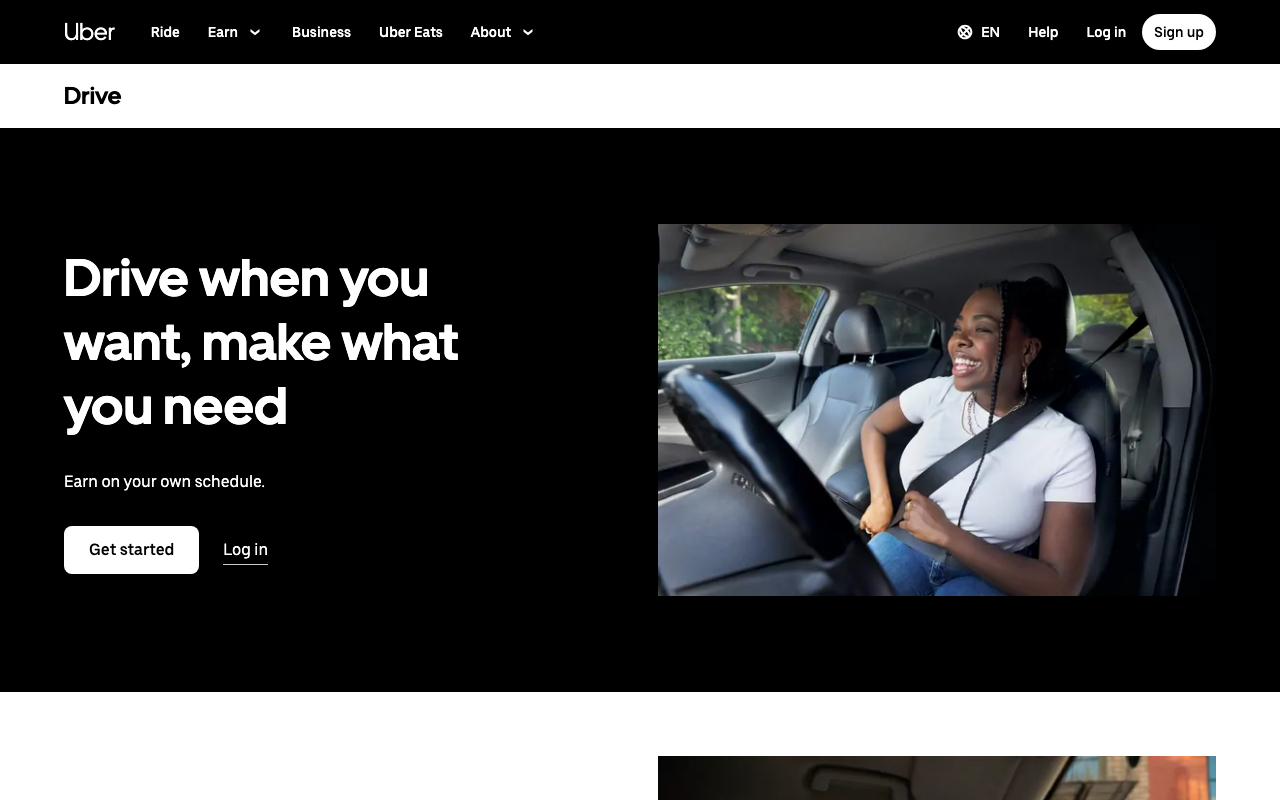
Uber pays about the same as DoorDash, and drivers can flip between rides and Uber Eats deliveries mid-shift. Earnings cluster around surge pricing, so weekend nights end up carrying the whole week.
Vehicle wear is the hidden cost that quietly turns a $22 hour into a $15 one. Track mileage from day one, because it’s deductible.
Airport queues are the classic time sink. Waiting 40 minutes for a $30 fare is a worse hour than three short surge rides, every time.
| Uber at a Glance | |
|---|---|
| 📈 Typical Pay | $15–$25 / hr |
| 💰 Minimum Payout | None (weekly) |
| 🏦 Payment Methods | Weekly deposit, or Instant Pay |
| 🎯 Best For | Rideshare Earnings |
Cashback Apps: Money Back on Spending You Already Do
Cashback apps aren’t income in any real sense. They’re a discount on spending you were going to do anyway, which is why they rank low on earnings but high on effort-to-reward.
Treat them as a rebate, not a way to earn money.
11. Rakuten [Best for Online Shopping Rebates]
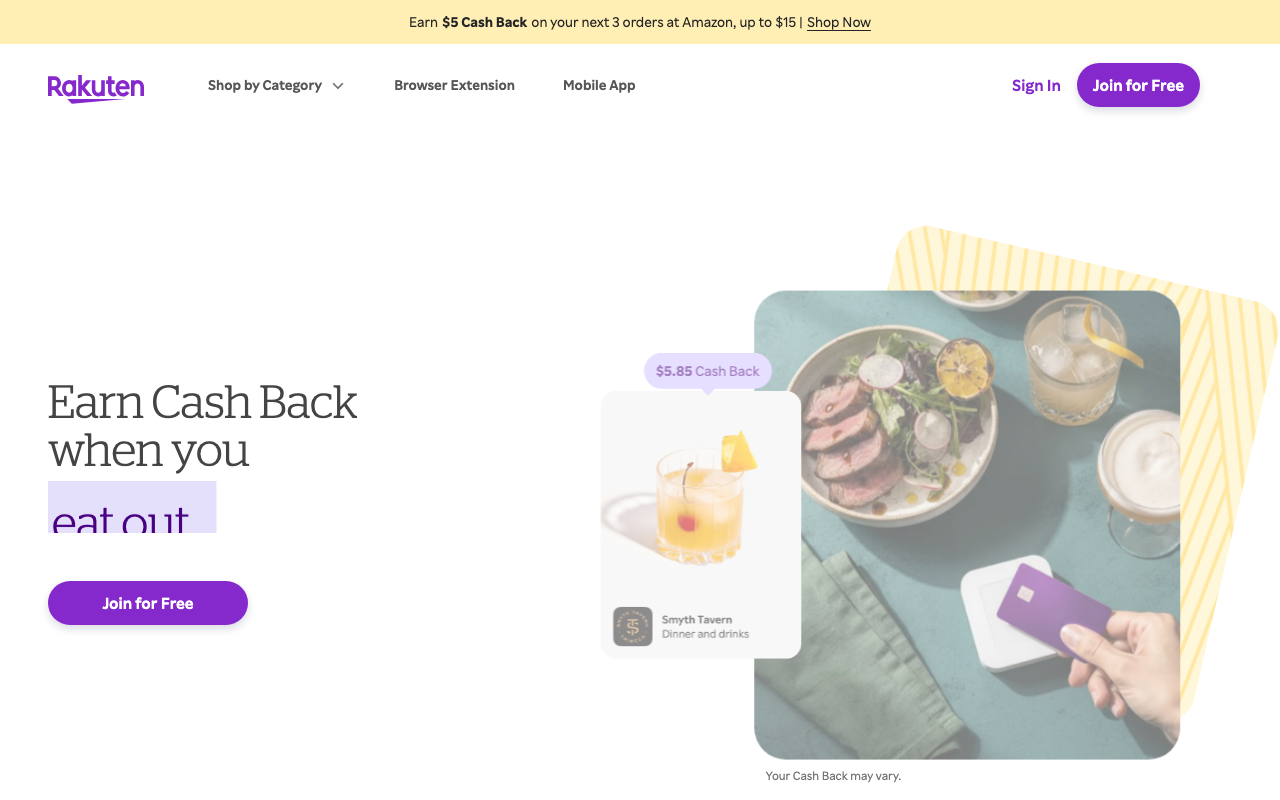
Rakuten pays 1 to 10 percent back at thousands of online retailers, with the occasional 15 percent promotional window. Link a credit card and in-store offers trigger on their own, no receipt scan required.
Payments arrive quarterly by PayPal or check, easily the slowest schedule on this list. The upside is that it asks nothing of you once it’s set up.
That quarterly cadence means a Q4 holiday shopping run doesn’t pay out until the following February. Plan accordingly.
| Rakuten at a Glance | |
|---|---|
| 📈 Typical Pay | 1–10% cash back |
| 💰 Minimum Payout | $5 |
| 🏦 Payment Methods | Quarterly PayPal or check |
| 🎯 Best For | Online Shopping Rebates |
| 📝 Full Review | Our Rakuten review |
12. Fetch Rewards [Best for Zero-Effort Receipts]
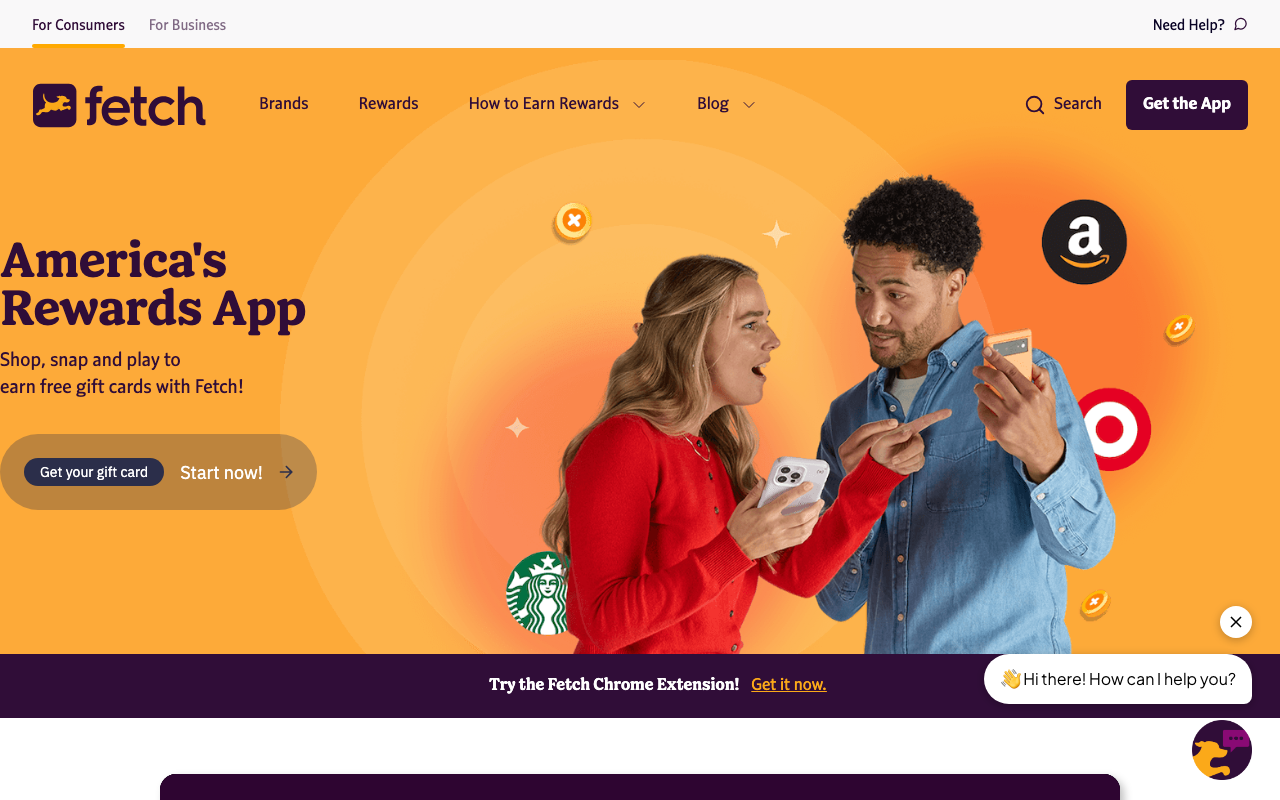
Fetch Rewards takes any receipt from any store, which makes it the least demanding cashback app to run. You earn points redeemable for gift cards starting around $3.
Earnings are genuinely small at $5 to $15 monthly. Run it in the background next to a stronger receipt app rather than leaning on it alone.
Several receipt scanning alternatives pay better per scan if grocery cashback is your main play.
| Fetch Rewards at a Glance | |
|---|---|
| 📈 Typical Pay | $5–$15 / mo |
| 💰 Minimum Payout | ~$3 (gift cards) |
| 🏦 Payment Methods | Gift cards |
| 🎯 Best For | Zero-Effort Receipts |
| 📝 Full Review | Our Fetch Rewards review |
13. Ibotta [Best for Grocery Cash Back]
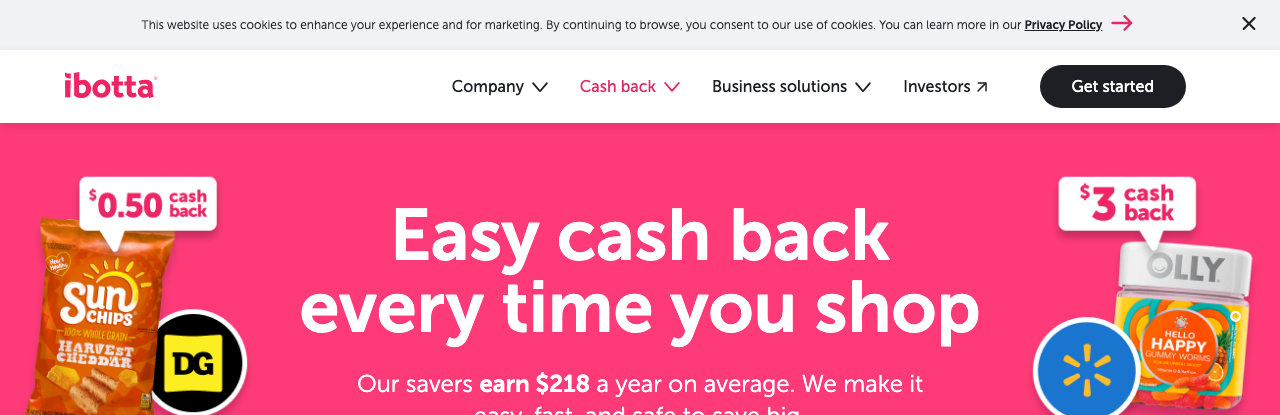
Ibotta pays cash back on groceries through receipt scanning and linked loyalty accounts. Most users clear $10 to $30 monthly.
The $20 cashout minimum is the sticking point, and it’s why so many people abandon a half-built balance. Ibotta earns its spot only if you shop its bonus offers deliberately instead of scanning receipts at random.
Linked-account offers fire automatically and are far and away the least tedious way to run it.
| Ibotta at a Glance | |
|---|---|
| 📈 Typical Pay | $10–$30 / mo |
| 💰 Minimum Payout | $20 |
| 🏦 Payment Methods | PayPal, gift cards |
| 🎯 Best For | Grocery Cash Back |
| 📝 Full Review | Our Ibotta review |
Passive Income Apps: Earn Without Active Work
Passive income apps pay you for something you already own, usually spare bandwidth or your browsing data. The earnings are tiny, but the labor is genuinely zero.
Judge this category on effort, not on total dollars.
14. Honeygain [Best for Idle Bandwidth Income]
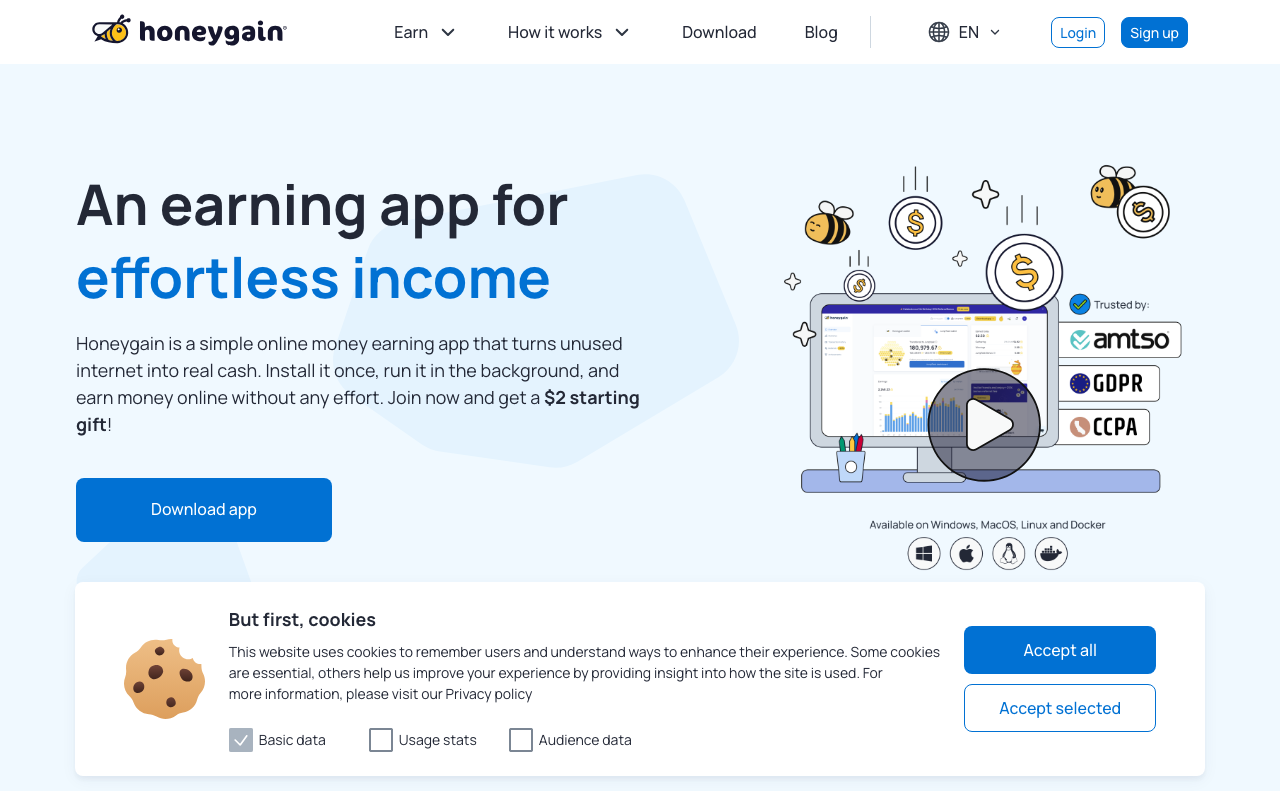
Honeygain pays for unused internet bandwidth, which it resells to companies doing market research and ad verification. Expect $2 to $10 a month on a normal home connection.
The $20 payout minimum means most users wait two to four months to see a first cashout. Don’t run it on a metered or capped data plan.
Installing it on several devices across one network won’t multiply your earnings, since payment tracks bandwidth rather than installs.
| Honeygain at a Glance | |
|---|---|
| 📈 Typical Pay | $2–$10 / mo |
| 💰 Minimum Payout | $20 |
| 🏦 Payment Methods | PayPal, Bitcoin |
| 🎯 Best For | Idle Bandwidth Income |
| 📝 Full Review | Our Honeygain review |
15. Nielsen Computer and Mobile Panel [Best for Set-and-Forget Earning]
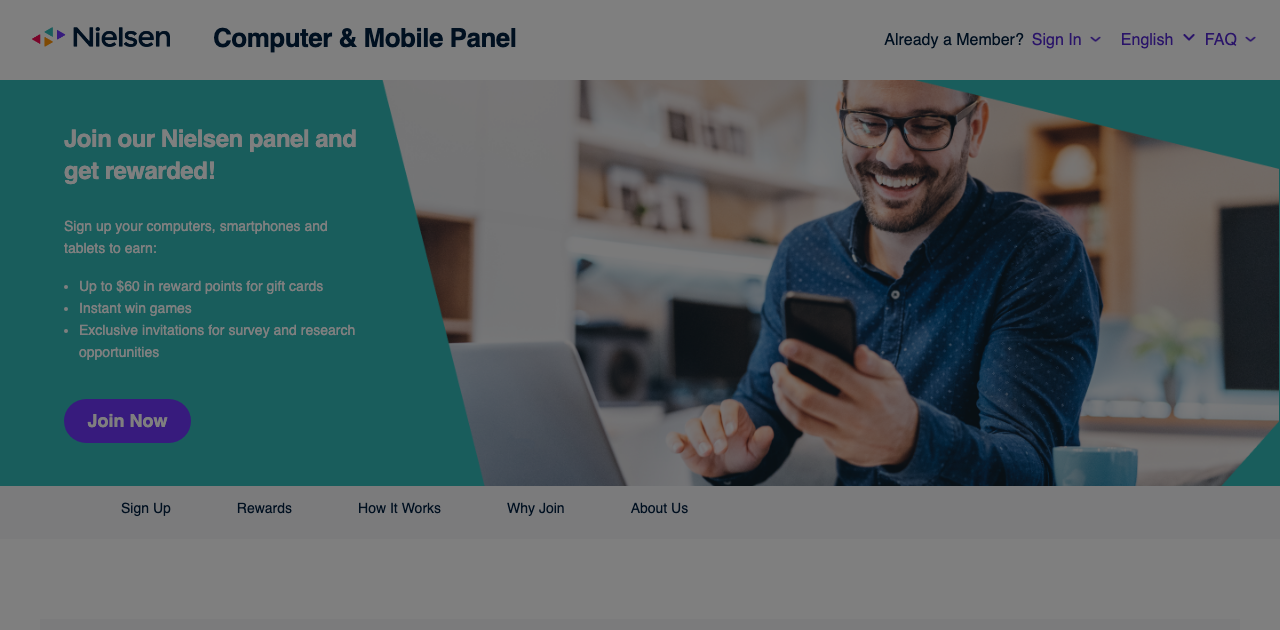
Nielsen pays roughly $50 a year simply to keep its app installed and collecting anonymous usage data. No minimum, no task list, nothing to do after setup.
This is the purest passive option here. It’s also the one that asks you to be genuinely comfortable with data collection, so read the privacy terms before you install anything.
Nielsen has been running measurement panels since long before smartphones existed, which counts for something on a list where half the companies are five years old. If that model appeals, several similar passive apps run comfortably alongside it.
| Nielsen Panel at a Glance | |
|---|---|
| 📈 Typical Pay | ~$50 / yr |
| 💰 Minimum Payout | None (automatic) |
| 🏦 Payment Methods | Automatic rewards |
| 🎯 Best For | Set-and-Forget Earning |
| 📝 Full Review | Our Nielsen Panel review |
Gaming Apps: The Most Overhyped Category
Gaming apps award redeemable units while you play mobile games. This category pulls the most search traffic and produces the most disappointment.
The advertised jackpots come from tournament winners and heavy in-game spenders, never from typical players.
16. Snakzy [Best for Big Milestone Payouts]
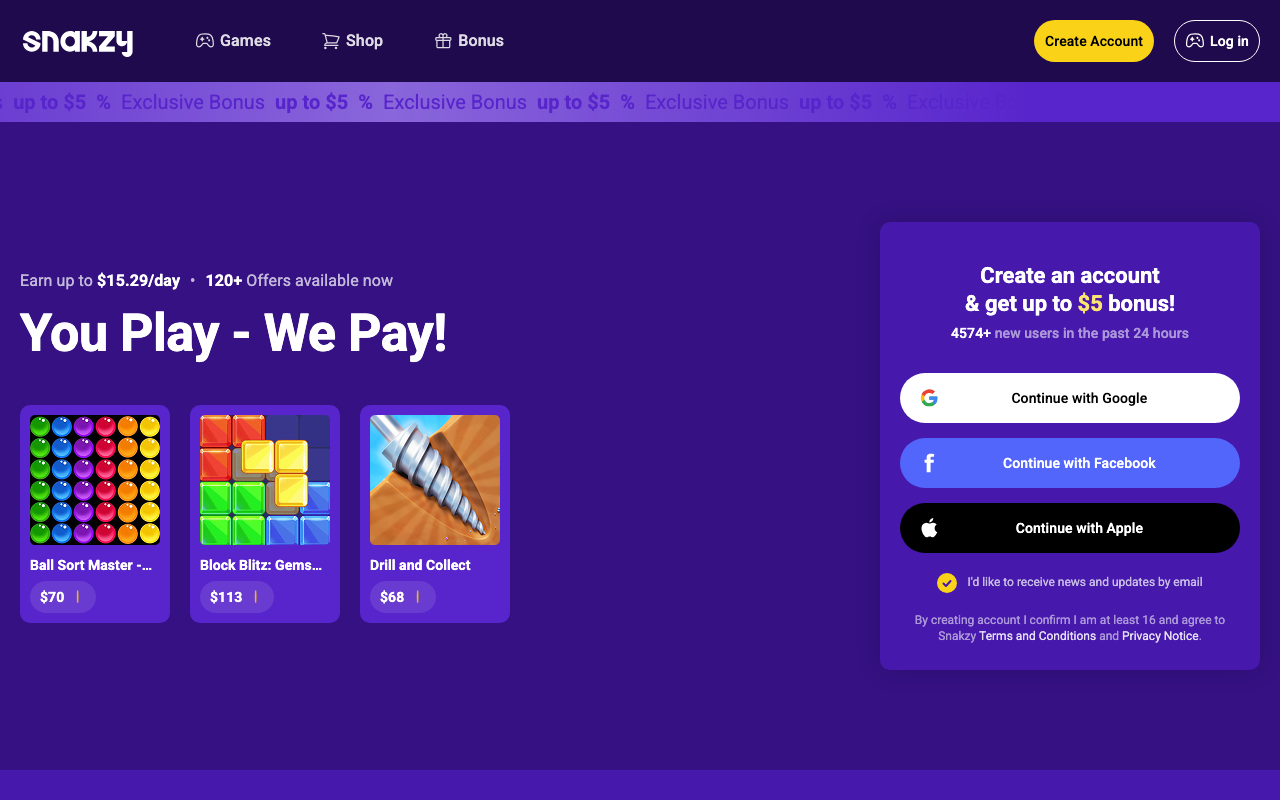
Snakzy pays flat bounties for hitting milestones in games from its catalog, and single offers routinely list $20 to $50 for deep progression runs. That puts its headline rates at the top of this category.
The gate is the cash-out. Your first redemption unlocks somewhere between $25 and $35 depending on region, and players report that bar has moved without notice.
So treat the welcome bonus of up to $5 as a head start on a long climb rather than free money. Redemptions cover PayPal, Venmo, Visa, and the usual gift cards.
One mechanical rule matters more than the earnings rate does: launch every game from inside Snakzy itself. Installs started anywhere else never get credited.
| Snakzy at a Glance | |
|---|---|
| 📈 Typical Pay | $5–$35 / game milestone |
| 💰 Minimum Payout | $25–$35 (by region) |
| 🏦 Payment Methods | PayPal, Venmo, gift cards |
| 🎯 Best For | Big Milestone Payouts |
17. Scrambly [Best for $1 Cash-Outs]
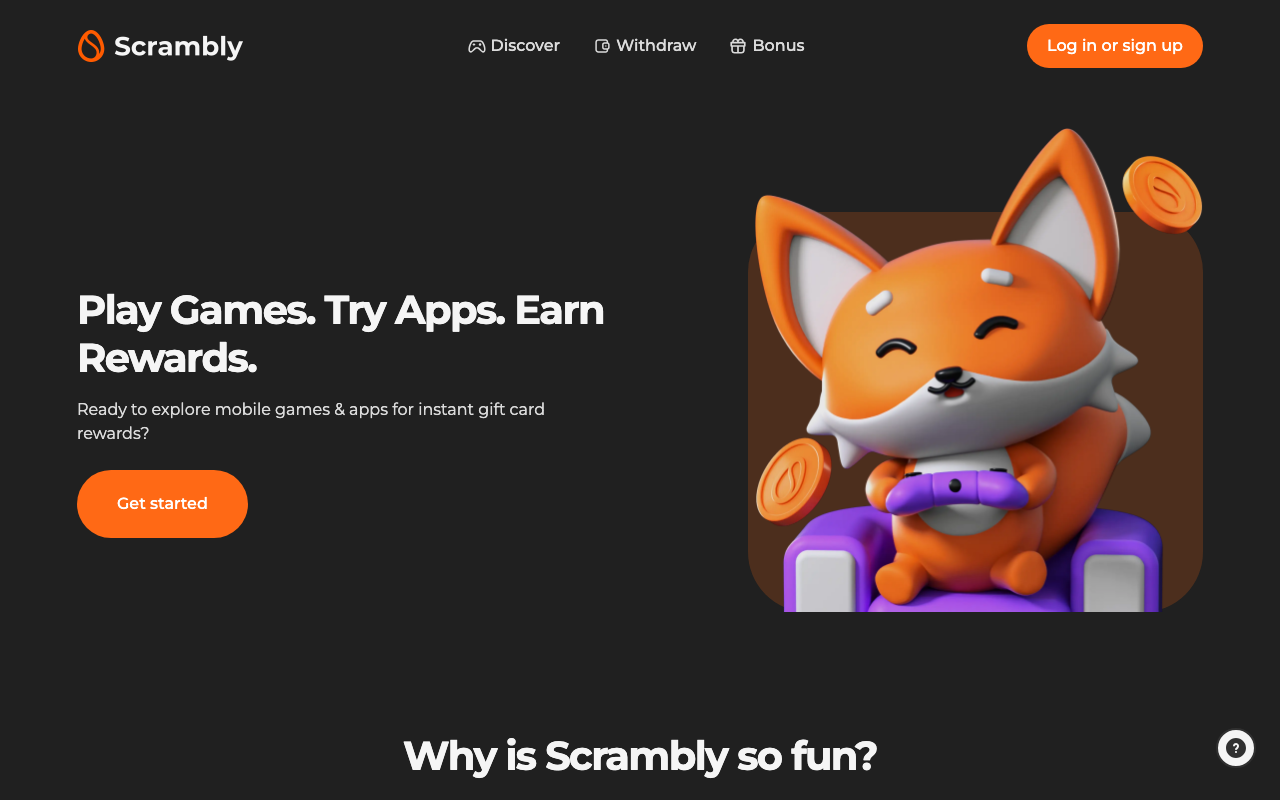
Scrambly is an offerwall platform bundling game offers with surveys and small tasks. Redemptions start at just $1 for PayPal, Cash App, and most gift cards, one of the lowest bars anywhere on this list.
Breadth is the draw. When a game offer stalls out, you can jump to another task type without abandoning the balance you’ve already built.
The downside comes with the offerwall territory. Credit disputes on half-finished offers plague every platform of this type, and support tends to be the thinnest part of the operation.
It’s live in the US, UK, Germany, and France only, with a quick ID verification before your first withdrawal. For a wider view of what this category really pays, the numbers across 32 different game apps tell a pretty consistent story.
| Scrambly at a Glance | |
|---|---|
| 📈 Typical Pay | Varies / offer |
| 💰 Minimum Payout | $1 |
| 🏦 Payment Methods | PayPal, Cash App, gift cards |
| 🎯 Best For | $1 Cash-Outs |
Best No-Investment Apps for Students
Every app in this roundup is free, but a few fit a student schedule better than the rest. None ask for a deposit, a subscription, or a credit card.
- Fiverr - because coursework skills like editing, design, and tutoring convert straight into listings
- Freecash - since offers can be worked in 20-minute gaps between classes
- Survey Junkie - for its $5 minimum you can clear in your first week of surveys
- TaskRabbit - if you have a car and a free weekend, since campus-area moving jobs pay unusually well
Skip Honeygain and Nielsen if you’re on campus Wi-Fi. Both need a connection you actually control, and most university networks block the traffic outright.
Frequently Asked Questions
What app pays out the most money?
Upwork pays out the most per hour of any app on this list, with skilled freelancers regularly earning $50 to $100+ hourly. Among apps requiring no professional skill, TaskRabbit leads at $25 to $60 per hour, and Freecash leads the rewards category at $20 to $150 per month.
Which is the No. 1 money earning app?
There’s no single number one, because the answer depends entirely on what you bring to it. If you have a marketable skill, it’s Upwork.
If you have a car and free time, it’s TaskRabbit or DoorDash. If you only have spare minutes, it’s Freecash.
What app pays $100 a day?
TaskRabbit, Upwork, Fiverr, DoorDash, and Uber can all realistically produce $100 in a day. TaskRabbit gets there fastest, since one 3-hour job at $35 per hour clears it.
No survey, cashback, or gaming app on this list can reach $100 in a day. Treat any app claiming otherwise as a scam.
How can I make $100 a day on my phone?
Pick one skilled or physical app rather than stacking passive ones. A 5-hour delivery shift, two Fiverr orders, or one TaskRabbit job each clear $100.
Rewards apps like Swagbucks and Survey Junkie should fill the dead time around that work, not replace it.
What do Reddit users say are the highest paying apps?
Reddit threads keep circling the same handful of names, with Swagbucks and Freecash among the ones users vouch for as actually paying out. Read them as a legitimacy filter.
Community consensus is genuinely useful for flagging apps that never pay. It’s much weaker as an earnings guide, since the people posting cashout screenshots are the outliers who cleared the biggest offers.
The Bottom Line
The highest paying apps are the ones buying your skills or your labor. Everything else is buying your attention, and attention is cheap.
Start with one app from the freelancing or gig tier, because that’s where the money actually is. Add a rewards app like Freecash or Swagbucks to monetize the gaps around it.
Then track your real hourly rate for two weeks and cut whatever isn’t earning. And set aside your tax money before you spend the rest.

Jason is a personal finance expert and the founder of Frugal For Less. He has spent over a decade researching and testing hundreds of money making apps, survey sites, and savings strategies to help readers earn more and keep more of their hard-earned cash.
More about the author →
Want to learn how to make an extra $1,000 per month?
Download our free guide with:
- 10 Side Hustles to Make $1,000/month
- Worksheet for setting money making goals
- Resource List to help you succeed