12 Apps for Free Amazon Gift Cards That Really Pay Out

The fastest apps for free Amazon gift cards send your code in a few minutes, while others take up to 24 hours.

Disclosure: This post may contain affiliate links. As an Amazon Associate, we earn from qualifying purchases. This comes at no extra cost to you. Read our full disclosure, or see how we review platforms.
The fastest apps for free Amazon gift cards send your code in a few minutes, while others take up to 24 hours.
Your first Amazon gift card can come from just $5 in survey points.
That’s Survey Junkie’s own minimum, and the survey app says you can redeem your points instantly.
Don’t expect big money, though. Freecash’s own estimate works out to about $9 an hour for its average user.
All 12 apps below really pay in Amazon codes, for things like surveys, receipts and mobile games. Every one is free to join.
A few quick picks:
- Got a few spare minutes today? Start #1, the survey app Survey Junkie, and cash out once you reach $5.
- Gamers can pick #2, Freecash, for published rates, or #8, Mistplay, for pay by playtime.
- Already shoving receipts into your wallet? #3 and #9 pay you for photos of them.
The 12 Best Apps for Free Amazon Gift Cards at a Glance
Here’s the full list in ranked order, with each app’s main way to earn:
| # | App | How you earn | Cost | Join |
|---|---|---|---|---|
| 1 | Survey Junkie | Paid surveys | Free | Join Now |
| 2 | Freecash | Game milestones, surveys, offers | Free | Join Now |
| 3 | Fetch | Store and online receipts | Free | Join Now |
| 4 | Swagbucks | Shopping, searches, surveys, games | Free | Join Now |
| 5 | TopCashBack | Cash back on online orders | Free | Join Now |
| 6 | InboxDollars | Surveys, shopping, emails, games | Free | Join Now |
| 7 | MyPoints | Online shopping and surveys | Free | Join Now |
| 8 | Mistplay | Playing phone games | Free | Join Now |
| 9 | Receipt Hog | Receipt photos | Free | Join Now |
| 10 | Prime Opinion | Paid surveys | Free | Join Now |
| 11 | Idle-Empire | Surveys, games, videos | Free | Join Now |
| 12 | Microsoft Rewards | Bing searches | Free | Join Now |
Every app here is free to join, so the real cost is your time.
The 12 Apps for Free Amazon Gift Cards Reviewed
The apps keep their ranked spots from the table. Each review covers what the app pays for, who it fits and a first step for today.
1. Survey Junkie [Best for a $5 First Card]
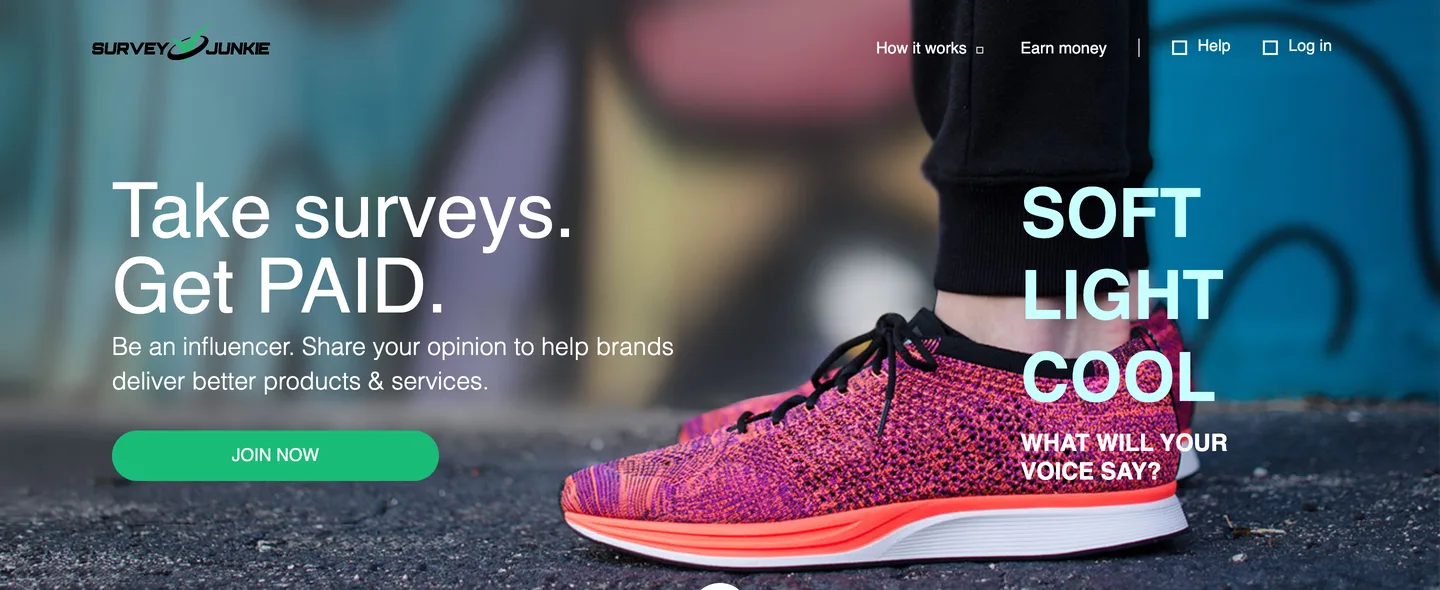
Survey Junkie is a survey app that pays points for your opinions, and you can swap those points for an Amazon gift card once you have 500 of them.
Survey Junkie says 500 points is worth $5, and that’s its minimum to cash out. Its how-it-works page says you can redeem your points instantly for PayPal cash or e-gift cards.
A $5 minimum means a handful of surveys can turn into Amazon credit.

Here’s how it works:
- Create a free Survey Junkie account.
- Fill in every profile question, since Survey Junkie uses your profile to match you with surveys.
- Redeem 500 points for a $5 Amazon card, or keep stacking for a bigger one.
Focus groups and product tests show up less often than surveys, but Survey Junkie says they often pay more points.
It’s owned by the research company DISQO and says it has had more than 20 million members. Survey Junkie also notes that your cash-out options can depend on your location and whether you’ve verified your account, so verify early.
Compared with Freecash (#2), it’s the simpler pick if you’d rather answer questions than play games. Our Survey Junkie review covers the app in more detail.
| 📱How You Earn | Pays points for surveys, plus focus groups now and then |
|---|---|
| 💰Cost | Free |
| 💵Payoff | Cash out from $5 (500 points), per Survey Junkie |
| ⏰Time | Same day (instant redemption, its own claim) |
| 🎯Best For | Anyone who wants a first card from surveys |
| 👉First Step | Create a free account and finish your profile |
2. Freecash [Best for Gamers Who Want Clear Numbers]
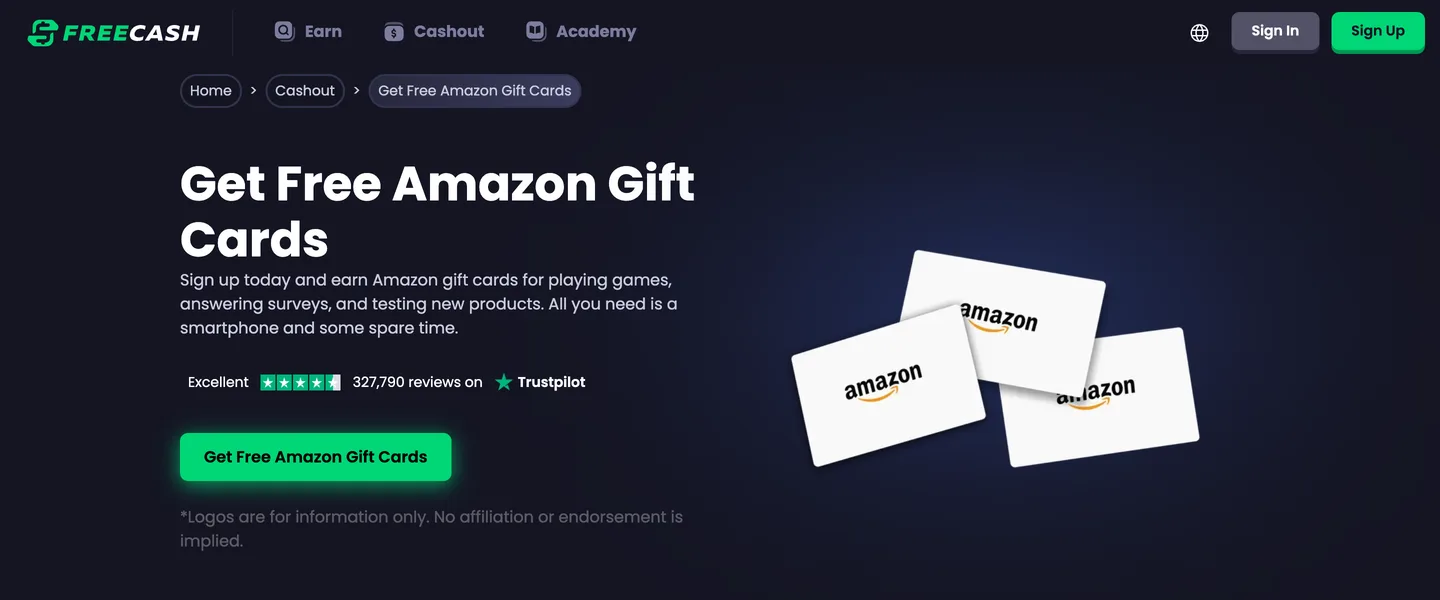
Freecash pays you for reaching levels in games, answering surveys, testing products and watching videos, then sends an Amazon code when you cash out. It’s the only app here that publishes an hourly-style estimate.
Freecash’s Amazon cashout page says the first cashout minimum is $5 to $20, depending on your region. The same page estimates that 240 minutes on Freecash earns $36.00, based on its average user earnings.
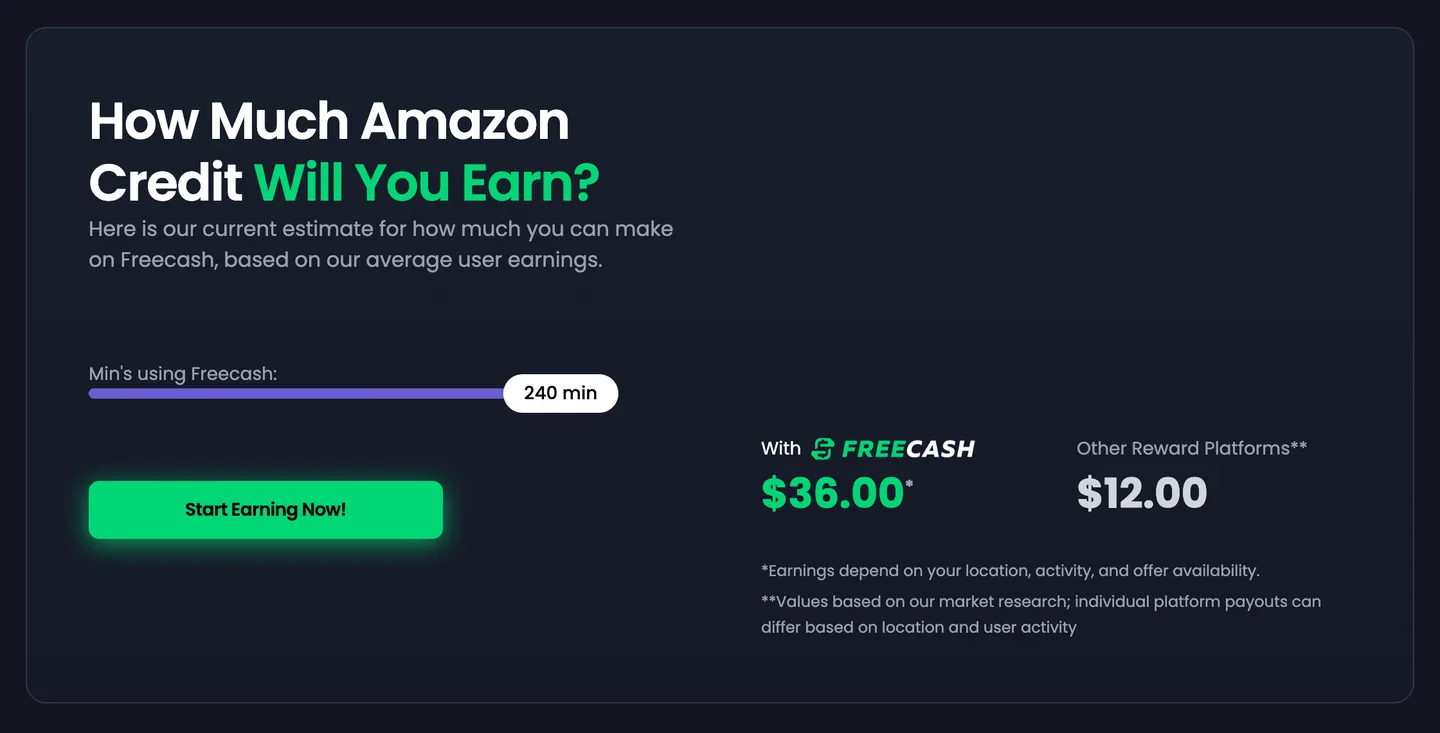
That works out to about $9 an hour. At that rate, the average user would hit a $5 minimum in roughly 33 minutes of tasks.
Not bad.
Freecash’s help center says most Amazon withdrawals are approved in a few minutes, and can take up to 30.
The cashout page says Freecash charges no fees on Amazon withdrawals, but a picture of its cashout screen on the same page shows a 5% fee. Check the “You’ll receive” amount before you confirm any cashout.
Compared with Mistplay (#8), Freecash suits players who want to see the dollar value of each game goal up front.
| 📱How You Earn | Pays for game milestones, surveys and offers |
|---|---|
| 💰Cost | Free |
| 💵Payoff | $36.00 per 240 minutes, its average estimate |
| ⏰Time | Same day, usually minutes after you pass your region's minimum |
| 🎯Best For | Gamers and offer hunters |
| 👉First Step | Pick one game offer with a reachable level |
3. Fetch [Best for Grocery and Store Receipts]
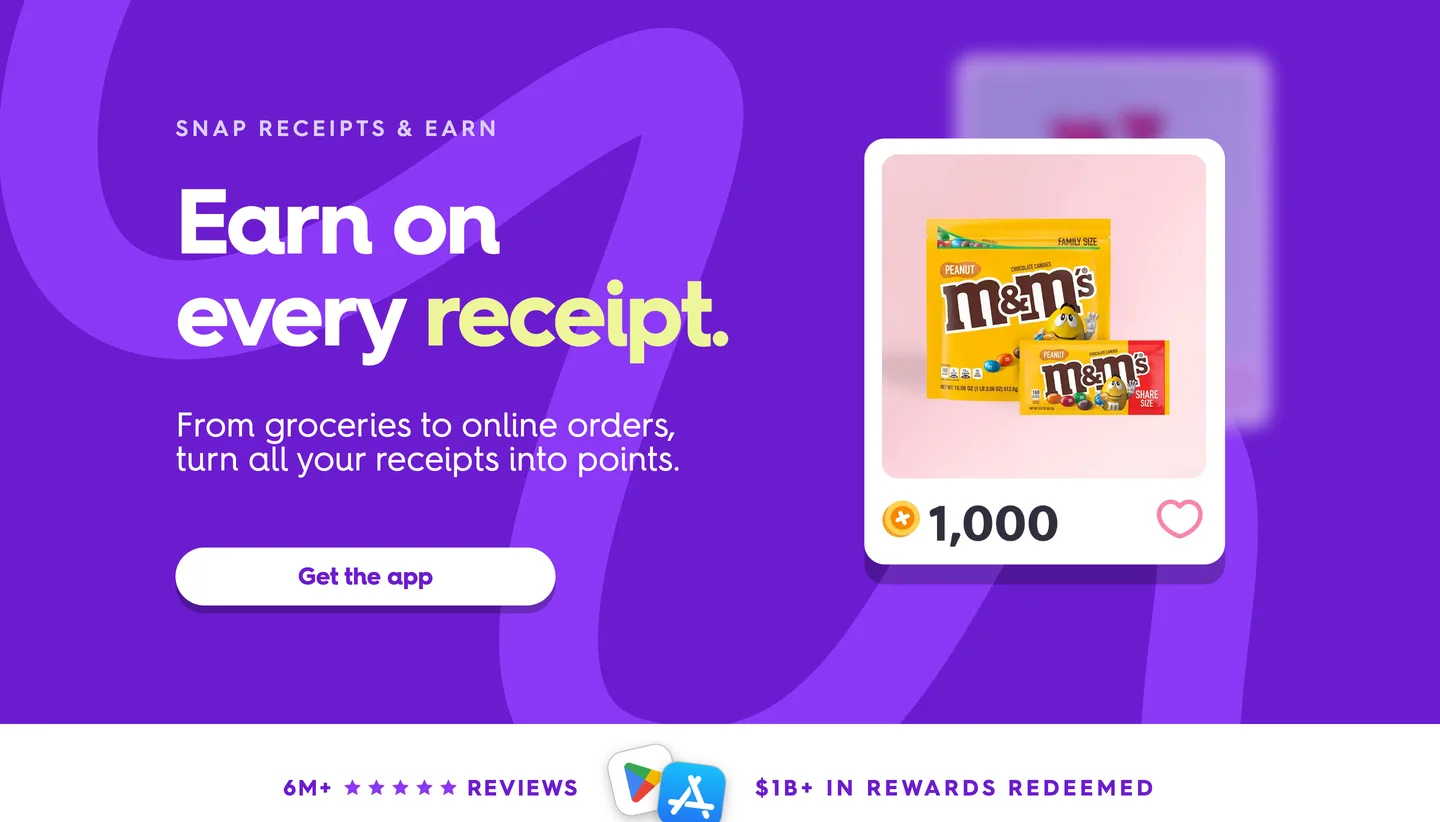
Fetch pays points for snapping photos of your store receipts, and you can earn on online orders too by connecting your email and retailer accounts. Partner brands pay extra points when you buy their products.
Fetch’s help center says you earn at least 25 points for any physical receipt you snap. You redeem those points in the app for gift cards, including Amazon.
The catch is speed. Fetch’s blog says 1,000 points are worth about $1 in gift cards, and its FAQ says your first redemption has to be a $10, $25 or $50 reward.
That means a first $10 card takes roughly 10,000 points. At 25 points a receipt, that’s about 400 receipts, so partner-brand bonuses are what really move you forward.
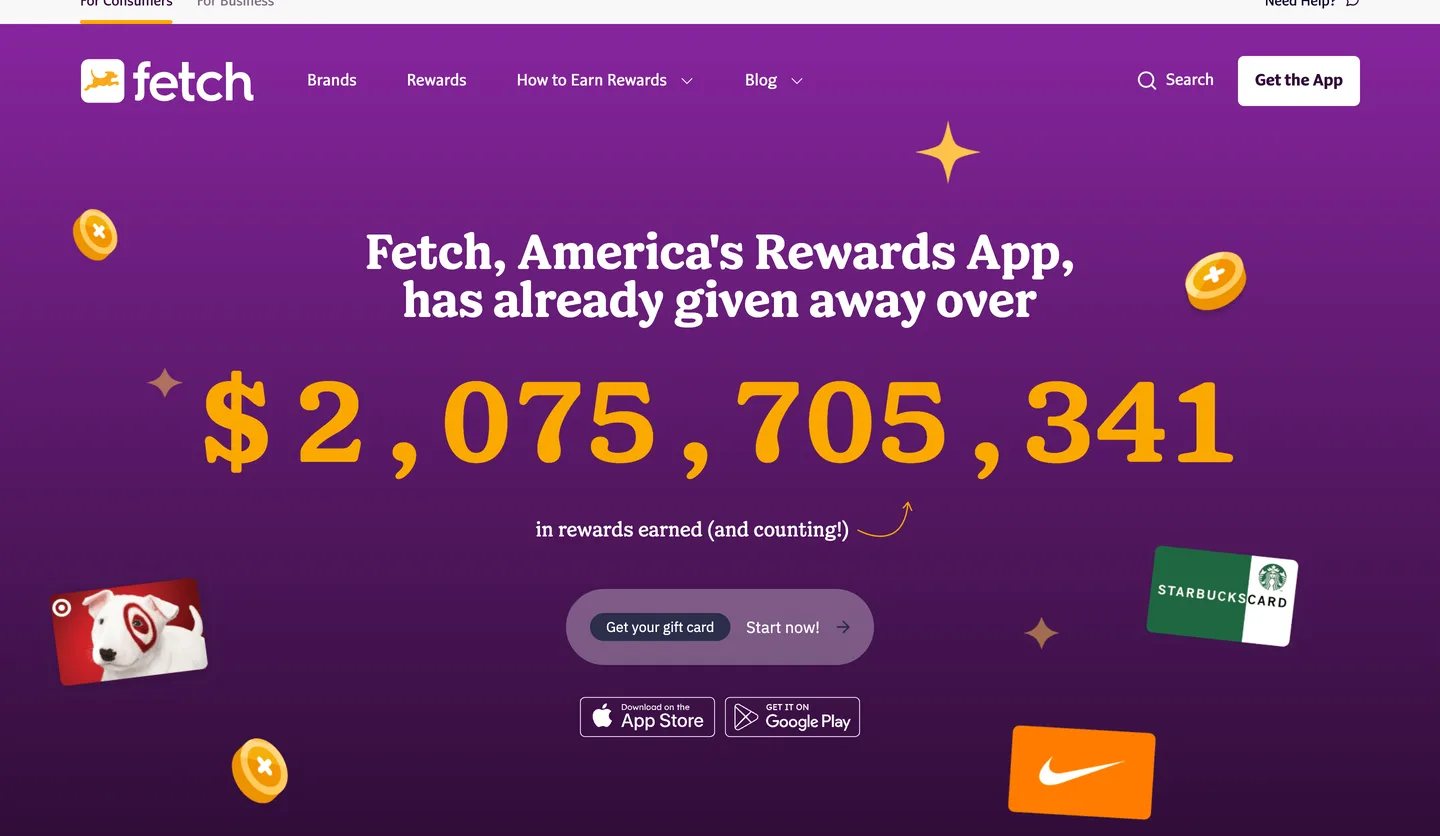
Fetch says members have redeemed more than $1 billion in rewards. For more on how the points work, see our Fetch Rewards review.
| 📱How You Earn | Pays points for store and online receipts |
|---|---|
| 💰Cost | Free |
| 💵Payoff | At least 25 points per paper receipt; first card $10 or more |
| 🎯Best For | Weekly grocery shoppers |
| 👉First Step | Scan the receipts already in your wallet |
4. Swagbucks [Best for Lots of Small Tasks]
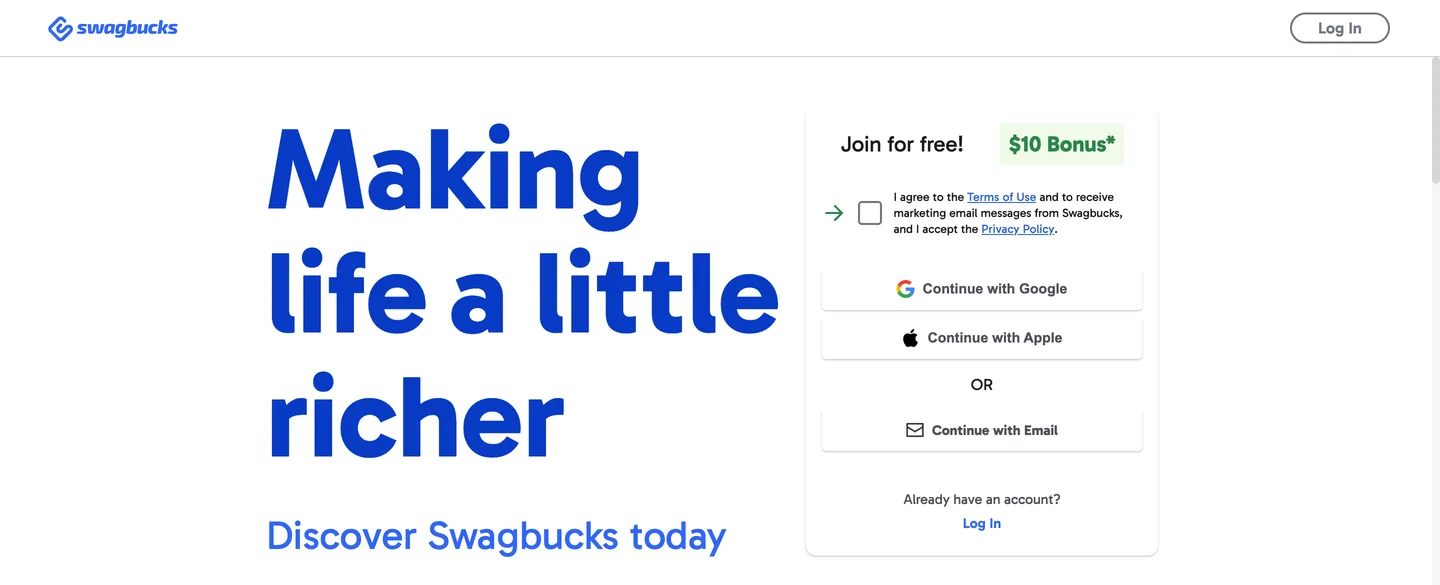
Swagbucks pays SB points for shopping online, searching the web, answering surveys and playing games. You can then use your SB for an Amazon gift card or another reward.
Each SB is worth 1 cent, and the Amazon card in its rewards store runs from $5 for 500 SB up to $100 for 10,000 SB.
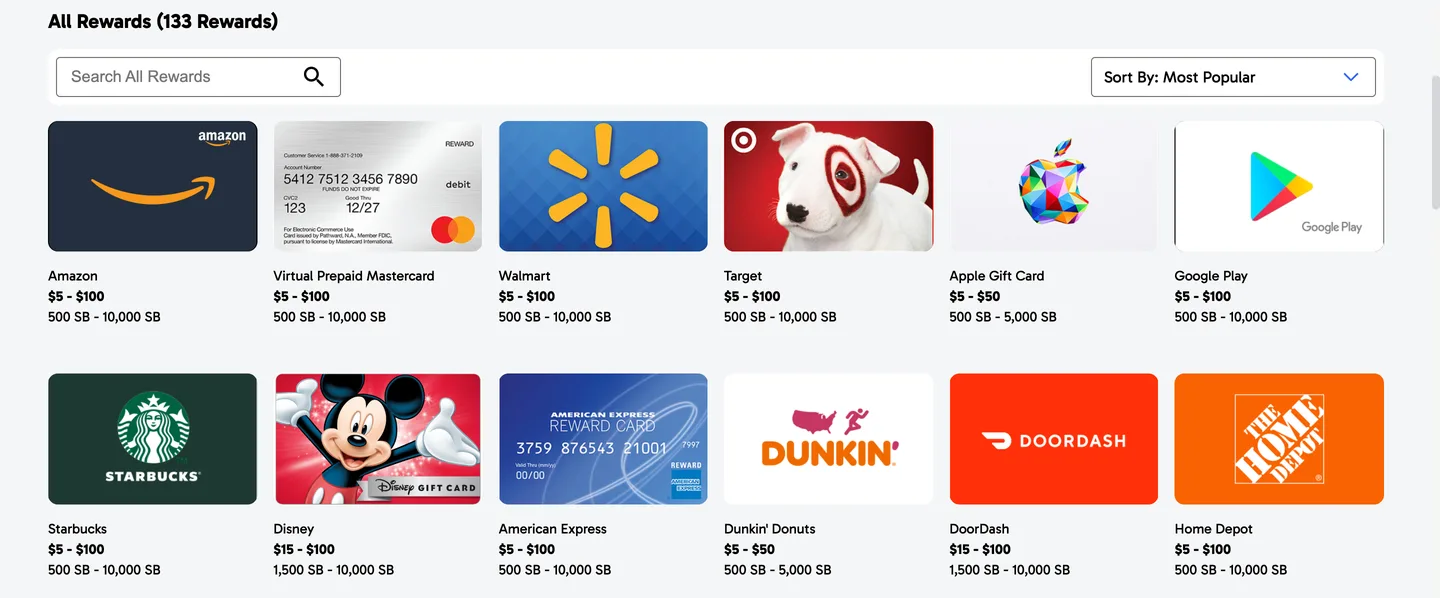
Many of its tasks take only a few minutes, so you can earn while waiting in line or watching TV.
Unlike Freecash (#2), Swagbucks doesn’t publish an hourly estimate. Treat your first week as a test: track the minutes you spend and the SB you earn.
If a week of tasks earns less per hour than Freecash’s $9 average, move your time to the faster app. Our Swagbucks review has the fine print on its bonus and payout times.
| 📱How You Earn | Pays SB points for shopping, searches, surveys and games |
|---|---|
| 💰Cost | Free |
| 💵Payoff | $5 Amazon card for 500 SB |
| 🎯Best For | People with a few spare minutes all day |
| 👉First Step | Do 3 short tasks and log your time |
5. TopCashBack [Best for Cash Back You Turn Into Amazon Credit]
TopCashBack is a cash back shopping portal: you click one of its store links before you buy, and the cash back lands in your account once the retailer confirms the purchase. You can then cash out that balance in several ways, and an Amazon gift card is one of them.
TopCashBack says some gift cards come with a payout bonus of up to 5%, and the Amazon card is one that can earn a bonus.
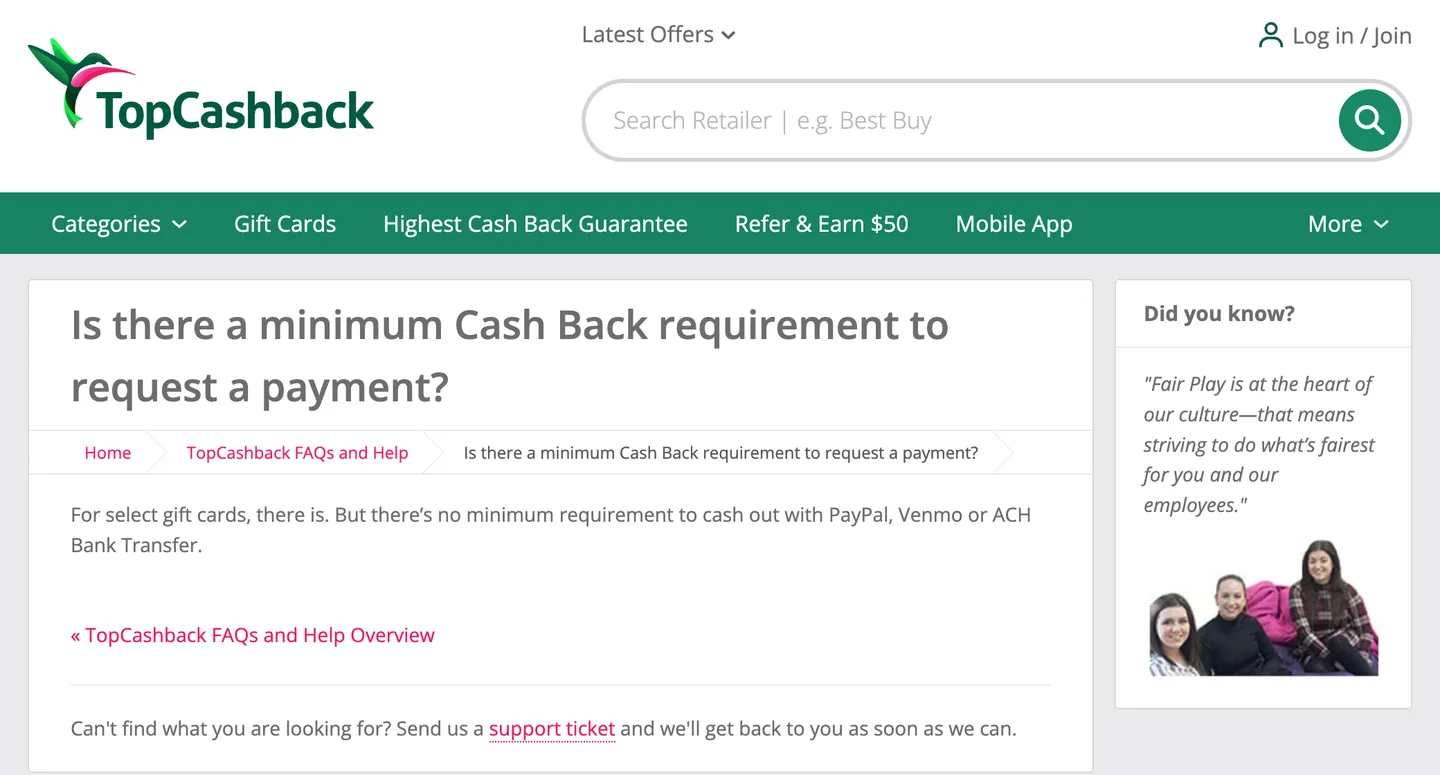
Its help page says select gift cards have a minimum, while PayPal, Venmo and bank transfers have none.
Compared with MyPoints (#7), TopCashBack pays cash back rather than points, so your balance reads in dollars. Start every online order from TopCashBack’s store link, since the cash back only tracks purchases that begin there.
See our list of the best cash back portals for others that work the same way.
| 📱How You Earn | Cash back on online orders through its links |
|---|---|
| 💰Cost | Free |
| 💵Payoff | Gift card payout bonuses of up to 5% |
| 🎯Best For | Online shoppers who want cash back in dollars |
| 👉First Step | Start your next online order from its store page |
6. InboxDollars [Best for Earning in Dollars, Not Points]
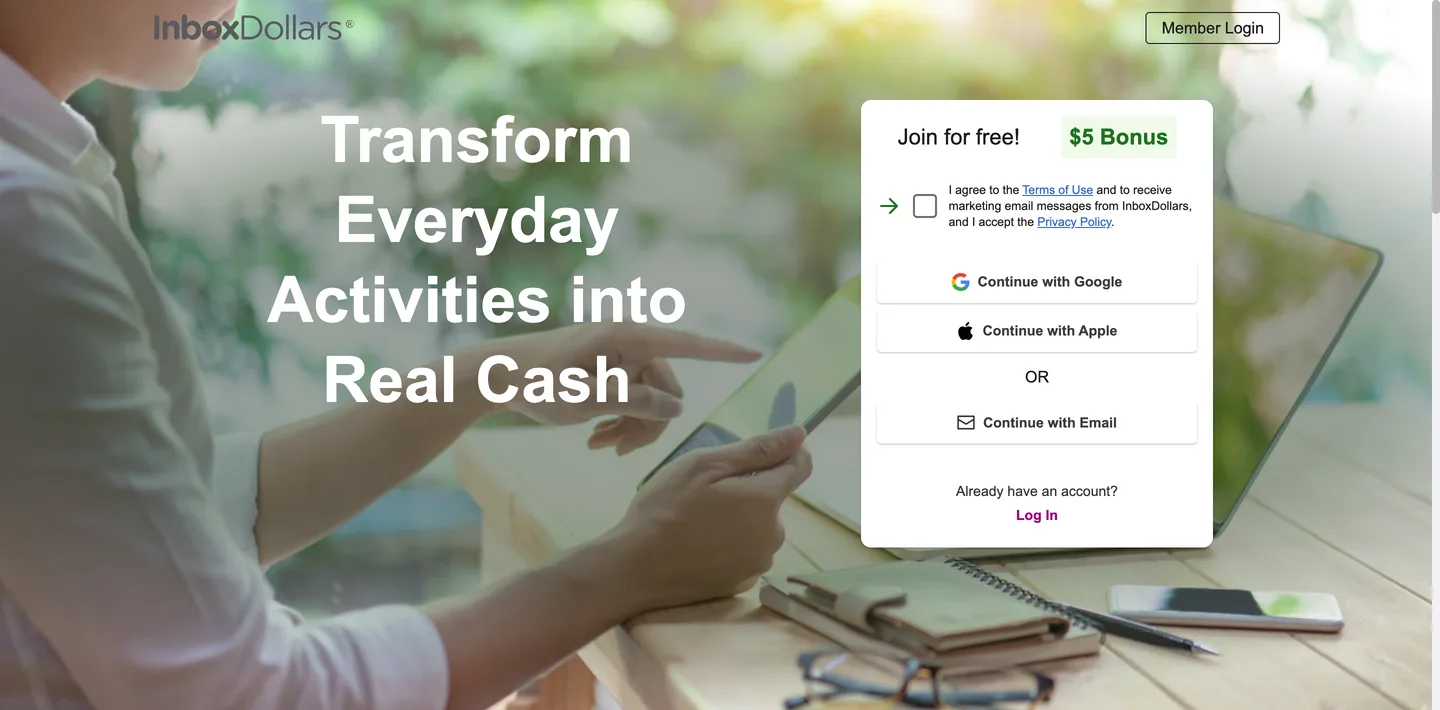
InboxDollars is a get-paid-to site that pays cash instead of points for surveys, online shopping, games and searches. It even pays you to read its emails, and it shares coupons too.
New members get a $5 welcome bonus, per InboxDollars.
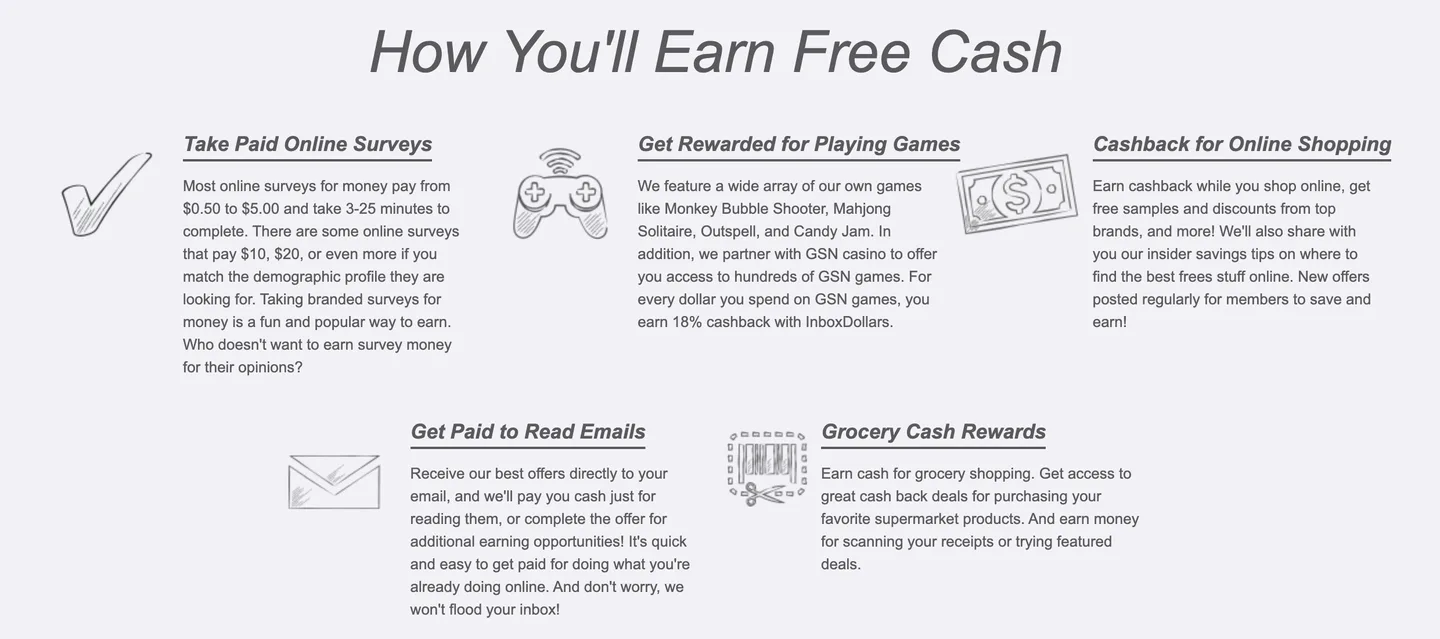
You can then turn that cash balance into a free Amazon gift card. Because the balance is already in dollars, you never have to work out what a point is worth.
Its own pages disagree on the minimum, though. One help article says $15 for a first payment, while its payment terms say $30, so plan on $30 to be safe.
Compared with Swagbucks (#4), InboxDollars offers a similar mix of tasks with simpler math. If point conversions confuse you, this is the easier app to track, and our InboxDollars review covers what to expect.
| 📱How You Earn | Pays cash for surveys, shopping, games and emails |
|---|---|
| 💰Cost | Free |
| 💵Payoff | $5 welcome bonus; cash out from $15 to $30 |
| 🎯Best For | People who'd rather track dollars than points |
| 👉First Step | Sign up and find the Amazon card in its rewards |
7. MyPoints [Best for Online Shoppers]
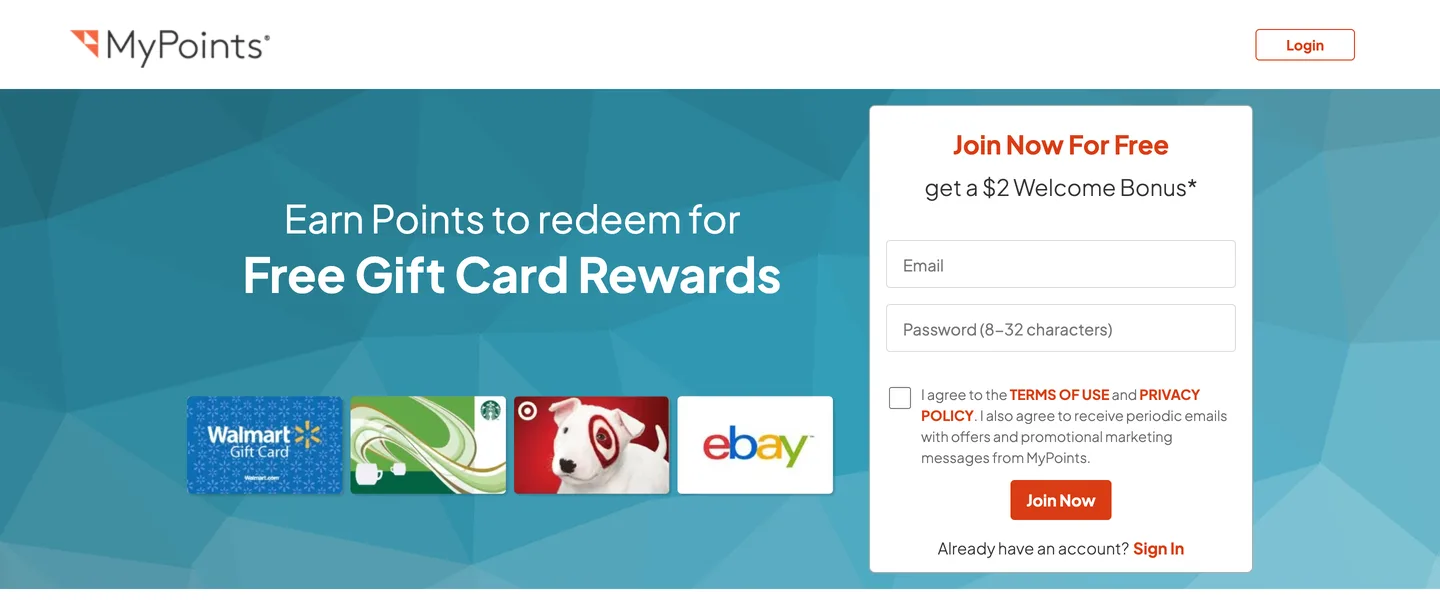
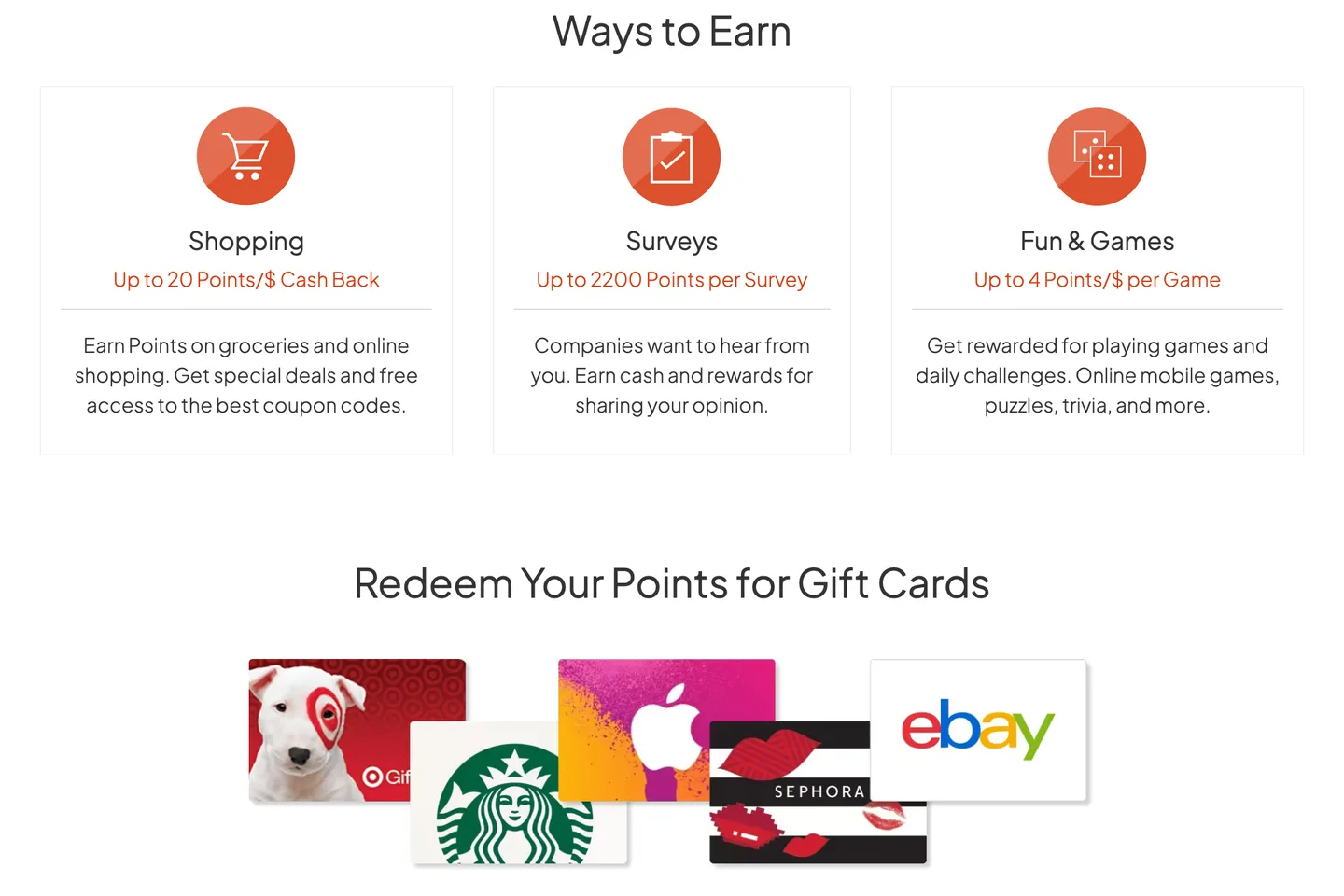
MyPoints pays points when you shop online through its portal and when you take surveys. The portal shows the latest deals at its partner stores, and every purchase you start there earns points.
You can use your points for $5 to $25 gift cards from Amazon, PayPal, Target and more.
Open the portal before you head to a store’s site. If you shop online a few times a month, MyPoints quietly adds points to purchases you’d make anyway.
It also pays for games and scanned receipts, which our MyPoints review covers.
| 📱How You Earn | Pays points for portal shopping and surveys |
|---|---|
| 💰Cost | Free |
| 💵Payoff | $5 to $25 Amazon cards |
| 🎯Best For | Frequent online shoppers |
| 👉First Step | Bookmark the portal for your next order |
8. Mistplay [Best for Earning While You Play]
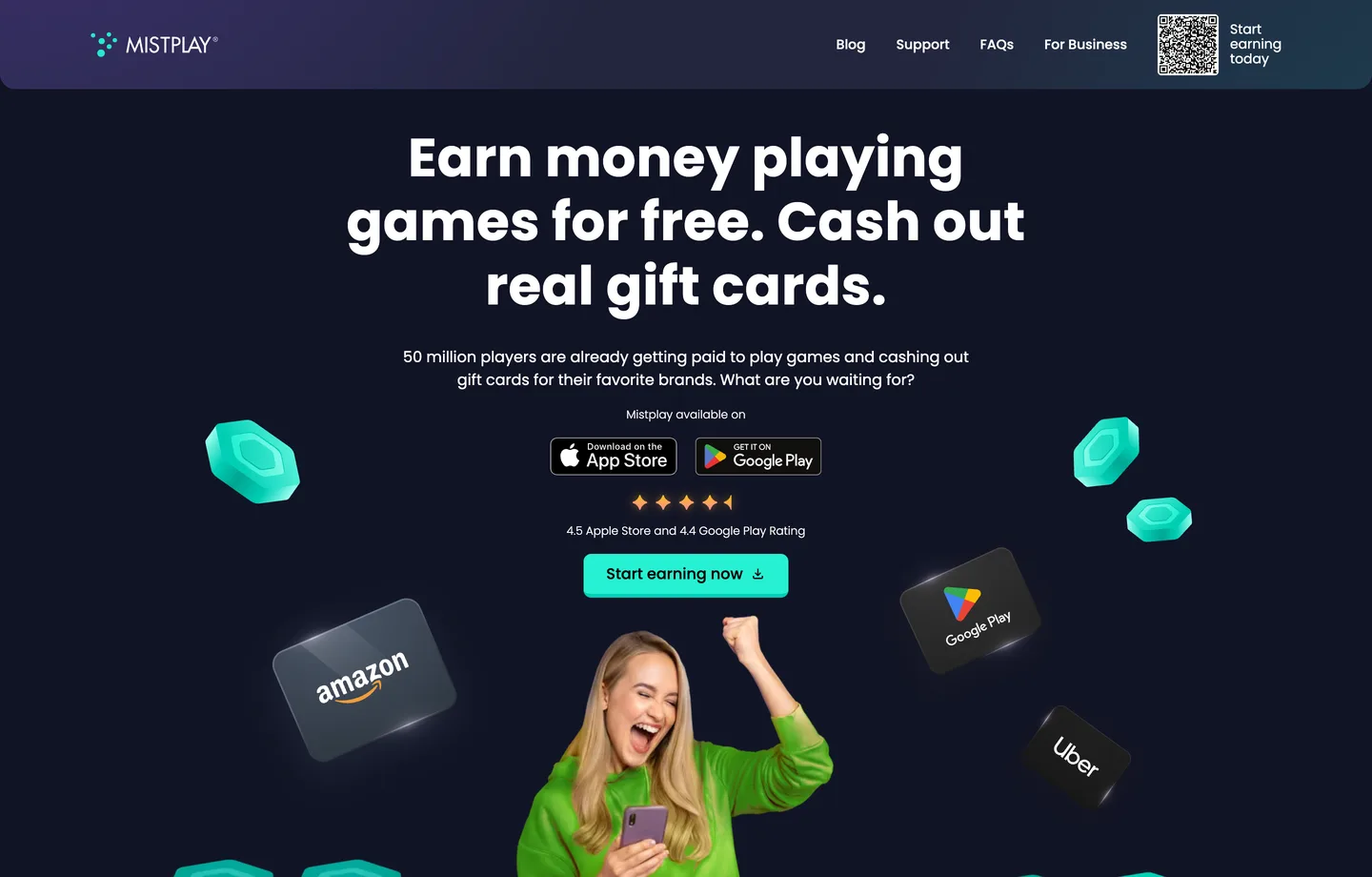
Mistplay calls itself a loyalty program for mobile gamers, and it pays you for the time you actively spend playing. It started on Android and now has an iPhone app in the US and Canada.
You earn as you hit checkpoints in each game, and you can redeem your rewards for gift cards from Amazon, Visa, Walmart and more. Badges add more, and you can swap points to enter weekly sweepstakes.
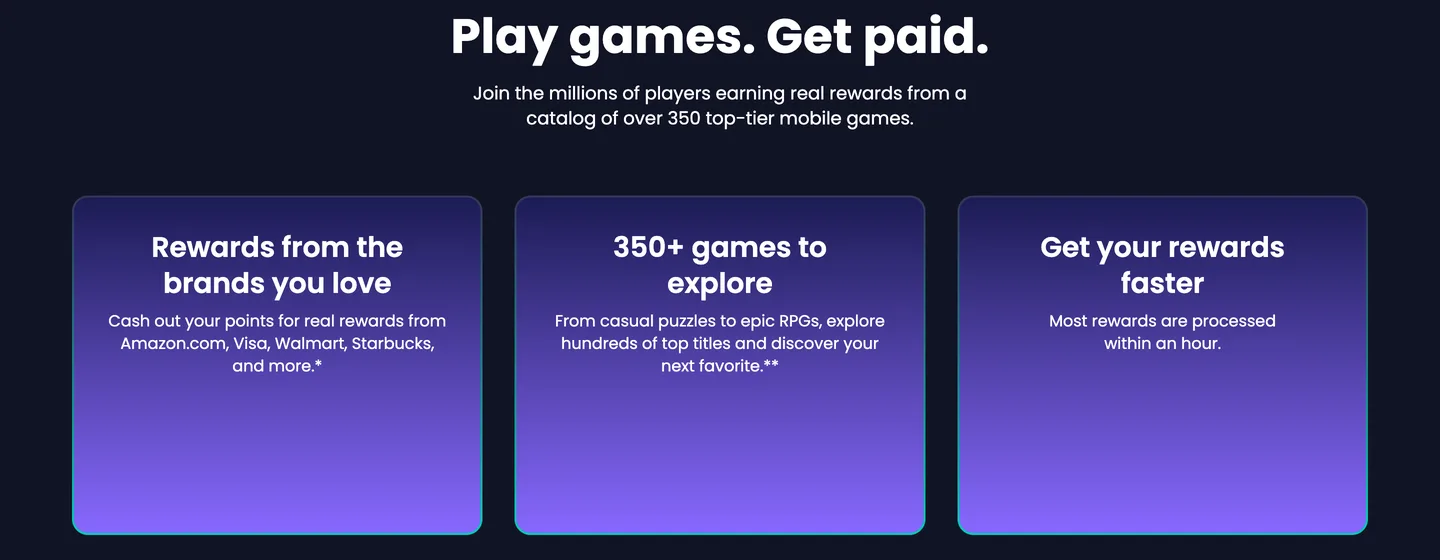
Mistplay’s homepage says most rewards are processed within an hour.
It pays for time spent, so it’s the slowest route to a first card unless you already play every day. If you do, it turns a hobby you’d keep anyway into Amazon credit, and our list of apps that pay you to play games has more like it.
| 📱How You Earn | Pays for playing mobile games |
|---|---|
| 💰Cost | Free |
| ⏰Time | Most rewards processed within an hour, per Mistplay |
| 🎯Best For | Daily mobile gamers |
| 👉First Step | Install 1 game from your Mistplay list |
9. Receipt Hog [Best for Receipts With Prize Draws]
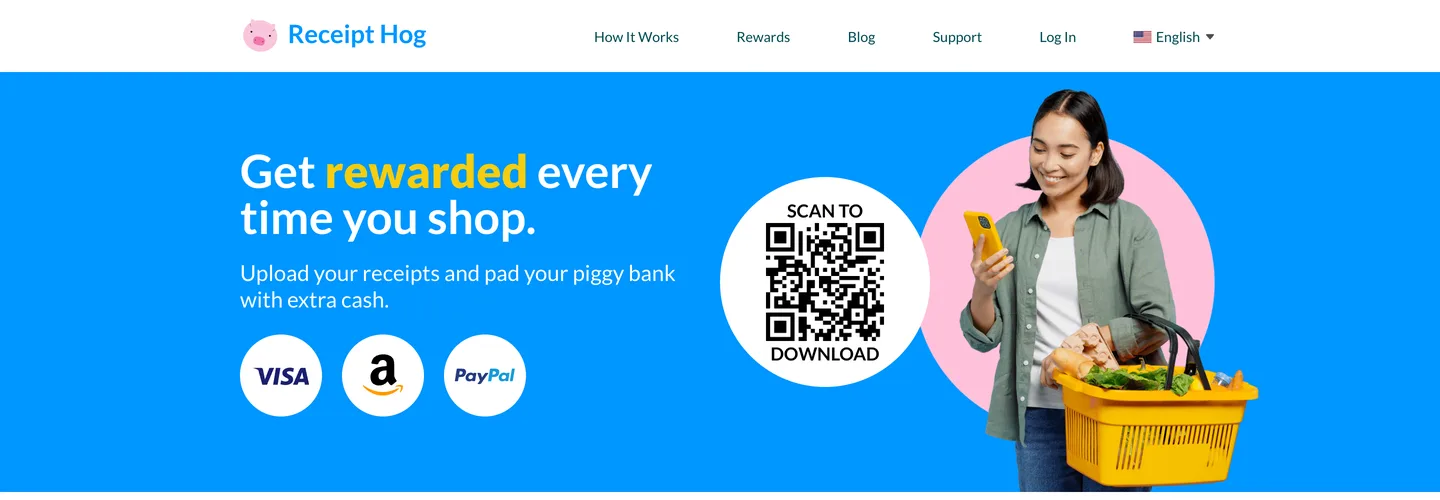
Receipt Hog pays coins or spins for every qualifying receipt photo you submit, and it uses that data for market research. Grocery, drugstore and dollar store receipts earn coins based on the total, while other receipts earn spins on its Hog Slots.
Every receipt also enters you in its monthly sweepstakes.
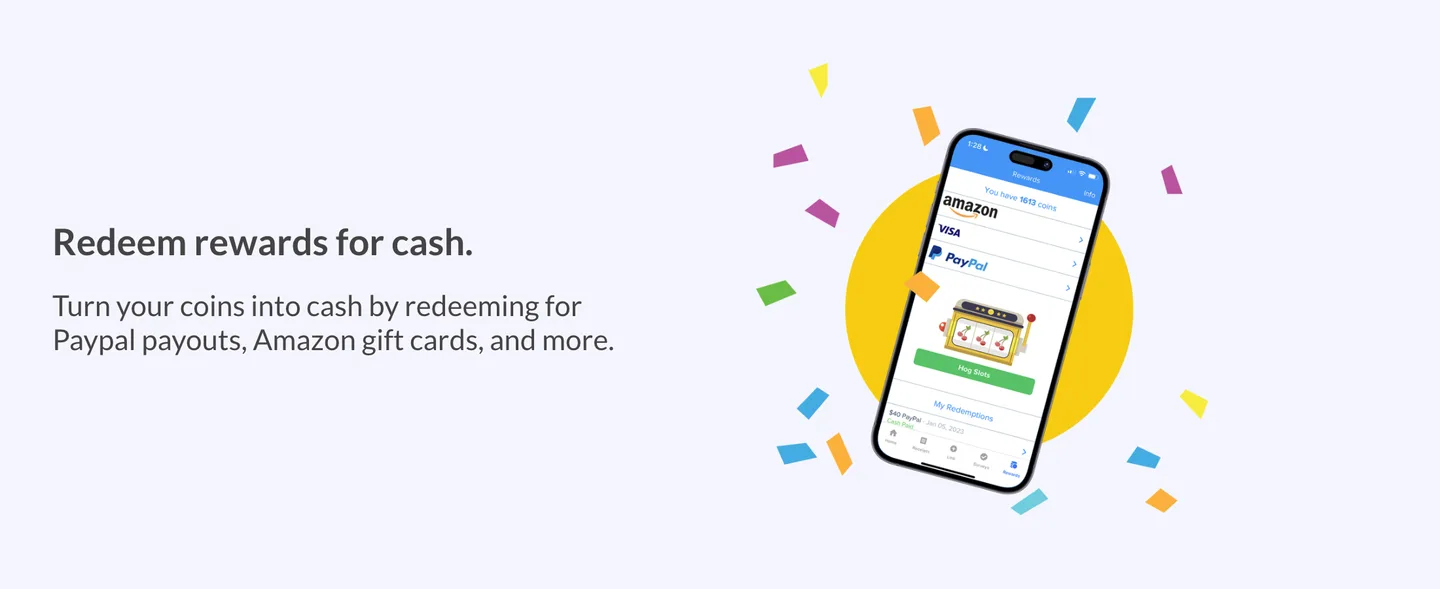
Once you have 1,000 coins, you can redeem them for a $5 Amazon gift card, PayPal cash or a Visa card. Receipt Hog’s help center lists bigger rewards too, up to 6,500 coins for $40.
Why pick Receipt Hog over Fetch?
It adds a game element, since spins and monthly sweepstakes can boost your coins, while Fetch leans on partner-brand bonuses. Whichever you choose, scan each receipt right after you shop, before it gets thrown out.
| 📱How You Earn | Pays coins or spins for receipt photos |
|---|---|
| 💰Cost | Free |
| 💵Payoff | 1,000 coins for a $5 Amazon card, per Receipt Hog |
| 🎯Best For | Receipt scanners who like spins and prize draws |
| 👉First Step | Snap today's receipts before you toss them |
10. Prime Opinion [Best Backup Survey App]
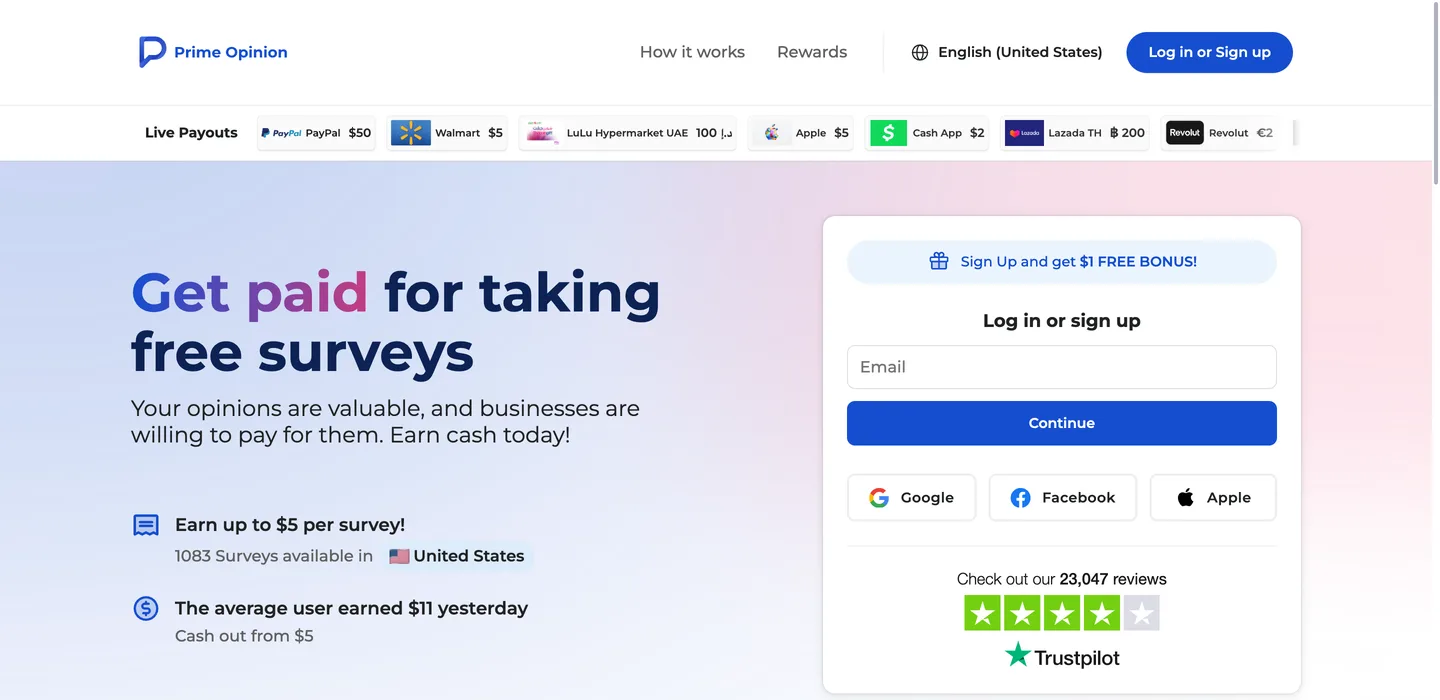
Prime Opinion is a survey app that pays points for your opinions, and you can swap those points for an Amazon gift card. You could take a survey on anything from politics to brands to workouts.
Prime Opinion’s Amazon gift card page says there’s no minimum cash-out value, so you can spend your rewards on Amazon in as little as 17 minutes. Its homepage says you can cash out from $5, though, so expect a small minimum.
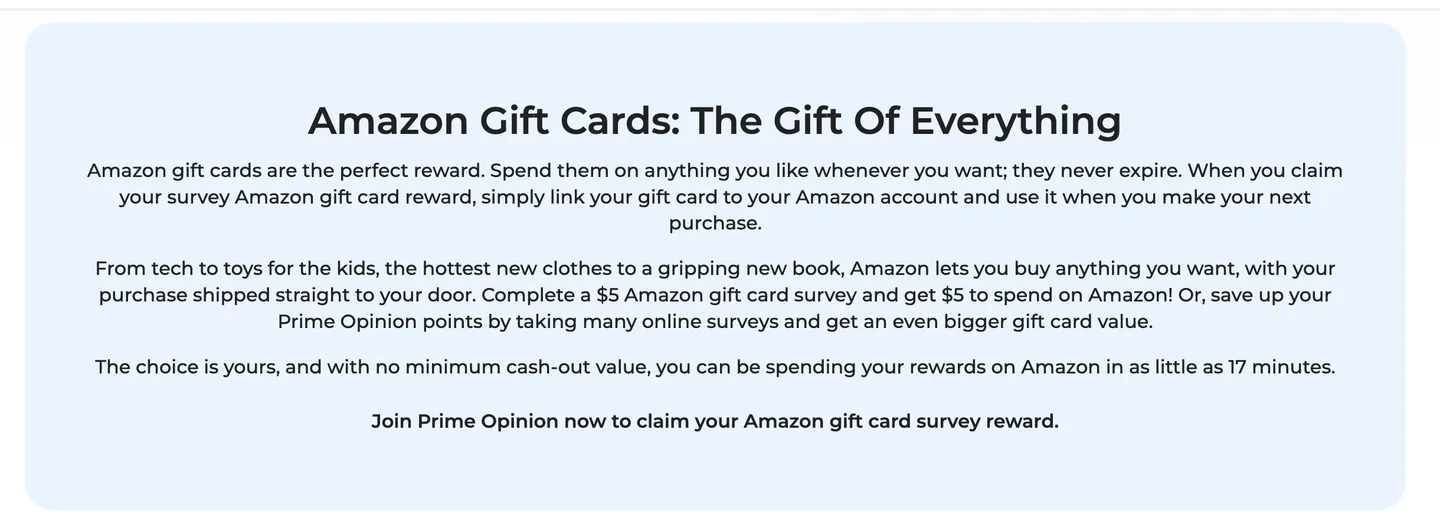
Its FAQ says the average survey-taker takes just 17 minutes to join and get a first reward.
Here’s how it works:
- Create a free Prime Opinion account.
- Pick a survey on a topic you like and finish it.
- Redeem your points for an Amazon card, or keep stacking for a bigger one.
Compared with Survey Junkie (#1), it’s another survey-only pick, so try both and keep the one that sends you more surveys you qualify for.
| 📱How You Earn | Pays points for online surveys |
|---|---|
| 💰Cost | Free |
| 💵Payoff | No minimum on its Amazon page; $5 on its homepage |
| ⏰Time | Same day (17 minutes on average, its own claim) |
| 🎯Best For | Survey takers who want a second app |
| 👉First Step | Create a free account and pick a survey |
11. Idle-Empire [Best for Mixing Surveys, Games and Videos]
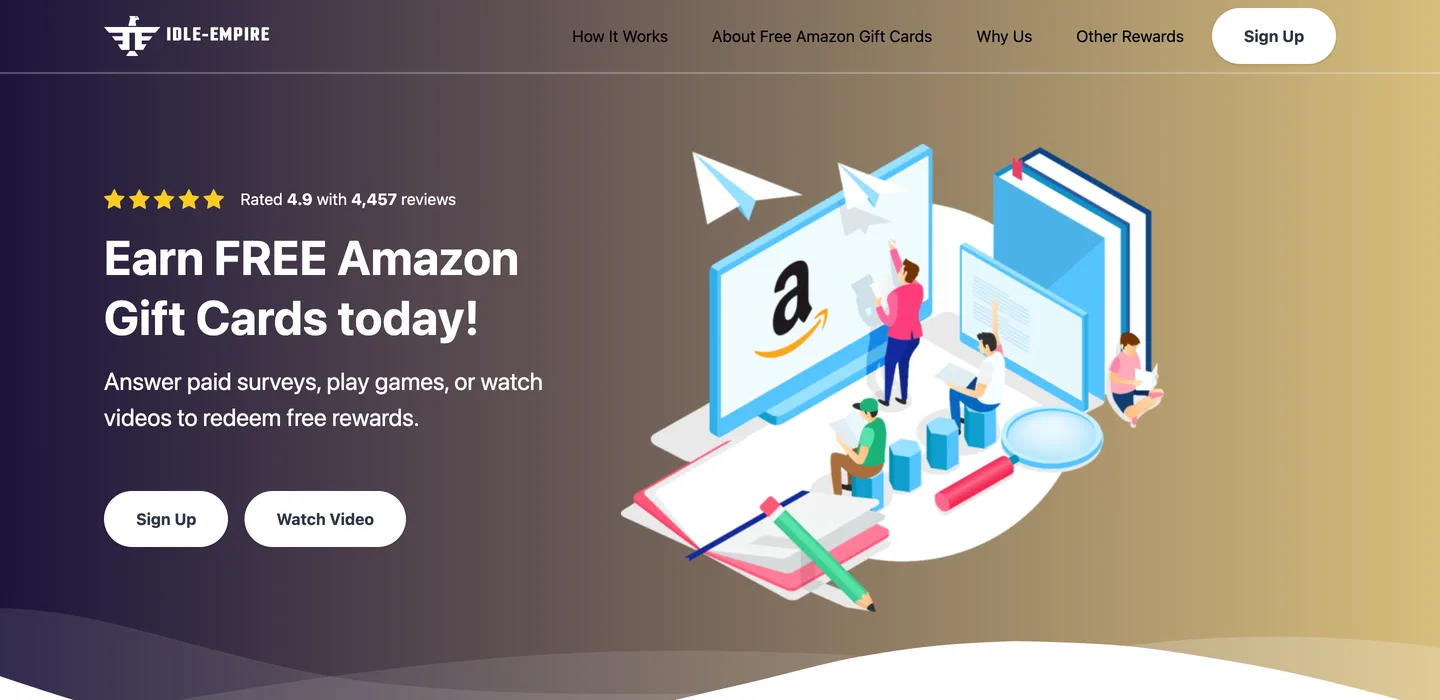
Idle-Empire pays points for surveys, games, videos and software tests, and you can sign up with Google, Facebook, Twitter, Discord or Steam.
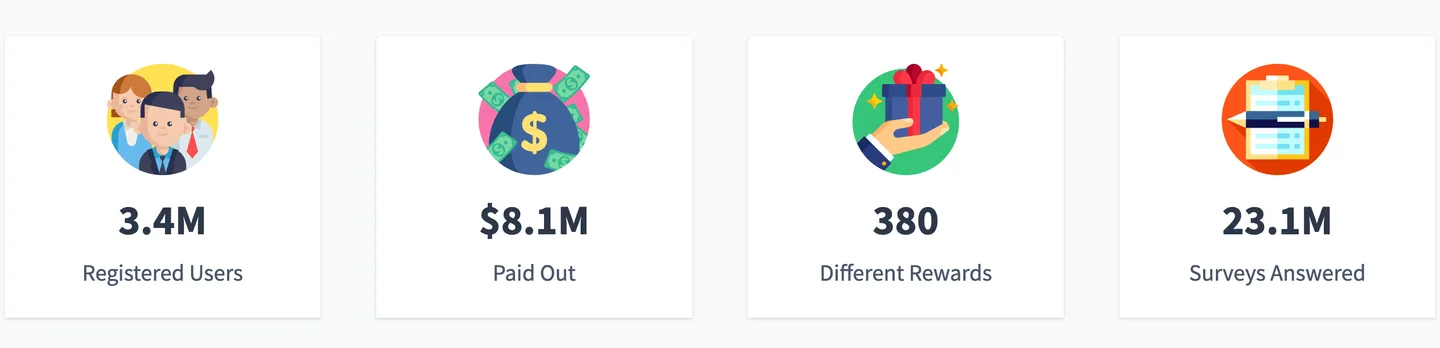
Idle-Empire’s Amazon rewards page promises to deliver your reward within 24 hours after you redeem. It also reports 3.4 million registered users and $8.1 million in rewards paid out since 2015, figures it publishes about itself.
The 24-hour window makes it slower than Freecash (#2). But it gives you more ways to earn in one place than a survey-only app.
Sign up with an account you already have, such as Google or Steam, so there’s no new password to remember.
| 📱How You Earn | Pays points for surveys, games and videos |
|---|---|
| 💰Cost | Free |
| 💵Payoff | $8.1 million paid out since 2015, per Idle-Empire |
| ⏰Time | Within 24 hours of redeeming |
| 🎯Best For | PC gamers and people who like variety |
| 👉First Step | Sign up with an account you already use |
12. Microsoft Rewards [Best for Earning Without New Habits]
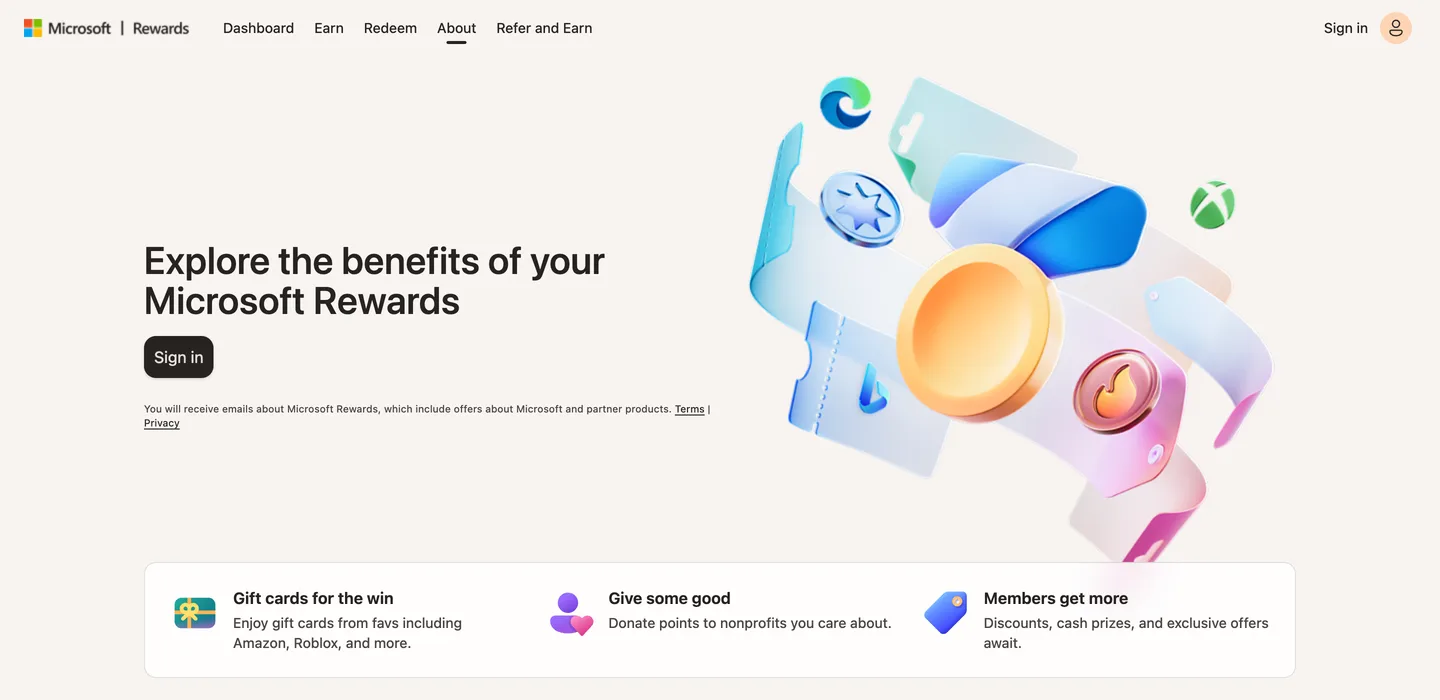
Microsoft Rewards pays points when you search with Bing while signed in to your Microsoft account. You can trade those points for gift cards, including Amazon.
Microsoft says each qualifying search earns 5 points. When we checked the US catalog in October 2026, a $5 Amazon card cost 6,500 points and a $10 card cost 13,000, though prices can change.
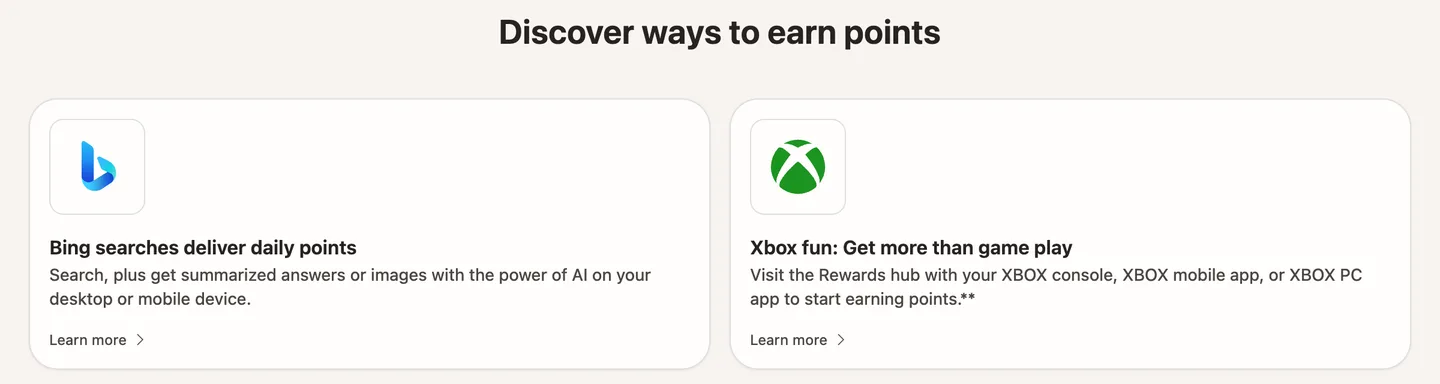
At 5 points a search, that $5 card is 1,300 searches from search alone. That makes it a slow background earner, not a quick win.
Here’s what to do:
- Sign in to Bing with your Microsoft account on your phone and computer.
- Use Bing for your normal searches for a week.
- Open the rewards page and compare your points with the Amazon card’s point price.
If the math looks slow, keep it running in the background and pair it with a faster app like Survey Junkie or Freecash. Our Bing Rewards review goes deeper on the other ways to earn.
| 📱How You Earn | Pays points for Bing searches |
|---|---|
| 💰Cost | Free with a Microsoft account |
| 💵Payoff | 5 points per search; $5 Amazon card for 6,500 points |
| 🎯Best For | People who search a lot on any device |
| 👉First Step | Set Bing as your browser's default search |
How These Gift Card Apps Were Picked
These picks were judged on published criteria, not hands-on payout tests:
- Amazon is a real cashout option. Each app lets you turn points or cash into an Amazon gift card.
- Free to join. Nothing here asks you to pay before you earn.
- Published terms. Minimums, fees and delivery times come from each app’s own pages where they exist.
- Widely recommended. Most picks show up again and again on other lists of reward apps.
- A clear way to earn. Surveys, games, receipts, shopping or searches, so you can match an app to your habits.
How Much Can You Earn on Amazon Gift Card Apps?
Earnings on Amazon gift card apps are modest, at about $9 an hour. That’s Freecash’s estimate of $36.00 per 240 minutes for its average user.
Freecash is the only app here that publishes a rate, so treat it as a rough guide, not a promise.
Freecash adds that what you earn depends on where you live, how active you are and which offers are open.
Here’s how long the card amounts people search for most take at that rate:
- $10: about 67 minutes.
- $25: about 2.8 hours.
- $50: about 5.5 hours.
- $100: about 11 hours.
- $200: about 22 hours.
In other words, a $50 card is a few evenings of tasks, while $200 is a habit you build over several weeks.
How to Check What an App Really Pays
You can work out any app’s real rate in about 15 minutes, even when it doesn’t publish one. Here’s the deal:
- Open the reward store and find the point price of a $5 or $10 Amazon card.
- Divide the card’s value by its point price to get the dollar value of 1 point.
- Time 1 task and multiply the points it pays by that value.
Say a $5 card costs 5,000 points, so each point is worth $0.001. A 10-minute survey paying 500 points then earns $0.50, or $3.00 an hour, which is well below Freecash’s average.
If an app pays under a few dollars an hour, switch your time to one that pays more.
Are Free Amazon Gift Card Apps Legit?
Free Amazon gift card apps are legit when they pay a small, stated amount for each survey, receipt or game level you finish. Idle-Empire, for example, reports $8.1 million in rewards paid out since 2015.
Scams look different. They promise a huge card for almost nothing.
Here are the red flags to watch for:
- A “free $1,000 Amazon gift card” or “unlimited Amazon gift card” offer.
- Any request to pay a fee, buy something or enter card details to unlock a reward.
- A prize draw presented as money you’ve already earned.
- No published minimum, point value or payout time anywhere on the app’s site.
Points, a prize entry and a real Amazon code are 3 different things. Only the code is money you can spend.
Fees, Regions and Fine Print
Read the cashout screen before you redeem, because fees and regional rules change what you receive. In the picture of Freecash’s cashout screen, for example, a $25 Amazon withdrawal shows $23.75 received.
Region matters too. Freecash says codes are typically redeemable only in the specified region, so a US Amazon.com card won’t work on Amazon.co.uk.
Amazon’s gift card terms also say your balance can’t buy other gift cards, and the cards can’t be resold or redeemed for cash.
Check 3 things on every cashout: the amount you’ll receive, the Amazon store it’s for and the delivery time.
How to Get Your First Amazon Gift Card This Week
The fastest way to get a free Amazon gift card is to start with a low-minimum app like Survey Junkie. Then add a receipt app that pays points on shopping you already do.
Here’s a simple 3-app plan:
- Today: Join Survey Junkie (#1), fill in your profile and finish 1 or 2 surveys.
- This week: Scan every receipt in Fetch (#3) or Receipt Hog (#9).
- On weekends: Spend an hour on Freecash (#2) game offers, checking each offer’s reward first.
That mix covers quick surveys, zero-effort receipts and higher-paying game goals. Stick with those 3 for a month before you add a fourth.
Long Shots Worth Knowing About
A few routes to Amazon gift cards show up on other lists but don’t fit most readers:
- Pay-to-play skill games like Solitaire Cube and Blackout Bingo: Suit skilled players, but cash games need a deposit, so they aren’t free.
- Sweepstakes inside apps like Receipt Hog and Mistplay: Fun extras, but an entry is only a chance to win, never a balance.
For more ways to stack cards, see our guides to free gift card apps and the best survey apps.
Key Takeaways
- Survey Junkie is the easiest start. You can cash out for an Amazon card at $5, or 500 points.
- Freecash is the only app here that publishes a rate. Its average user earns $36.00 in 240 minutes, about $9 an hour.
- Receipt apps are slow but easy. Fetch pays at least 25 points a paper receipt, and Receipt Hog pays $5 for 1,000 coins.
- Check the cashout screen. Fees, regions and minimums change what actually lands in your Amazon account.
- Big free cards are scams. Real apps pay a little per task, never $1,000 for nothing.
Frequently Asked Questions
Which app gives Amazon gift cards?
Survey Junkie, Freecash and Fetch all pay out Amazon gift cards, and they top this list because they publish a minimum, an earning estimate or a payout time. Survey Junkie lets you cash out from $5, which makes it the easiest one to try first.
Swagbucks, TopCashBack, InboxDollars, MyPoints, Mistplay, Receipt Hog, Prime Opinion, Idle-Empire and Microsoft Rewards also let you redeem your earnings for Amazon cards.
Do Amazon gift cards expire?
No, Amazon.com gift cards issued after October 1, 2005 don’t expire, according to Amazon’s own gift card terms. Once you add a code to your Amazon account, the balance waits for your next order.
The points inside a reward app are a different story, since each app sets its own rules.
How to get a $150 Amazon gift card instantly?
A free $150 Amazon gift card can’t be earned instantly from any legit app, because these apps pay a little per task. At Freecash’s own average rate of $36.00 per 240 minutes, $150 takes about 1,000 minutes of tasks, or roughly 17 hours.
What you can do fast is redeem $5 or $10 cards as you go, so the balance builds in your Amazon account.
What app actually gives you free gift cards?
Survey Junkie is one app that clearly pays out, since it says it has had more than 20 million members and lets you cash out from $5. Idle-Empire reports $8.1 million in rewards paid since 2015 and promises delivery within 24 hours, and Freecash publishes its payout terms too, which is a good sign an app is real.
Is there a way to get a free $50 Amazon gift card?
Yes, you can earn a free $50 Amazon gift card by stacking small rewards over a few sessions. At Freecash’s average estimate of $36.00 per 240 minutes, $50 takes about 333 minutes, or around 5.5 hours of tasks.
Split into 30-minute sessions, that’s about 11 sittings.
How can I get a free $200 Amazon gift card?
A free $200 Amazon gift card takes about 22 hours of tasks at Freecash’s average rate of $36.00 per 240 minutes. That’s a steady side habit over weeks, not a one-day trick.
Set a weekly target, such as $25, and cash out each time you hit it. Any site promising $200 or $1,000 for nothing is a scam.
What is the minimum cashout for an Amazon gift card on these apps?
Minimum cashouts for Amazon gift cards run from nothing to $30 on the apps that publish them. Survey Junkie and Receipt Hog start at $5, Freecash’s first cashout is $5 to $20 depending on your region, and Fetch’s first card is $10.
InboxDollars asks for $15 to $30, depending on which of its pages you read. Prime Opinion’s Amazon page says it has no minimum, while its homepage says you can cash out from $5.
Can you get Amazon gift cards for scanning receipts?
Yes, Fetch and Receipt Hog both pay points for photos of your receipts, and you can redeem those points for Amazon gift cards. Fetch also pays on online orders through your email and retailer accounts, while Receipt Hog pays in coins or spins.
Receipts are the lowest-effort way to earn, just a slow one.
What is the best app to earn Amazon gift cards playing games?
Freecash is the best app here for earning Amazon gift cards by playing games, because it publishes a $5 to $20 first cashout and an average of $36.00 per 240 minutes. Mistplay is the alternative if you’d rather earn for time spent in mobile games.
Pick game offers with a milestone you can reach in a few days.
Can you use these apps outside the US?
Some Amazon gift card apps work outside the US, but the minimums and codes change by country. Freecash says its first cashout minimum depends on your region and that codes are typically redeemable only in the specified region.
Survey Junkie says its cash-out options vary by location too. Before you cash out, check which Amazon store the card is for, such as Amazon.com or Amazon.co.uk.
The Bottom Line
The best free Amazon gift card app is the one that pays for something you already do. Start with Survey Junkie today and finish your profile. Then add a receipt app this week and let the points build.

Jason is a personal finance expert and the founder of Frugal For Less. He has spent over a decade researching and testing hundreds of money making apps, survey sites, and savings strategies to help readers earn more and keep more of their hard-earned cash.
More about the author