7 Cash Advance Apps That Work With Chime, Starting With MyPay

If your paycheck lands in Chime, you can get a small cash advance before payday without paying any interest.

Disclosure: This post may contain affiliate links. As an Amazon Associate, we earn from qualifying purchases. This comes at no extra cost to you. Read our full disclosure, or see how we review platforms.
If your paycheck lands in Chime, you can get a small cash advance before payday without paying any interest.
Cash advance limits run from $25 to $750, depending on the app you pick.
That’s the range Firstcard’s App Store listing shows across the apps it compares, along with subscriptions from $0 to $15.99 a month.
The good news? Plenty of cash advance apps that work with Chime will send that money straight to your account.
Below are 7 of them, ordered from no membership at all to a paid plan. Each comes with what it costs, how it links to Chime and who it fits.
- Already have your paycheck going into Chime? Then MyPay (#1) costs you nothing to check.
- MyPay isn’t open to you yet? MoneyLion (#2) and Klover (#3) don’t charge a membership to request an advance.
Cash Advance Apps That Work With Chime at a Glance
The 7 apps side by side
| # | App | Membership | Advance limit | Join |
|---|---|---|---|---|
| 1 | Chime MyPay | None | Up to $750 | Join Now |
| 2 | MoneyLion | None | Up to $500 to Chime | Join Now |
| 3 | Klover | None, Klover+ optional | $25 to $750 | Join Now |
| 4 | EarnIn | None, tips optional | Up to $200 a day | Join Now |
| 5 | Dave | Up to $5 a month | $25 to $500 | Join Now |
| 6 | Brigit | $8.99 to $15.99 a month | $25 to $500 | Join Now |
| 7 | Tilt | $8 a month after a trial | $10 to $500 | Join Now |
How We Picked These Chime-Friendly Apps
These picks come from published criteria, not hands-on testing:
- It reaches a Chime account. The app either lives inside Chime or links to a Chime checking account.
- No interest. Every pick charges fees or memberships instead of interest.
- No hard credit check. You can request an advance without one.
- Widely compared. Each app shows up in published comparisons of Chime-compatible apps.
Separate banks with their own advances, like Varo Bank, are left out because they don’t deposit into Chime.
Limits and fees change often and differ by member, so each pick tells you where to find your own.
The 7 Best Cash Advance Apps That Work With Chime
Each app keeps its spot from the table.
1. Chime MyPay [Best for Members With Direct Deposit]
MyPay is the advance built into Chime, the financial technology company behind your account, on pay you’ve already earned.
The money lands in your Chime checking account, so there’s nothing to link.
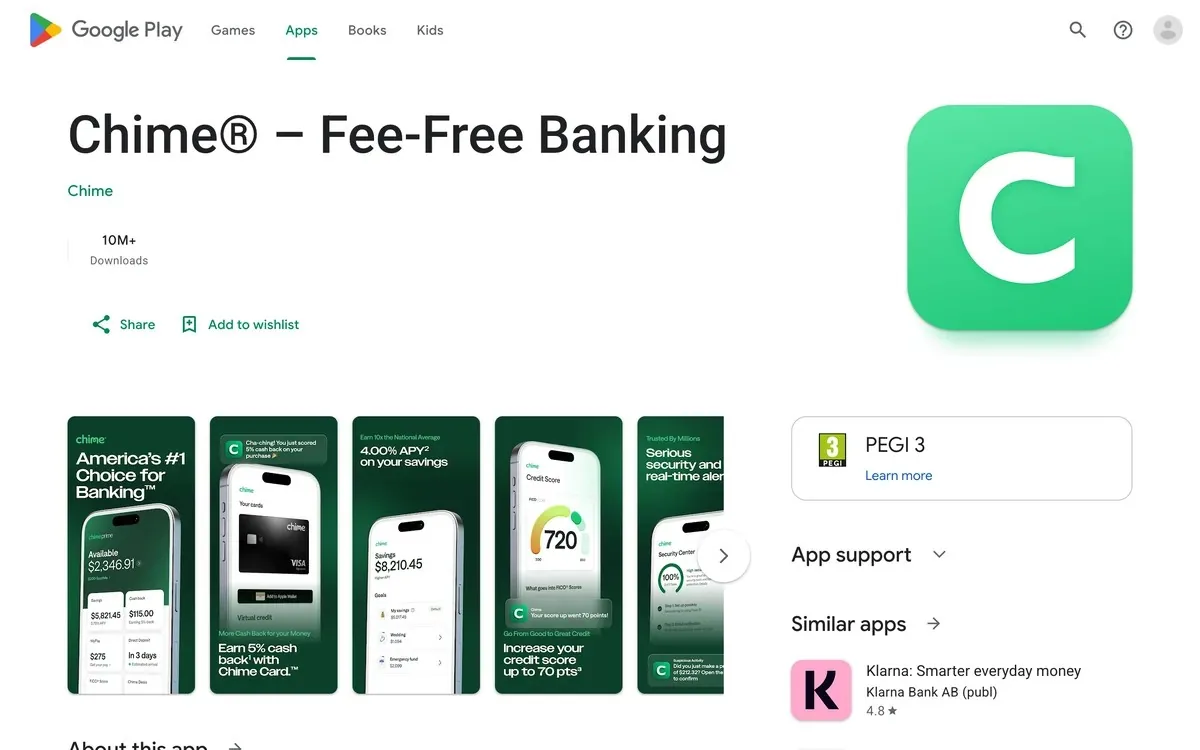
You unlock it with a qualifying direct deposit of $200 or more into Chime. The app shows your limit inside its MyPay hub.
Free delivery takes up to 24 hours, or you can get the cash instantly for 3% of the advance, according to Chime’s MyPay page. That fee is at least $2 and at most $5.
Chime takes repayment from your next qualifying direct deposit. No interest, and no credit check.
The catch? MyPay isn’t offered in every state, and most members start with a limit of $50 to $100. Chime says that limit can grow to $750 over time.
| Chime MyPay at a Glance | |
|---|---|
| 🎯Best For | Chime members with a $200+ direct deposit into Chime. Skip it if MyPay isn't offered in your state. |
| 💰Cost | No membership. Instant delivery costs 3% of the advance ($2 minimum, $5 maximum) |
| 💵Advance Limit | Most members start at $50 to $100, and it can grow to $750 |
| ⏰Speed | Free within 24 hours, or instant for the fee |
| 👉First Step | Open the Chime app and look for MyPay to see your limit |
2. MoneyLion [Best for Linking Chime Without a Membership]
MoneyLion’s Instacash advances money against your upcoming pay with no interest and no monthly fee.
You don’t need a paid membership to request it.
To link Chime, tap your profile icon, open Wallet and add a bank account, according to MoneyLion’s help center. You can log in to Chime there or type in your routing and account numbers.
MoneyLion wants that account to be at least 60 days old, with 3 recurring deposits from the same payer.
Here’s the deal: a linked outside account like Chime can get up to $500 in Instacash, $100 at a time. MoneyLion’s own Spend account can get up to $1,000.
The bigger catch is delivery. To an outside account, Instacash only comes by Turbo delivery, at 9% of the advance, according to MoneyLion’s pricing page.
So a $100 advance sent to Chime costs $9. Free standard delivery only works into a MoneyLion Spend account.
| MoneyLion at a Glance | |
|---|---|
| 🎯Best For | Chime users who want no monthly fee and need the cash in minutes. Skip it if you'd rather wait for a free transfer. |
| 💰Cost | No membership, but every advance sent to Chime carries a 9% Turbo fee |
| 💵Advance Limit | Up to $500 to an outside account like Chime, $100 per advance |
| ⏰Speed | Minutes, since Turbo is the only delivery option to Chime |
| 👉First Step | Link Chime under Wallet in the MoneyLion app and check your Instacash offer |
3. Klover [Best for Raising Your Limit With Points]
Klover gives cash advances of $25 to $750 with no interest, no late fees and no credit check.
You link the bank account your paycheck lands in, and Klover looks for 3 steady direct deposits from your employer.
What makes Klover different is its points system. You earn points for tasks like surveys and watching ads, then use them to raise your advance or cover the fee for faster cash.
Klover’s pricing page values 500 points at $1 toward fees.
Points let you raise your limit without paying for a membership. A Klover+ plan adds budgeting tools for $4.99 a month, but you don’t need it for an advance.
Free standard transfers usually take 2 to 5 business days. Faster delivery costs a fee that grows with the advance.
Those points cost you time, though. Some apps that pay you turn that same time into real cash.
| Klover at a Glance | |
|---|---|
| 🎯Best For | Members who don't mind a few in-app tasks. Skip it if you need the money today and can't pay the express fee. |
| 💰Cost | No membership needed. Klover+ is optional at $4.99 a month, and express fees run up to $3.99 on $25 and up to $37.49 on $750 |
| 💵Advance Limit | $25 to $750 |
| ⏰Speed | Usually 2 to 5 business days for free, faster for a fee |
| 👉First Step | Link the account your paycheck lands in and check your offer in the Klover app |
4. EarnIn [Best for Hourly Workers If Chime Qualifies]
EarnIn lets you take out wages you’ve already worked before payday.
There’s no mandatory fee. The app asks for an optional tip, and its faster Lightning Speed delivery starts at $3.99 a transfer.
EarnIn supports only a small test group of Chime members for now, according to its help center. When you pick Chime from EarnIn’s bank list, the app shows a message saying whether it can support your account.
You’ll also need a regular pay schedule and at least $320 per pay period. EarnIn checks your work through a work email or GPS tracking.
EarnIn’s Cash Out page lists up to $200 a day and $1,000 per pay period. Most new users start around $85 a day.
If EarnIn says no, move to Klover instead of retrying.
| EarnIn at a Glance | |
|---|---|
| 🎯Best For | Hourly workers whose Chime account is accepted. Skip it if EarnIn says it can't support your Chime account yet. |
| 💰Cost | No membership. Tips are optional, and Lightning Speed starts at $3.99 a transfer |
| 💵Advance Limit | Up to $200 a day and $1,000 per pay period, though most new users start around $85 a day |
| ⏰Speed | 1 to 3 business days for free, or minutes with Lightning Speed |
| 👉First Step | Pick Chime from EarnIn's bank list to see if your account is supported |
5. Dave [Best for a Decision in Minutes]
Dave’s ExtraCash feature advances $25 to $500 with no interest, no credit check and no late fees.
Dave says ExtraCash is typically approved within 5 minutes. It connects to Chime through a regular bank link, set up under Linked bank and cards in the app’s settings.
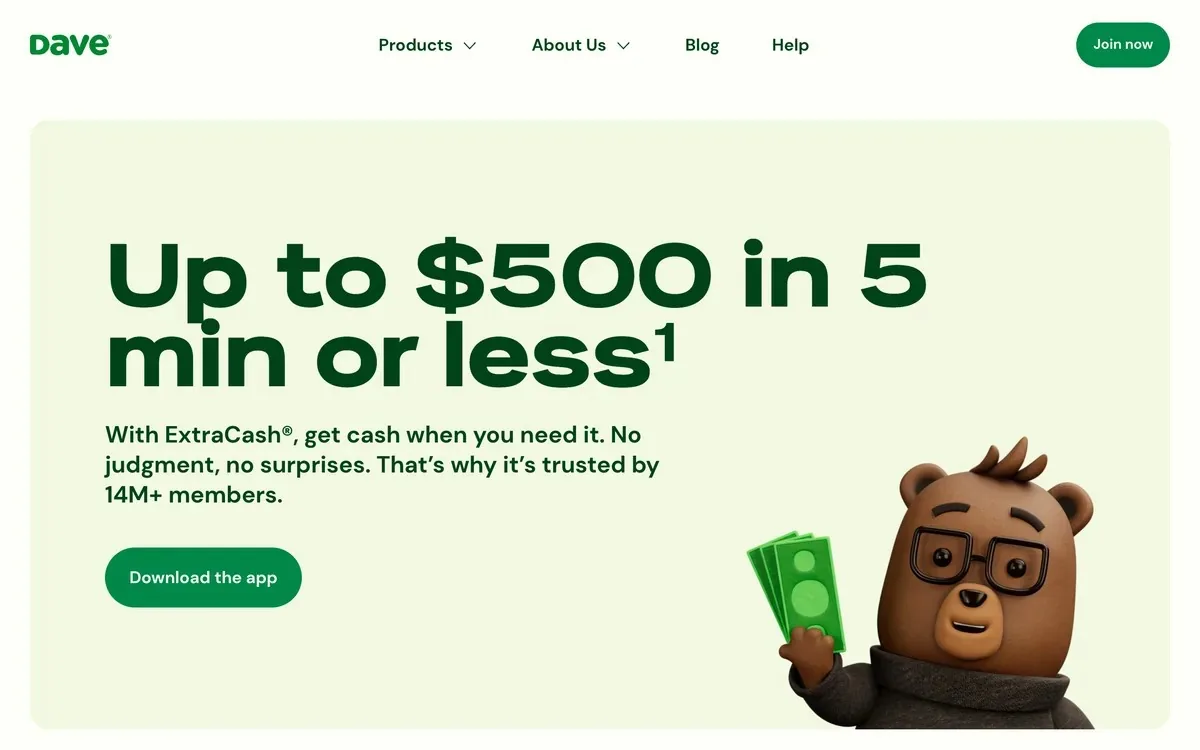
Dave isn’t free, though. Membership costs up to $5 a month, and each advance carries a fee of 5% or $5, whichever is more, according to Dave’s ExtraCash page.
So a $100 advance costs at least $5 on top of the membership.
Sending ExtraCash to Chime as a bank transfer is free and takes up to 3 business days. A transfer to your Chime debit card arrives within an hour for an optional 1.5% fee.
If $5 in fees feels steep for a small advance, see how to make $50 fast instead of borrowing it.
| Dave at a Glance | |
|---|---|
| 🎯Best For | Members who want a quick answer and can afford the fee. Skip it if you're borrowing less than $100, since the $5 minimum fee hits hardest there. |
| 💰Cost | Up to $5 a month, plus 5% of each advance ($5 minimum) |
| 💵Advance Limit | $25 to $500, though few members qualify for $500 |
| ⏰Speed | Up to 3 business days to Chime for free, or within an hour to your Chime debit card for 1.5% |
| 👉First Step | Link Chime in the app's Linked bank and cards settings and check your ExtraCash offer |
6. Brigit [Best for Budget Tools Plus Advances]
Brigit is a personal finance app that pairs cash advances with budgeting, credit-building and account monitoring.
It wants a bank account that’s at least 60 days old, with 3 recurring deposits from the same source.
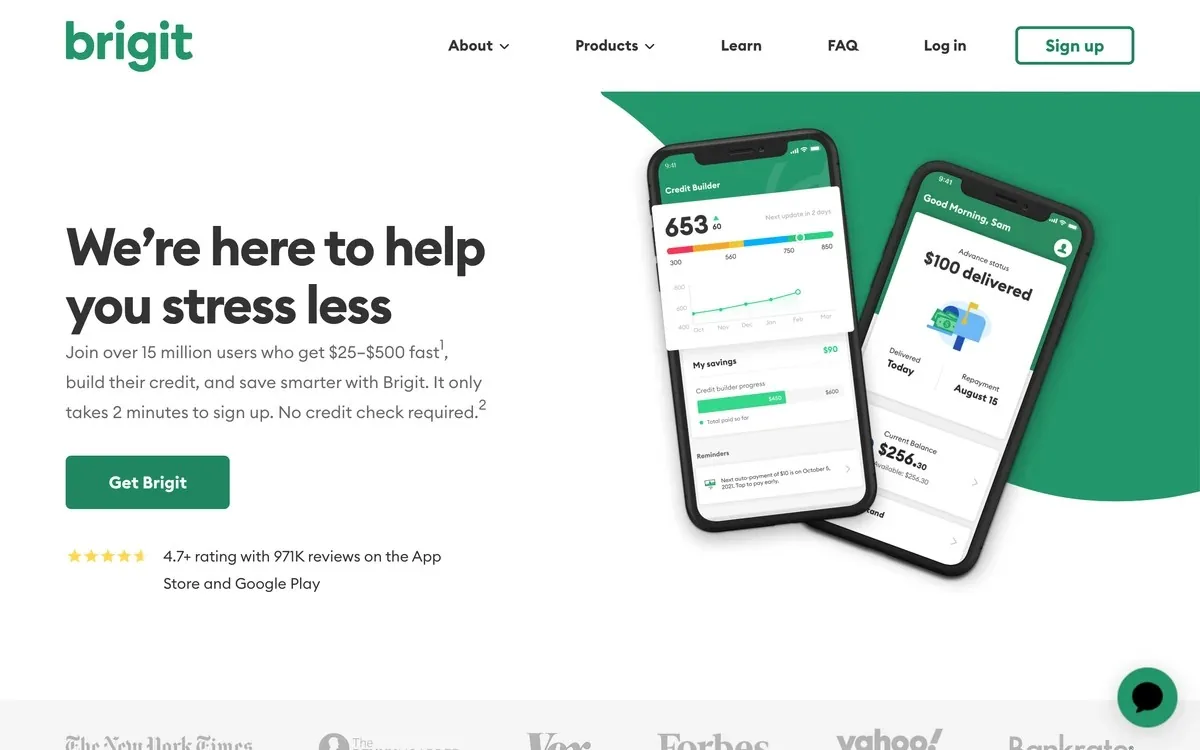
Brigit’s free plan covers account alerts and insights, so you’ll need a paid plan to get Instant Cash. Plans cost $8.99 to $15.99 a month, according to Brigit’s App Store listing.
Advances run $25 to $500 with no interest, no credit check and no tips. You can also push your repayment date back for free.
Standard delivery takes 1 to 3 days. Express delivery arrives in about 20 minutes for $0.99 to $3.99, and it’s free on the Premium plan.
| Brigit at a Glance | |
|---|---|
| 🎯Best For | Members who'll use the budgeting and credit tools too. Skip it if you only want an advance. |
| 💰Cost | $8.99 to $15.99 a month for a plan with Instant Cash |
| 💵Advance Limit | $25 to $500 |
| ⏰Speed | 1 to 3 days for free, or about 20 minutes for $0.99 to $3.99 (free on Premium) |
| 👉First Step | Link your paycheck account and compare the Plus and Premium plans before you pay |
7. Tilt [Best for Free Next-Day Delivery]
Tilt, the app formerly called Empower, sets your advance from your balance, income and expenses rather than a credit score.
Offers run from $10 to $500, and Tilt works with the bank account you already have.
Tilt charges $8 a month after a 14-day free trial for first-time customers, according to Tilt’s cash advance FAQ. Returning customers pay the $8 right away.
Standard delivery is free and typically takes 1 business day. Instant delivery arrives in about 15 minutes for a fee.
Cash advances aren’t available in Connecticut, Maine or Washington, D.C.
Tilt also offers credit cards, but you don’t need one to get an advance.
| Tilt at a Glance | |
|---|---|
| 🎯Best For | Members who want free delivery by the next business day. Skip it if $8 a month is more than you'd borrow. |
| 💰Cost | $8 a month after a 14-day free trial for first-time customers, plus an optional instant fee |
| 💵Advance Limit | $10 to $500, and it can go up with on-time repayments |
| ⏰Speed | Usually 1 business day for free, or about 15 minutes for a fee |
| 👉First Step | Start the free trial and check your offer before day 14 |
How to Link a Cash Advance App to Your Chime Account
Most cash advance apps link to a Chime account through a service like Plaid, which connects your bank to the app with your Chime login. When the login fails, some apps, like MoneyLion, let you add Chime by hand with your account and routing numbers.
Here’s how it works:
- Open the app’s bank or transfers screen and search for Chime in the bank list.
- Log in with your Chime email and password in the secure login window, so the app can read your deposits.
- If Chime won’t connect, look for manual entry and type the account and routing numbers shown in your Chime app’s direct deposit details.
- Check that your paycheck already lands in Chime. Every app on this list sets your limit from your deposit history.
- Match repayment to your real payday so the app doesn’t pull money early.
Why an App Won’t Accept Your Chime Account
Most rejections come down to a few things:
- No steady direct deposit history in Chime yet
- A Chime account that’s too new, since MoneyLion and Brigit both want 60 days and 3 recurring deposits
- A failed bank connection
- An app like EarnIn that accepts only some Chime accounts
A negative balance can also block approval, since apps want to see money left after payday.
Before you borrow, send the app’s support chat this message:
Hi, I bank with Chime. Can you confirm my Chime account is supported, what limit I qualify for, and every fee for standard and instant delivery?
Chime MyPay vs. SpotMe: What’s the Difference?
Chime MyPay sends you cash from your next paycheck, while Chime SpotMe lets your card purchases and cash withdrawals go past a zero balance without a fee. Both need qualifying direct deposits of $200 or more into Chime.
SpotMe starts at $20 and can go up to $200, and Chime says it never charges fees or interest for it.
In other words, SpotMe covers a purchase at the register, while MyPay puts cash in your account for bills SpotMe won’t cover.
So check MyPay when a bill is about to bounce, and lean on SpotMe when you’re short at the register.
How Much Can You Borrow, and How Fast?
Cash advance apps that work with Chime offer limits from $25 to $750 and subscriptions from $0 to $15.99 a month, according to Firstcard’s App Store listing. Your own limit depends on your deposits and history, and new members usually start near the bottom.
Speed is the second trade-off. Firstcard’s listing says some apps deliver standard transfers free in 1 to 3 business days, while instant transfers usually carry a fee.
Here’s a made-up example: say you take a $100 advance and pay $5 to get it instantly. That’s 5% of what you borrowed for a few days of early access.
So if you can wait a few business days, standard delivery is almost always the cheaper choice.
The listing also warns that not everyone qualifies for every offer.
Are Cash Advance Apps Safe to Connect to Chime?
Established cash advance apps are generally safe to connect to Chime, because they link through a bank connection service and read your deposits. The bigger risk is borrowing more than your next paycheck can repay.
You can check an app’s privacy policies and data practices before you download it. For example, Google Play’s data safety section for one comparison app, Firstcard, says its data is encrypted in transit.
Watch out for a few red flags:
- An “advance” that asks you to pay a fee upfront before you get anything
- An app that wants your Chime password outside a secure bank login window
- Guaranteed approval promises no matter your deposits
If bank fees are part of why you’re short, these money saving apps can help you find and cut them.
Cash Advance Apps vs. Payday Loans
Cash advance apps charge fees or memberships instead of interest, while payday loans charge high interest on short-term loans.
Chime itself doesn’t offer payday loans, and “works with Chime” doesn’t make a lender safe. A payday loan is the costliest of the same-day ways to get $20, so check MyPay and one fee-free app first.
Chime does invite some members to Instant Loans, which are short-term personal loans with a maximum APR of 35.99%. That’s interest, so try MyPay before you accept one.
How to Need Fewer Cash Advances
The surest way to need fewer cash advances is to add income, because every advance borrows from a paycheck you haven’t received yet.
A few ways to break that debt loop:
- Pick up shifts from jobs that pay weekly so payday comes sooner.
- Learn to stretch what’s left until your next paycheck.
- Use these fast cash ideas to cover the gap without borrowing.
- Try money apps that don’t need a bank account for small extra payouts.
Key Takeaways
- Check MyPay first. It lives inside Chime, needs no second app and repays itself from your next direct deposit.
- MoneyLion and Klover charge no membership. But MoneyLion takes 9% of every advance sent to Chime, while Klover's standard transfer is free.
- EarnIn takes only some Chime accounts. The app tells you when you pick Chime from its bank list.
- Dave, Brigit and Tilt charge every month. Dave also adds a fee of at least $5 to each advance.
- Use one app per pay period. Every advance repays from the same next paycheck.
Frequently Asked Questions
What cash advances work with Chime?
Chime’s own MyPay is the cash advance that works most simply with Chime, because it lives inside the Chime app and needs no linking. Outside apps that link to a Chime checking account include MoneyLion Instacash, Klover, EarnIn, Dave ExtraCash, Brigit and Tilt.
Add an outside app only if MyPay’s limit falls short.
Which apps like EarnIn accept Chime for cash advances?
MoneyLion and Klover are the closest apps like EarnIn that accept a Chime account, since neither needs a paid plan just to request an advance. Dave, Brigit and Tilt also link to Chime but charge a monthly fee.
If EarnIn rejects your Chime account, try Klover next.
Can I get a payday loan with Chime?
Chime doesn’t offer payday loans, but its MyPay feature gives eligible members a paycheck advance with no interest. Payday loans charge far more than any app on this list, so try MyPay first.
What app will give me $100 instantly for free?
No app guarantees $100 instantly for free, because instant delivery usually carries a fee and new users often start with lower limits. Chime MyPay, Klover and EarnIn can be free if you choose standard delivery and wait for the money.
Compare each app’s instant fee before you tap borrow.
Can I use more than one cash advance app with Chime?
Yes, you can link several cash advance apps to one Chime account, but every advance repays from the same next paycheck. Two or three advances at once can wreck your cash flow on payday.
Use one app per pay period, and repay it before you borrow again.
Do cash advance apps that work with Chime check your credit?
No, the apps in this guide don’t run a hard credit check for an advance. They look at your bank deposits and spending instead.
The Bottom Line
Chime MyPay is the first cash advance to check, because it needs no second app and repays itself on payday. If MyPay isn’t available to you, link Chime to Klover for a free standard transfer, or to MoneyLion if you need the cash in minutes.
This week, open your Chime app, check whether MyPay is offered and note your limit before you download anything else.

Jason is a personal finance expert and the founder of Frugal For Less. He has spent over a decade researching and testing hundreds of money making apps, survey sites, and savings strategies to help readers earn more and keep more of their hard-earned cash.
More about the author →
Want to learn how to make an extra $1,000 per month?
Download our free guide with:
- 10 Side Hustles to Make $1,000/month
- Worksheet for setting money making goals
- Resource List to help you succeed