How to Make Money Surfing the Web: 12 Passive Ways to Get Paid

Every hour you spend online, companies like Google and Facebook quietly turn your activity into billions in advertising revenue. You see none of that money, even though your attention and your habits are what make it valuable.

Disclosure: This post may contain affiliate links. As an Amazon Associate, we earn from qualifying purchases. This comes at no extra cost to you. Read our full disclosure, or see how we review platforms.
Every hour you spend online, companies like Google and Facebook quietly turn your activity into billions in advertising revenue. You see none of that money, even though your attention and your habits are what make it valuable.
A small group of apps and browser tools flips that arrangement around. They pay you a share of the data economy for browsing the way you already do, and this guide covers twelve of the most reliable ways to make money surfing the web.
Our Top Picks for the Best Pay-to-Surf Programs
For most people, the best place to begin is with these three programs. Each runs quietly in the background, has a long payout history, and stacks with the others for the biggest hands-off return.
- Swagbucks - the most versatile all-rounder. Its SwagButton and background videos pay out in PayPal cash or gift cards, it has paid out more than $800 million to members, and new users can earn a $10 welcome bonus after a qualifying purchase.
- Nielsen Computer & Mobile Panel - the most trusted name in the space. It pays a flat $50 or so per year, per device, plus entries in a monthly sweepstakes worth thousands of dollars, with no tasks to complete.
- Honeygain - the purest set-and-forget option. It shares your spare bandwidth, pays cash to PayPal or crypto at a $20 balance, and drops a $2 starting gift in your account the day you join.
✅ How I Tested These Programs
Most pay-to-surf roundups just recycle the same affiliate links without anyone actually installing the software. I took the opposite approach and ran every program on this list from my own devices before recommending it.
To keep things fair, I judged each one against the same checklist, starting from a $0 balance and without paying a cent to join:
- 🖥️ Hands-on setup: installing each tool and watching how it behaves in the background
- 💸 Payout verification: confirming the minimum cash-out, the payment method, and that a withdrawal actually clears
- ⭐ Real user reviews: Trustpilot scores and app-store trends, not just marketing claims
- 🌍 Availability: which countries and devices each program actually supports
- 🚩 Scam signals: upfront fees, blocked withdrawals, and vague or greedy data terms
I started with more than 20 pay-to-surf tools and kept only the twelve that reliably paid out. Anything that capped withdrawals, buried its data terms, or never cleared a first payment was cut.
The result is a short list of programs that genuinely pay for the browsing you already do, backed by real payout histories rather than screenshots from a sales page.
12 Best Ways to Make Money Surfing the Web
The programs below run from the most hands-off, fully passive earners at the top to the semi-active tools near the end that ask a little more from you. Skim the whole list, then start with the two or three that fit the devices you already use every day.
You do not have to pick just one. The real money here comes from stacking several programs at once, so their small individual payouts add up to a balance worth cashing out.
1. Swagbucks [Best for All-Around Earning]
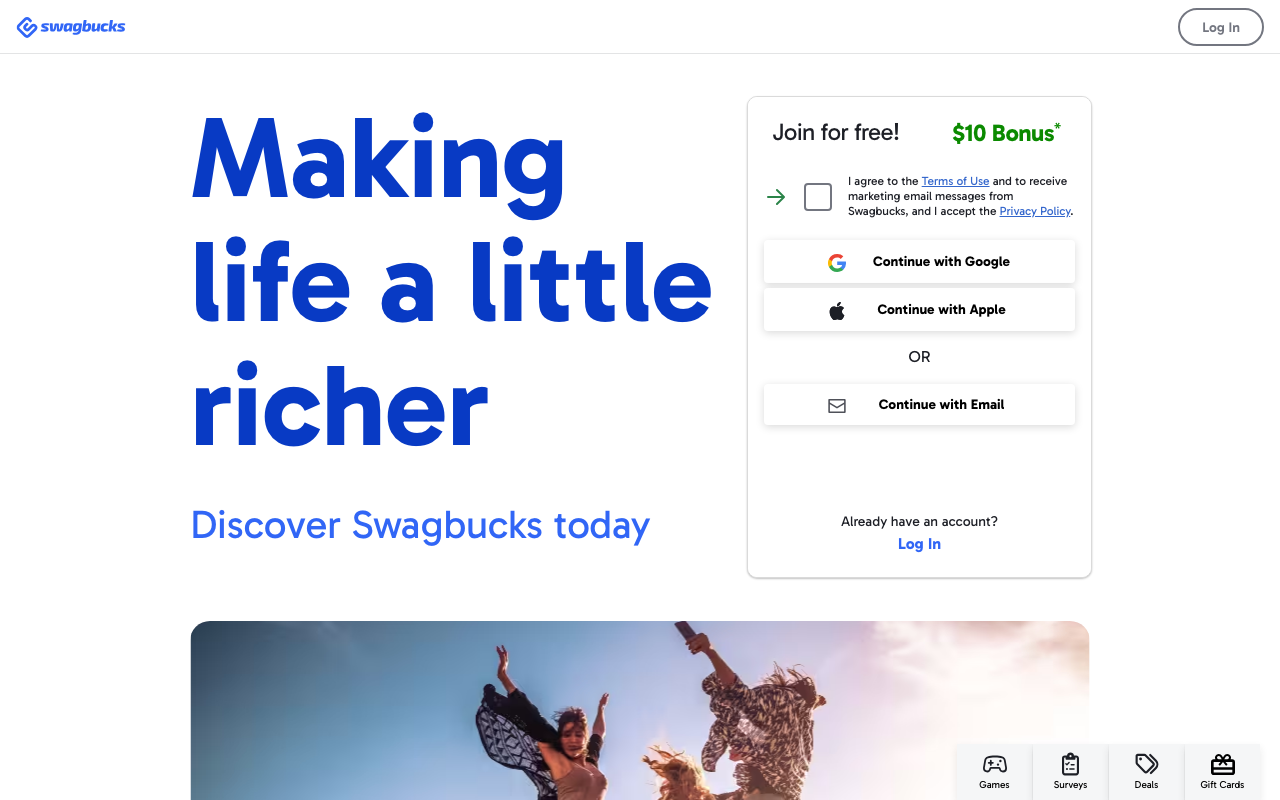
Swagbucks is the best-known rewards platform online, and while it is famous for surveys, several of its features are close to passive. The SwagButton browser extension sits in your toolbar and rewards you automatically when you shop or browse partner sites.
You can also queue up video playlists that play in a background tab and earn points as they run while you do something else.
Points, called SB, redeem for PayPal cash or gift cards, with 100 SB equal to $1. Between the button, videos, and search, a steady few dollars a month is realistic without any focused effort. New members can also earn a $10 welcome bonus after their first $25 purchase.
The button and video features are where the nearly passive Swagbucks earnings hide, so lean on those rather than grinding surveys.
Our full Swagbucks review breaks down which of those features are worth your time and which to skip.
| 💰Minimum Payout | $1 in gift cards, $5 for PayPal |
|---|---|
| ⏱️Payout Time | PayPal 2-3 business days; gift cards often within 24 hours |
| 🏦Payment Methods | PayPal, gift cards, prepaid Visa/Mastercard, crypto voucher |
| 📱Platforms | Web, iOS, Android, SwagButton (Chrome extension) |
| ⭐User Rating | 4.4/5 (App Store, 148K reviews) |
| 📈Earning Potential | $10-$30/month casual, more with shopping cashback |
| 🎁Welcome Bonus | $10, after a $25 qualifying purchase |
| 🆓Entry Cost | Free to join |
| 👤Age Requirement | 13+ (parental consent under 18) |
| 🌍Availability | US, UK, Canada, Australia, Ireland, France, Germany, Spain |
| 🎯Best For | All-around earning |
2. Nielsen Computer & Mobile Panel [Best for Trusted, Steady Pay]

Nielsen is a household name in market research, and its panel pays you simply to keep a small app installed on your devices. Once it is running, you carry on surfing exactly as before while it collects anonymous data about internet trends.
No tasks, no surveys. Your only job is to leave the software on the devices you already use every day.
The panel pays a flat sum, historically around $50 per year per device, plus entries into monthly sweepstakes worth thousands of dollars. That predictability makes it a favorite for people who want steady, no-effort earnings.
Because it is one of the most trusted names in the space, it is a strong first stop for anyone building a stack of passive earning apps that require no ongoing work.
For the fine print on payments and sweepstakes entries, read our Nielsen Computer & Mobile Panel review.
| 💰Minimum Payout | $5 (gift card) |
|---|---|
| ⏱️Payout Time | Not published; points valid 1 year |
| 🏦Payment Methods | Gift cards (Amazon, Walmart, Target, Visa); PayPal in some countries |
| 📱Platforms | Windows & Mac desktop, Android app, iOS profile |
| ⭐User Rating | 4.2/5 (Google Play, 13.7K reviews) |
| 📈Earning Potential | About $4-$5/month (up to $60/year across devices) |
| 🎁Welcome Bonus | None (monthly $10,000 sweepstakes entries) |
| 🆓Entry Cost | Free to join |
| 👤Age Requirement | 18+ |
| 🌍Availability | US, UK, Germany, Italy, Australia, New Zealand |
| 🎯Best For | Trusted, steady pay |
3. Honeygain [Best for Fully Passive Income]
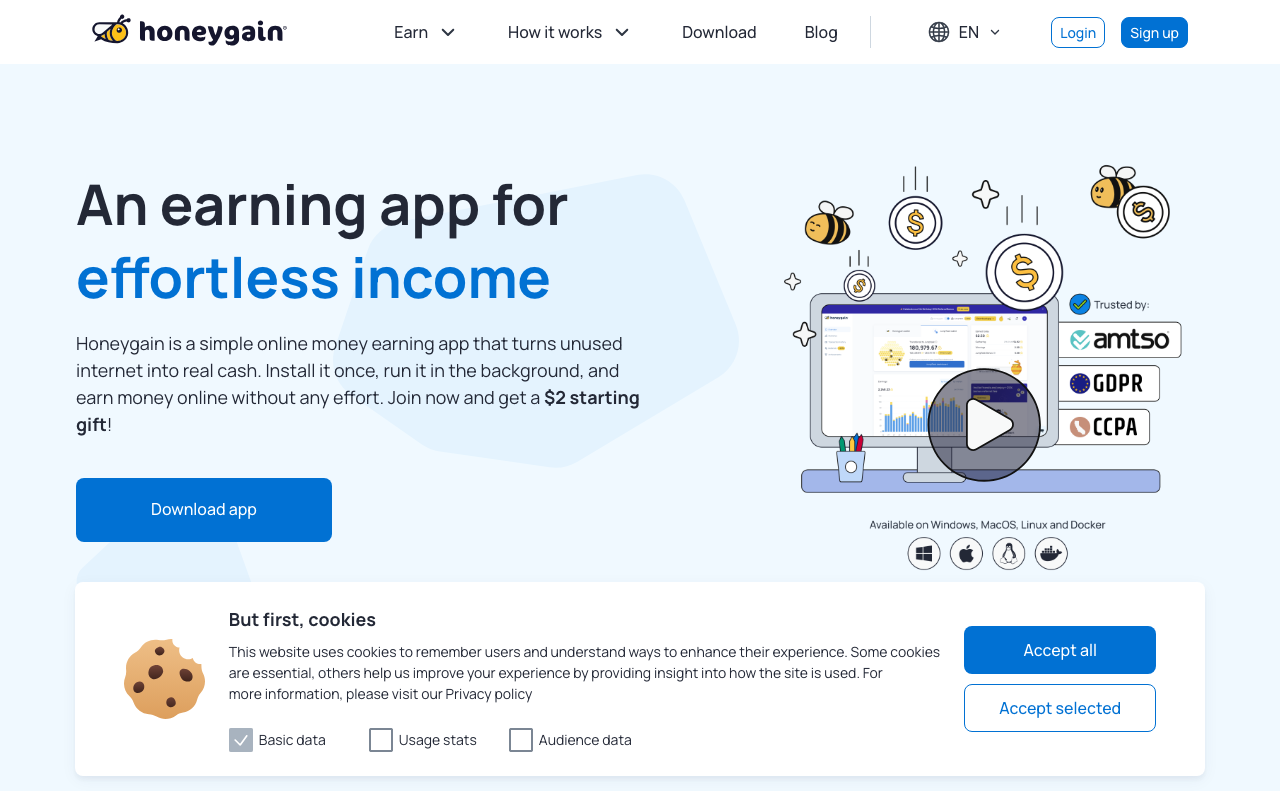
Honeygain is the purest example of getting paid to do nothing. It runs silently in the background and shares your spare internet bandwidth with businesses that use it for ad verification, price comparison, and market research.
You install it once, leave it running, and it earns while you browse, work, or sleep with nothing to click and nothing to watch.
Earnings are modest and scale with how much data you share, usually landing somewhere around $2 to $5 per month per device on a typical home connection. Run it on a phone and a laptop at once and that figure climbs.
Payouts come as cash to PayPal or in cryptocurrency once you hit a $20 balance. It’s about as close to truly automatic income as you’ll find here. New users also get a $2 starting gift the moment they sign up.
We cover the real-world payouts and install steps in our hands-on Honeygain review.
| 💰Minimum Payout | $20 (PayPal or crypto) |
|---|---|
| ⏱️Payout Time | PayPal 2-3 business days; crypto near-instant |
| 🏦Payment Methods | PayPal or JumpToken crypto (no gift cards) |
| 📱Platforms | Windows, Mac, Linux, Android app (no iOS) |
| ⭐User Rating | 4.5/5 (Trustpilot) |
| 📈Earning Potential | $2-$10/month per device (3-5 months to first $20) |
| 🎁Welcome Bonus | $2 starting gift |
| 🆓Entry Cost | Free to join |
| 👤Age Requirement | 18+ |
| 🌍Availability | Nearly worldwide |
| 🎯Best For | True set-and-forget income |
4. MobileXpression [Best for Phone-Heavy Surfers]
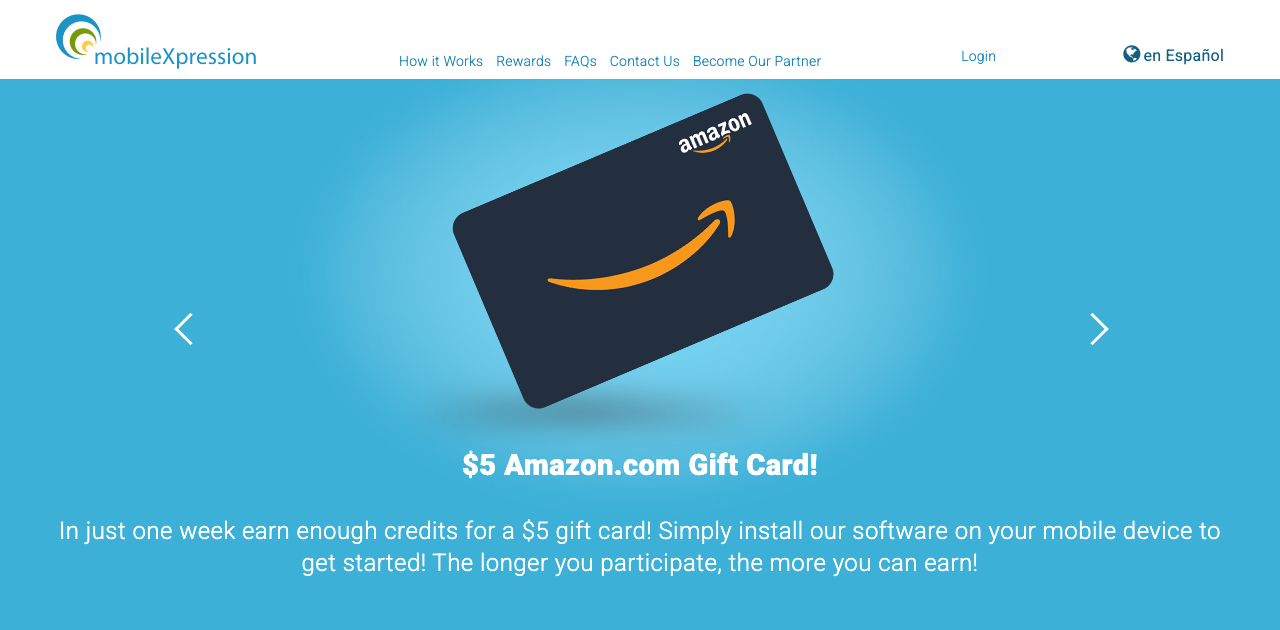
MobileXpression is a market-research app for your smartphone that pays you to share anonymous data about how you use mobile internet. After a short setup, it collects information in the background while you browse.
You never have to open it or complete anything, since the value is in the passive data your normal phone use generates.
Rewards come as weekly gift-card entries and instant gift cards after your first week of participation. Amazon, Starbucks, and other popular brands are typical redemption options.
If you spend most of your surfing time on a phone rather than a desktop, this is one of the easier ways to monetize that habit. Running two or three similar market-research apps in parallel is a common way to multiply passive income without any extra effort.
Our MobileXpression review explains exactly what it tracks and how the gift cards arrive.
| 💰Minimum Payout | $5 (gift card) |
|---|---|
| ⏱️Payout Time | A few business days for the emailed code |
| 🏦Payment Methods | Gift cards only (Amazon, Target, more) - no PayPal |
| 📱Platforms | Android & iOS app (mobile only) |
| ⭐User Rating | 4.1/5 (Google Play) |
| 📈Earning Potential | About $4-$6/month (roughly $52-$69/year) |
| 🎁Welcome Bonus | $5 gift card after your first week |
| 🆓Entry Cost | Free to join |
| 👤Age Requirement | 18+ (13+ with consent) |
| 🌍Availability | Primarily US (also Canada, UK) |
| 🎯Best For | Phone-heavy surfers |
5. InboxDollars [Best for Real-Cash Tracking]
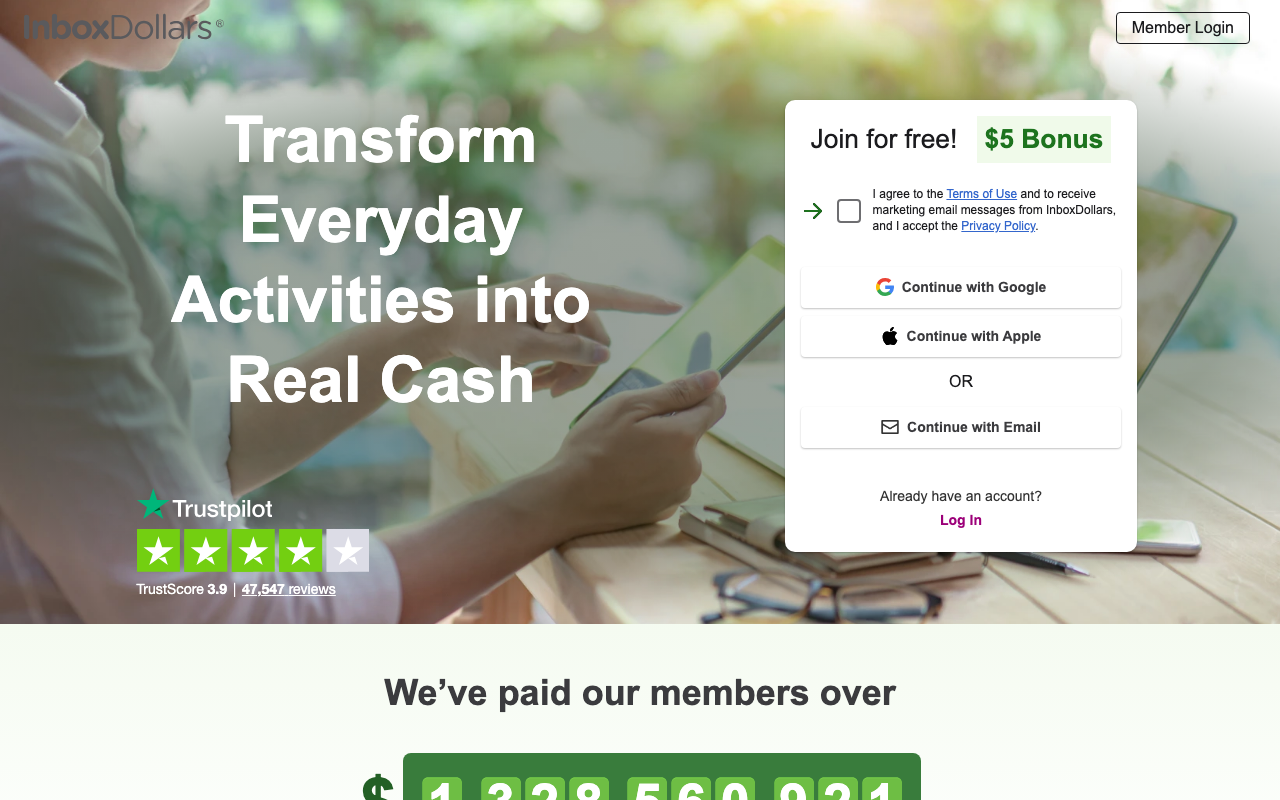
InboxDollars pays cash, not points, for a mix of low-effort online tasks that include watching video playlists. Those videos can run in a background tab while you handle other things.
The platform also pays for reading emails and browsing partner offers, so surfing naturally feeds your balance without demanding your full attention.
New members get a $5 signup bonus, and earnings are tracked in real dollars, which makes progress easy to follow. Payouts come by check, PayPal, or gift card once you clear the minimum.
It’s a versatile catch-all that turns idle browsing time into small but steady cash. Plenty of regulars just run the videos overnight and pocket the balance.
If you are unsure it actually pays, our InboxDollars review digs into whether it is legit.
| 💰Minimum Payout | $15 first cash-out, then $10 ($3 fee under $40) |
|---|---|
| ⏱️Payout Time | About 3 business days (up to 10) |
| 🏦Payment Methods | PayPal, prepaid Visa, gift cards |
| 📱Platforms | Web, iOS, Android, Chrome extension |
| ⭐User Rating | 4.5/5 (App Store, 224K reviews) |
| 📈Earning Potential | $10-$50/month with regular use |
| 🎁Welcome Bonus | $5, credited on signup |
| 🆓Entry Cost | Free to join |
| 👤Age Requirement | 18+ |
| 🌍Availability | United States only |
| 🎯Best For | Cash-based tracking |
6. Earnably [Best for Flexible Payouts]
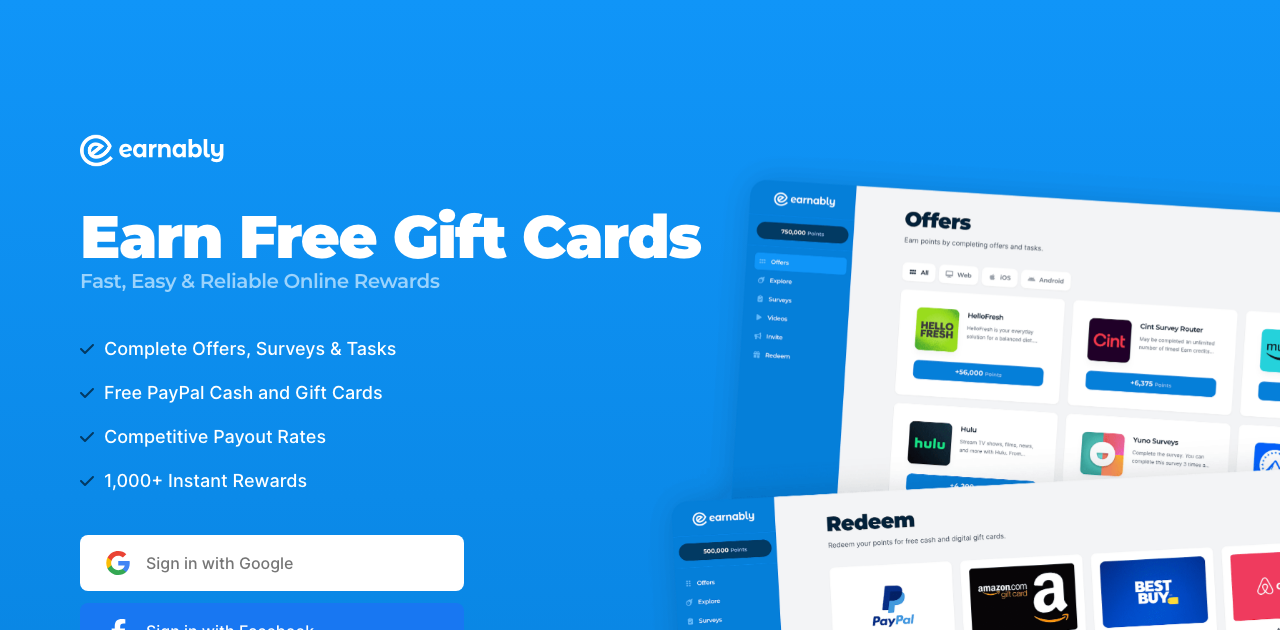
Earnably rounds out the list with a flexible mix of passive and near-passive earning options. You get paid to watch video playlists, view ads, and complete quick offers as you browse.
The videos autoplay in sequence, so you can start a queue and step away. It is a gentle way to earn without staring at the screen.
Rewards convert into PayPal cash or gift cards for major retailers, and you can cash out from just $1.
As a supplement to the heavier hitters above, Earnably helps you squeeze extra value from time already spent online.
See our Earnably review for a full breakdown of the earning options and cash-out thresholds.
| 💰Minimum Payout | $1 (PayPal, at 10,000 points) |
|---|---|
| ⏱️Payout Time | Usually within minutes, but extra checks can take up to a week |
| 🏦Payment Methods | PayPal cash and gift cards (1,000+ rewards) |
| 📱Platforms | Website only (no app or extension) |
| ⭐User Rating | 3.9/5 from 1,553 Trustpilot reviews (as of October 2026) |
| 📈Earning Potential | $5-$25/month for casual use |
| 🎁Welcome Bonus | None (referral bonus only) |
| 🆓Entry Cost | Free to join |
| 👤Age Requirement | 18+ |
| 🌍Availability | Worldwide, except 6 countries |
| 🎯Best For | Filling spare gaps |
7. Qmee [Best for No-Minimum Cashouts]
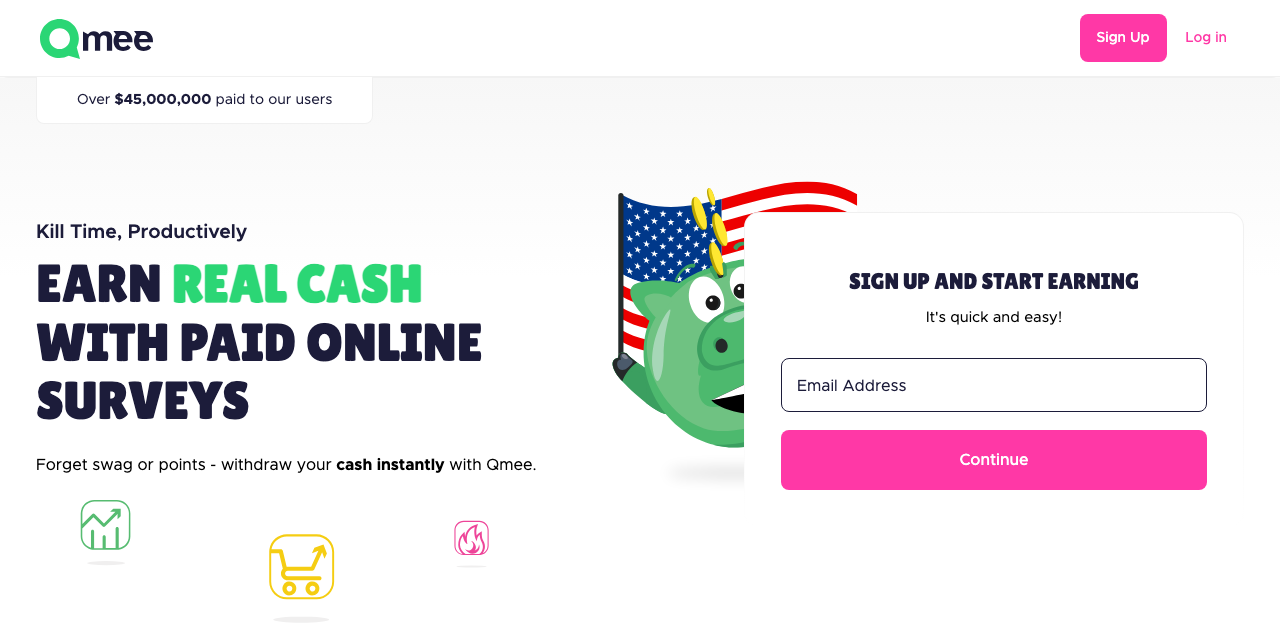
Qmee is a lightweight browser add-on that runs alongside your normal searches and shopping. When a relevant sponsored result appears, it shows a small cash reward you can claim with a click.
It sits quietly in the background and only pops up when there’s money to grab. It works with Chrome, Firefox, Safari, Opera, and Edge, so it layers on top of whatever you already use.
There is no minimum cash-out, and payments go straight to PayPal. Even a few cents can be withdrawn immediately, unlike the high thresholds on many rewards sites.
Because it complements rather than replaces your habits, Qmee is one of the simplest passive add-ons to run permanently alongside an active search program.
We put the payout speed to the test in our complete Qmee review.
| 💰Minimum Payout | None - cash out any amount |
|---|---|
| ⏱️Payout Time | Near-instant to PayPal or Venmo |
| 🏦Payment Methods | PayPal, Venmo, gift cards, or charity donation |
| 📱Platforms | Web, iOS, Android, extension (Chrome, Firefox, Safari, Edge, Opera) |
| ⭐User Rating | 4.6/5 (App Store, 33K reviews) |
| 📈Earning Potential | $15-$90/month depending on effort |
| 🎁Welcome Bonus | None (small referral bonus only) |
| 🆓Entry Cost | Free to join |
| 👤Age Requirement | 16+ |
| 🌍Availability | US, UK, Canada, Australia |
| 🎯Best For | No-minimum cash-out |
8. SavvyConnect [Best for Guaranteed Monthly Pay]
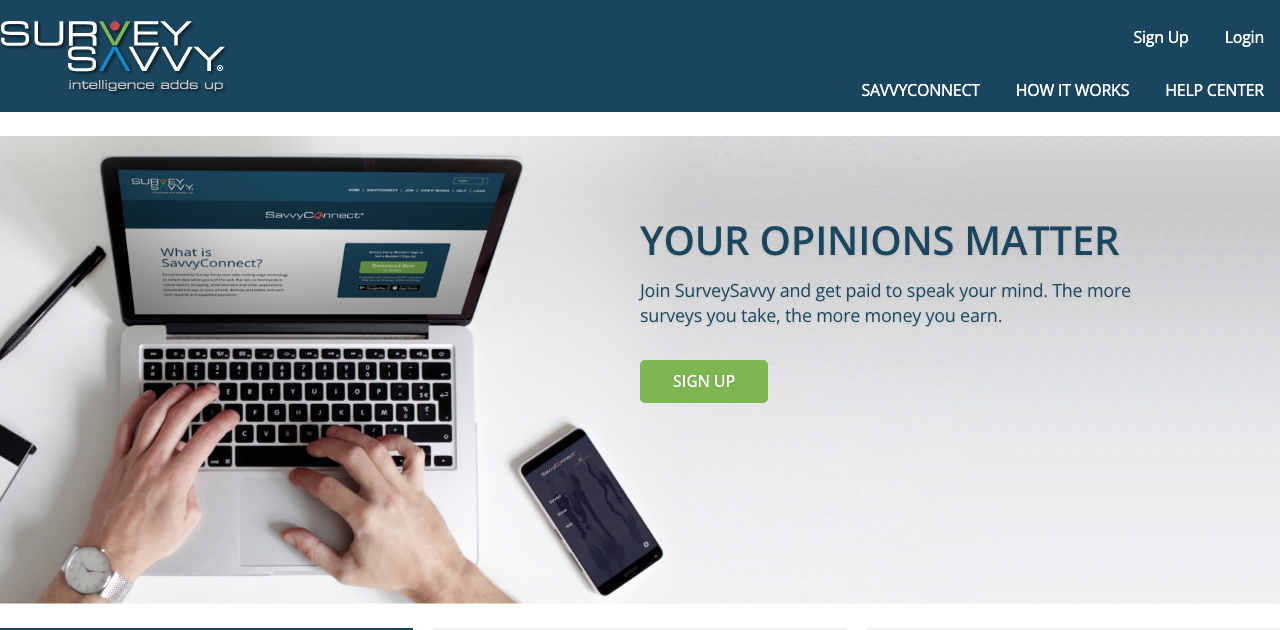
SavvyConnect, from the research company SurveySavvy, pays you a flat monthly fee to install its software across your devices. Once connected, it studies internet behavior to help shape products and services.
The draw here is the guaranteed payment. You’re paid for having it installed, not for hitting quotas or completing tasks.
Members typically earn around $5 per device each month just for keeping it active on a computer, tablet, and phone, so connecting all three adds up quickly.
That fixed structure removes the guesswork of bandwidth-based apps, so you know exactly what you will earn before you start surfing.
It comes from the research firm SurveySavvy, which we cover in our SurveySavvy review.
| 💰Minimum Payout | $1 (mailed check) |
|---|---|
| ⏱️Payout Time | Check by mail ~4-12 weeks (~1 week expedited for active members) |
| 🏦Payment Methods | Paper check in USD only (no PayPal) |
| 📱Platforms | Android app, desktop (Win/Mac/Linux), browser |
| ⭐User Rating | 3.8/5 (Google Play, ~1.2K reviews) |
| 📈Earning Potential | About $6-$15/month (roughly $3 per device) |
| 🎁Welcome Bonus | None (monthly $1,000 sweepstakes) |
| 🆓Entry Cost | Free to join |
| 👤Age Requirement | 13+ |
| 🌍Availability | United States only |
| 🎯Best For | Guaranteed monthly pay |
9. Ebesucher [Best for Spare Devices]
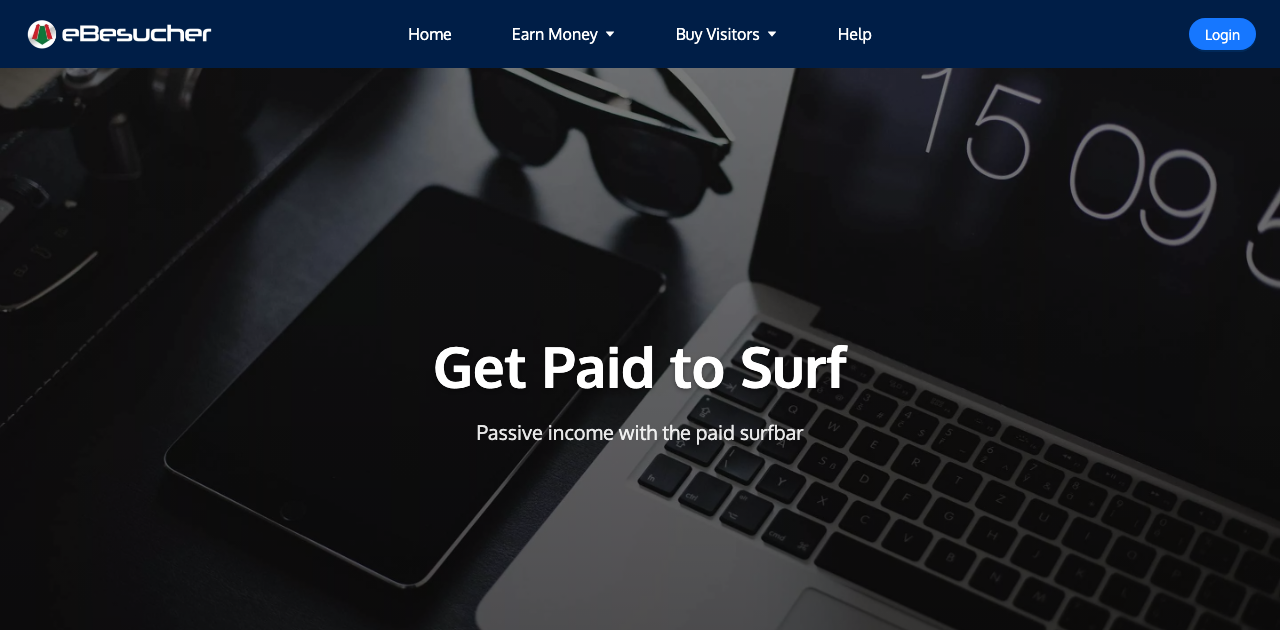
Ebesucher pays you to leave a browser window open on a rotating “surfbar” of partner websites. The sites cycle automatically, so once you start the surfbar you can walk away entirely.
This is passive income in the most literal sense, because the platform does all the surfing for you. You’re essentially renting out an open browser tab.
Earnings are small and paid per hour of surfing, which makes Ebesucher best used on a spare device or in the background of your main one.
Ebesucher earns small amounts per hour, which means it works best stacked with other passive income apps running simultaneously on the same device.
Here is our full walkthrough on earning passively with Ebesucher.
| 💰Minimum Payout | EUR 2.00 |
|---|---|
| ⏱️Payout Time | 1-7 days |
| 🏦Payment Methods | PayPal, or SEPA bank transfer (EU only) |
| 📱Platforms | Browser extension (Chrome, Firefox) + website; no app |
| 📈Earning Potential | About EUR 1-5/month |
| 🎁Welcome Bonus | None |
| 🆓Entry Cost | Free to join |
| 👤Age Requirement | Not stated by Ebesucher |
| 🌍Availability | Worldwide (SEPA payout is EU only) |
| 🎯Best For | Spare devices |
10. Brave Browser [Best for Privacy-First Browsing]
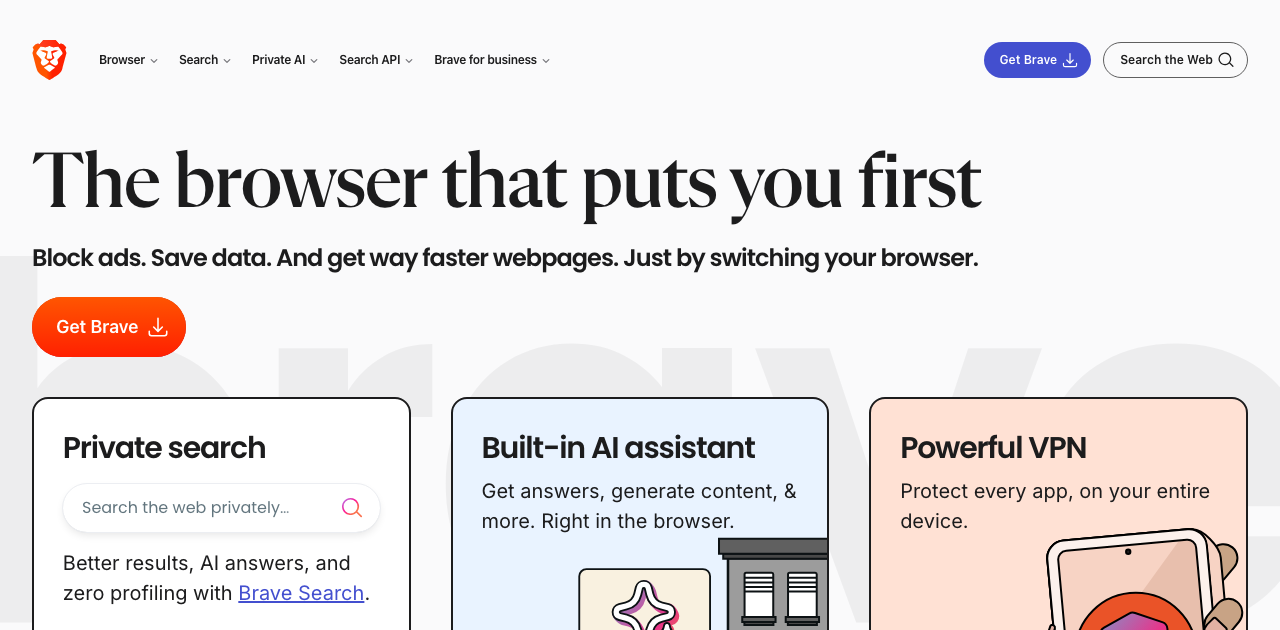
Brave is a privacy-first web browser that blocks trackers by default, then lets you opt in to earn from ads on your own terms. Instead of selling your data, it shows you occasional privacy-respecting notifications and pays you for viewing them.
The reward comes in a cryptocurrency called Basic Attention Token, or BAT. You accumulate tokens automatically as you browse, with no forms to fill out.
Since it fully replaces Chrome or Safari, there’s no extra app to babysit. You just surf the web as usual and the tokens build up in a built-in wallet.
Earnings depend on how many ads you choose to see, and the token value fluctuates with the crypto market. For privacy-minded users, it is a rare tool that pays you while shrinking your data footprint.
| 💰Minimum Payout | No fixed minimum (fractional BAT) |
|---|---|
| ⏱️Payout Time | Monthly, processed around the 7th |
| 🏦Payment Methods | BAT crypto to Uphold, bitFlyer, ZebPay, or a Solana wallet |
| 📱Platforms | Desktop (Win/Mac/Linux) and Android earn (not iOS) |
| ⭐User Rating | 4.8/5 (App Store & Google Play) |
| 📈Earning Potential | About $1-$5/month |
| 🎁Welcome Bonus | None |
| 🆓Entry Cost | Free to use |
| 👤Age Requirement | 18+ |
| 🌍Availability | Many countries (payout support varies by region) |
| 🎯Best For | Privacy-focused users |
11. Digital Reflection Panel [Best for Long-Term Bonuses]
Digital Reflection Panel is another install-and-forget market-research program that studies how people use the World Wide Web. Once the software is on your devices, it works silently in the background.
Beyond the initial setup, there’s nothing left to do. Your everyday surfing supplies all the data the panel needs.
The program rewards long-term participation, paying escalating bonuses the longer you stay enrolled. Those compounding rewards can reach a few hundred dollars per year across devices, making it one of the higher earners here.
Our Digital Reflection Panel review has the long-term earning numbers across devices.
| 💰Minimum Payout | $50 (in $50 increments) |
|---|---|
| ⏱️Payout Time | Rewards post ~1 week; ~10-12 weeks to first $50 |
| 🏦Payment Methods | PayPal, prepaid Visa, or charity donation |
| 📱Platforms | Mailed router meter + Windows/Mac software + iOS |
| 📈Earning Potential | About $5-$15/month, higher the first year |
| 🎁Welcome Bonus | About $50 in meter-install bonuses |
| 🆓Entry Cost | Free to join |
| 👤Age Requirement | 18+ |
| 🌍Availability | United States only (invite-only) |
| 🎯Best For | Long-term loyalty |
12. Microsoft Rewards (Bing) [Best for Everyday Searchers]
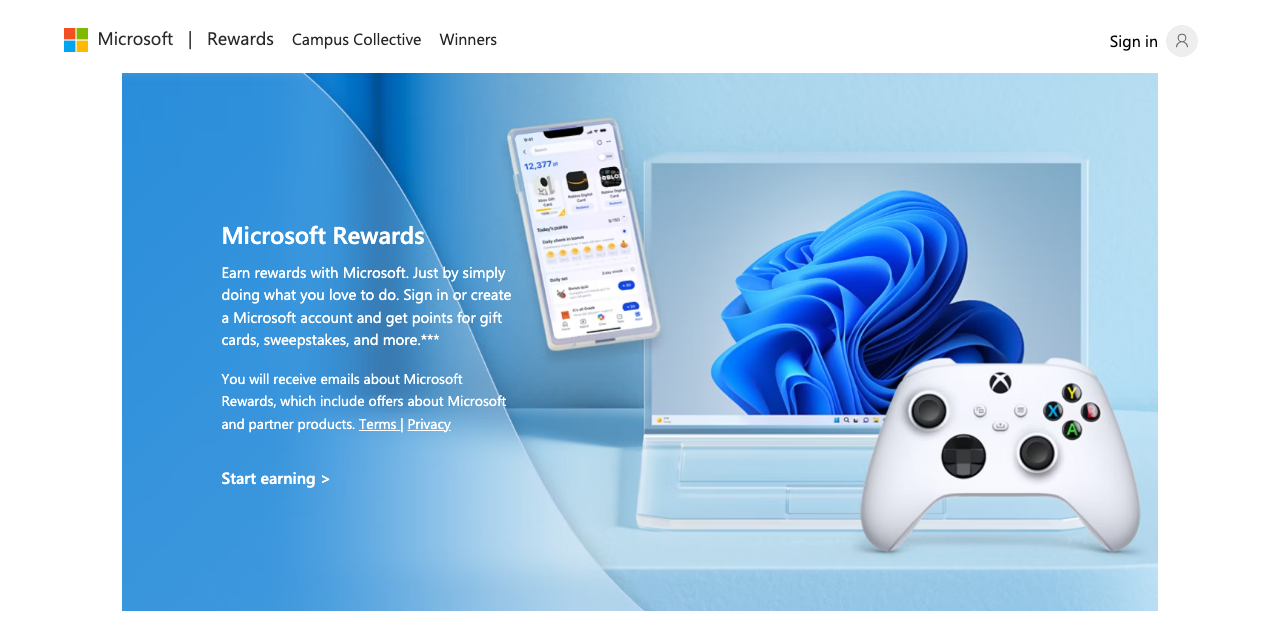
Microsoft Rewards is the most mainstream option here, run through Microsoft Bing and available to anyone with a free Microsoft account. It leans slightly more active than the others, but the effort is minimal.
You earn points for everyday searches, browsing certain pages, and using Microsoft Edge. Setting Bing as your default search engine means the points accrue as a natural byproduct of surfing.
Points convert into gift cards for Amazon, retailers, and streaming services, or into sweepstakes entries and charity donations. Most casual users can bank a $5 gift card roughly every month.
It’s a low-friction way to make money surfing the web, since it rewards a habit you already have and only asks that you stay signed in.
Our Bing Rewards review shows how quickly the points add up in practice.
| 💰Minimum Payout | 1,625 points ($1.25 gift card); most cards ~$5 |
|---|---|
| ⏱️Payout Time | Gift-card codes emailed within ~24 hours |
| 🏦Payment Methods | Gift cards, sweepstakes, or donations (no cash) |
| 📱Platforms | Web, Bing Search app (iOS/Android), Edge browser |
| ⭐User Rating | 4.7/5 (Bing app, App Store) |
| 📈Earning Potential | About $2-$10/month in gift cards |
| 🎁Welcome Bonus | None (~1,300-point Welcome Quest) |
| 🆓Entry Cost | Free (Microsoft account) |
| 👤Age Requirement | 13+ |
| 🌍Availability | 200+ countries (catalog varies by market) |
| 🎯Best For | Everyday searchers |
How Making Money Surfing the Web Actually Works
In simple terms, you get paid to surf the web when an app or browser sells your anonymized browsing data or spare bandwidth and shares that revenue back with you.
The whole model rests on one fact: your personal data is a product. Advertisers pay enormous sums for targeted advertising, and that advertising works best when it is aimed at real people with real habits.
Normally that advertising revenue flows straight to search engines and social networks. Pay-to-surf platforms bypass those middlemen and sell your anonymized activity directly, then hand you a cut.
That cut arrives in a few different forms. Some programs pay you for the unused bandwidth on your internet connection, some pay for market-research data about the sites you visit, and some pay you to view ads you would normally block.
The common thread is passivity. Unlike survey sites or gig work, these tools earn while you do nothing extra, and that’s exactly what sets surfing income apart from the active search-and-earn approach.
That distinction matters, because there is also a whole category of active search rewards where you swap your search engine to collect points. This guide stays focused on the background, set-it-and-forget-it methods instead.
Comparison of the Best Ways to Get Paid to Surf
Here is how the twelve programs stack up so you can pick the right mix for your devices and habits.
| Program | Earning Type | Typical Earnings | Payout | Best For |
|---|---|---|---|---|
| Swagbucks | Semi-passive (button/video) | A few $/mo | PayPal, gift cards | All-around earning |
| Nielsen Panel | Fully passive (data) | ~$50/yr per device | Cash, sweepstakes | Trusted steady pay |
| Honeygain | Fully passive (bandwidth) | $2-$5/mo per device | PayPal, crypto | Set-and-forget income |
| MobileXpression | Fully passive (mobile data) | Weekly gift cards | Gift cards | Phone-heavy surfers |
| InboxDollars | Semi-passive (video) | A few $/mo | Cash, gift card | Cash-based tracking |
| Earnably | Semi-passive (video/offers) | Small, flexible | PayPal, gift cards | Filling spare gaps |
| Qmee | Semi-passive (add-on) | A few $/mo | PayPal | No-minimum cash-out |
| SavvyConnect | Fully passive (data) | ~$5/mo per device | Cash | Guaranteed pay |
| Ebesucher | Fully passive (surfbar) | Small hourly rate | Cash | Spare devices |
| Brave Browser | Semi-passive (ads) | Varies (BAT crypto) | Crypto wallet | Privacy-focused users |
| Digital Reflection | Fully passive (data) | Bonuses/yr | Cash, gift cards | Long-term loyalty |
| Microsoft Rewards | Semi-active (search) | ~$5/mo | Gift cards | Everyday searchers |
How to Spot a Legit Program and Avoid Scams
The short answer: a legit pay-to-surf program is free to join, tells you exactly what data it collects, and has a real payout history, while scams demand fees or promise huge daily sums.
The pay-to-surf space has a long history, and not all of it is clean. The original wave of companies in the late 1990s, like AllAdvantage, collapsed after the dot-com crash and drew heavy fraud from users faking activity to inflate their pay.
Today’s legitimate programs are far more stable, but the same warning signs still apply. A trustworthy platform will never ask for a payment or your credit-card number just to join.
Read the privacy policy before you install anything. A reputable program tells you plainly what data it collects, keeps it anonymized, and lets you opt out and uninstall at any time.
Stick to established names with real payout histories, like the ones above, and treat any site promising huge daily sums as a red flag. Real surfing income is small and steady, never a jackpot.
Realistic Earnings: What You Can Actually Expect
Put simply, stacking several passive browsing apps earns most people about $15 to $40 a month, not a full-time income.
It’s worth setting expectations before you start, since the questions people ask usually assume far bigger numbers than this method delivers. Getting paid to surf is spare-change money, not a salary.
A single passive app might earn you a few dollars a month. The real strategy is stacking several of them across your phone, tablet, and computer so the small streams add up.
Run three or four programs at once and $15 to $40 a month is a reasonable target for genuinely passive effort. Layer in semi-active tools like Microsoft Rewards and Swagbucks and you can push higher.
The appeal is not the size of the payout but the effort behind it, which is close to zero once everything is installed. For bigger income you would combine this with active side hustles.
Frequently Asked Questions
How do you get paid for surfing the web?
You install a trusted app or browser extension that collects anonymous browsing data or shares your unused bandwidth, then it pays you cash, points, or gift cards while you browse normally. Programs like Honeygain, Nielsen, and Brave handle everything in the background with no active work required.
How do I make $1,000 a day online?
You will not reach $1,000 a day from surfing the web, and any site claiming you can is a scam. Passive browsing tops out around $15 to $40 a month, so a genuine $1,000 day requires real businesses such as freelancing, e-commerce, or content creation.
How do you make $10,000 a month on the internet?
Making $10,000 a month online comes from scalable work like running a business, freelancing at a high rate, or building an audience, not from pay-to-surf tools. These programs only monetize idle time in small amounts, so treat them as a bonus on top of a serious income stream, never as the stream itself.
How can you make $100 a day online legit?
A legitimate $100 a day comes from active online work such as freelance writing, virtual assistance, tutoring, or reselling combined with time and skill. Surfing rewards can chip in a few extra dollars to top up those earnings, but they cannot carry that goal alone.
Can you get paid to browse Google?
Not through Google itself, but tools like Qmee and Microsoft Rewards pay you for searches and browsing you would do anyway. You run them alongside or in place of Google to collect points and cash as you go.
Is Honeygain a legit way to make money surfing the web?
Yes, Honeygain is a legitimate app that pays you for sharing spare internet bandwidth, with cash-out by PayPal or crypto. Earnings are small, usually a few dollars a month per device, so treat it as passive pocket money rather than a paycheck.
Final Thoughts
Making money surfing the web will never replace a paycheck, but it turns a habit you already have into a small, genuinely passive return. The key is stacking a few trusted programs so their tiny streams combine into something worth having.
Start with one fully passive app like Honeygain or the Nielsen panel, add Brave for privacy-friendly browsing, then layer on a semi-active tool or two. Let them run quietly, cash out when you hit the thresholds, and enjoy getting paid for time you were spending online anyway.

Jason is a personal finance expert and the founder of Frugal For Less. He has spent over a decade researching and testing hundreds of money making apps, survey sites, and savings strategies to help readers earn more and keep more of their hard-earned cash.
More about the author