7 Best Passive Income Apps, From Set-and-Forget to One Tap

Passive income apps pay you small amounts for things you already do, like leaving a device online or shopping with a linked card.

Disclosure: This post may contain affiliate links. As an Amazon Associate, we earn from qualifying purchases. This comes at no extra cost to you. Read our full disclosure, or see how we review platforms.
Honeygain is the top passive income app here. It shares your unused internet in the background and pays $10 for every 10,000 credits, with a $20 PayPal minimum. SavvyConnect pays US members $3 per device type a month, and Nielsen's panel pays up to $60 a year.
Join HoneygainWant to Make Extra Money Now?
- 1Start Earning
Survey JunkieMost Popular
Earn up to $50 per survey with the #1 survey site.
- 2Start Earning
Freecash$10 Bonus
Get paid to play games, try new apps & take surveys.
- 3Get 50 Point Bonus
SproutfulFree
Surveys with a $5 minimum cashout & fast payouts.
- 4Get $5 Bonus
Swagbucks$5 Bonus
Get paid for surveys, videos & shopping online.
Want to Make Extra Money Now?
Four free sites that pay you. Pick one and start today.
#1Most Popular
Survey JunkieEarn up to $50 per survey with the #1 survey site.
Start Earning#2$10 Bonus
FreecashGet paid to play games, try new apps & take surveys.
Start Earning#3Free
SproutfulSurveys with a $5 minimum cashout & fast payouts.
Get 50 Point Bonus#4$5 Bonus
SwagbucksGet paid for surveys, videos & shopping online.
Get $5 Bonus
Want to Make Extra Money Now?
Here are our 4 favorite free ways to start:
- Survey Junkie Most PopularEarn up to $50 per survey with the #1 survey site. Start Earning
- Freecash $10 BonusGet paid to play games, try new apps & take surveys. Start Earning
- Sproutful FreeSurveys with a $5 minimum cashout & fast payouts. Get 50 Point Bonus
- Swagbucks $5 BonusGet paid for surveys, videos & shopping online. Get $5 Bonus
Passive income apps pay you small amounts for things you already do, like leaving a device online or shopping with a linked card.
A phone and a computer running SavvyConnect earn $72 a year while you do nothing.
That’s SurveySavvy’s own rate for US members: $3 per device type, per month.
It’s one of 7 passive income apps below, each with what it pays, how you cash out and the catch.
- Only own an iPhone? Honeygain won’t install yet, so jump to #2 or #7.
- Most of your spending happens online, which makes #5 the natural fit.
- With spare cash rather than spare internet, #4 invests it for you.
The 7 Best Passive Income Apps at a Glance
Here’s how the 7 apps compare:
The 7 best passive income apps
| # | App | How you earn | Cost | Join |
|---|---|---|---|---|
| 1 | Honeygain | Shares unused internet | Free | Join Now |
| 2 | SavvyConnect | Shares browsing data | Free | Join Now |
| 3 | Nielsen Computer & Mobile Panel | Measures device use | Free | Join Now |
| 4 | Acorns | Invests spare change | From $4/mo | Join Now |
| 5 | Rakuten | A cut of online orders | Free | Join Now |
| 6 | Upside | Cash back on gas, groceries, dining | Free | Join Now |
| 7 | Pawns.app | Surveys plus background earning | Free | Join Now |
How We Picked These Passive Income Apps
These picks were judged on published rules, not hands-on testing:
- Little or no effort after setup.
- Free to start, or one clear monthly price.
- A pay rate or payout rule on the company’s own site, read in October 2026.
The 6 apps with a set rate or rule come first, from zero effort to a tap before you buy. Pawns.app comes last, because most of its pay comes from surveys and games, which take real effort.
The 7 Best Passive Income Apps Reviewed
Honeygain, SavvyConnect and Nielsen’s panel earn in the background once you install them. Acorns, Rakuten and Upside need a linked card or a tap before you buy, and Pawns.app adds surveys and games to its background mode.
1. Honeygain [Best for Spare Devices]
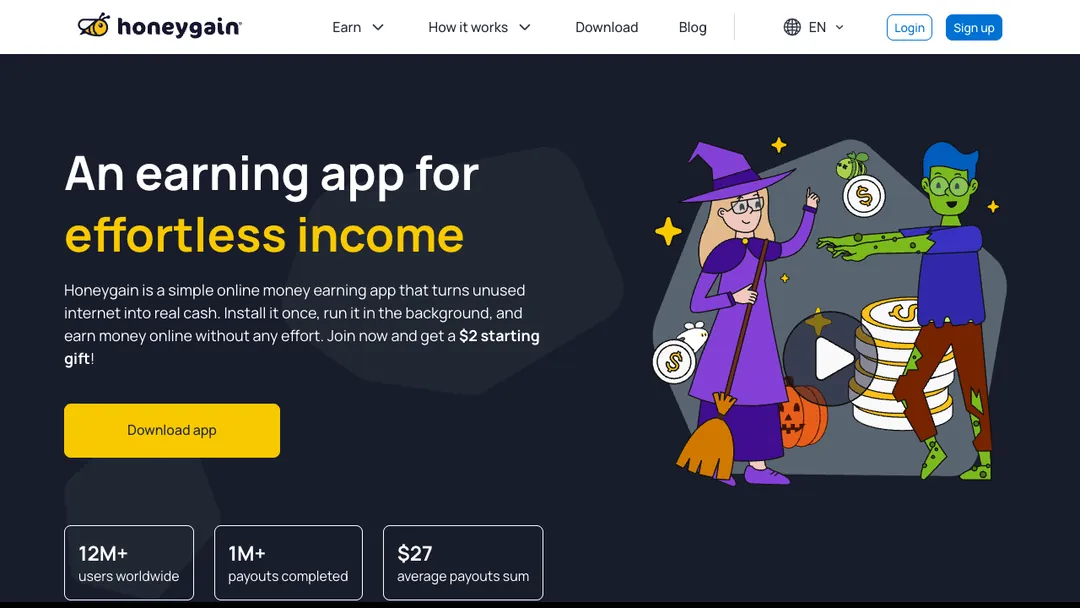
Honeygain pays you to share internet you aren’t using, and it runs quietly in the background.
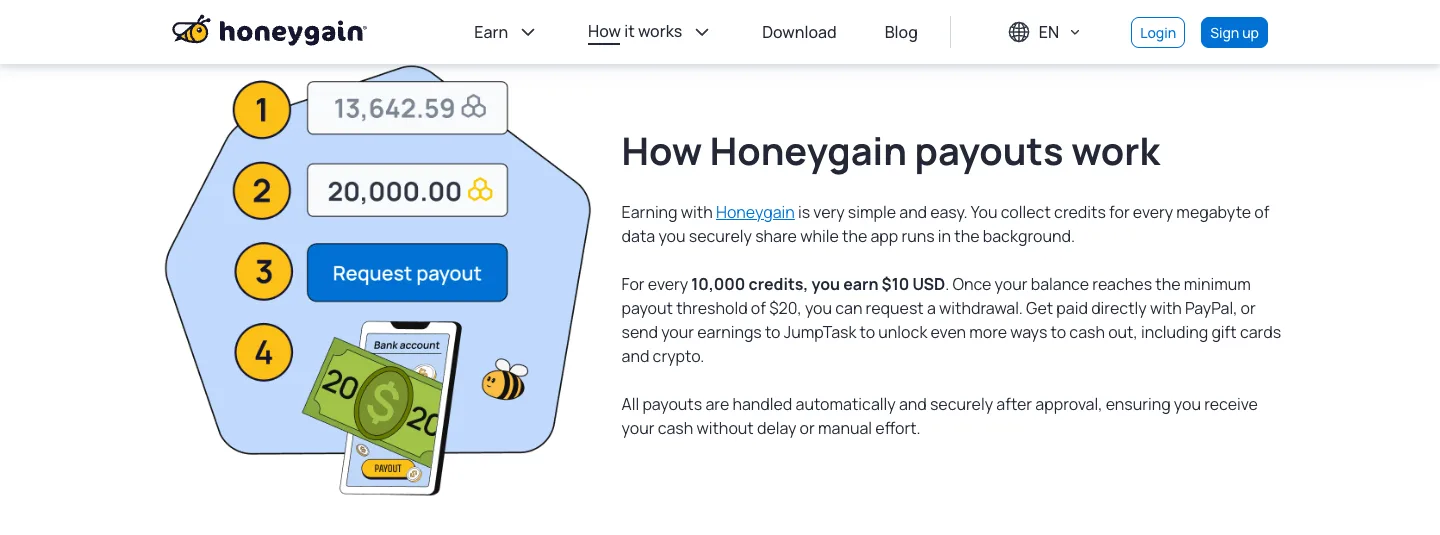
Per Honeygain’s payout page, every 10,000 credits are worth $10, and you earn credits for each megabyte of data you share.
Unlike #2, it pays by data shared, and you can request a PayPal payout once you reach $20. Honeygain says payouts are typically processed within 2 to 3 business days, and PayPal may charge a small fee.
New users get a $2 starting gift, according to the homepage. That still leaves $18 to earn before your first cash out.
The catch? Honeygain runs only on Android, Windows, macOS and Linux, so skip it if you only own an iPhone.
| 🎯Best For | Spare Android phones and computers that stay online |
|---|---|
| 💰Cost | Free |
| 💵Payoff | $10 per 10,000 credits, with a $20 minimum to cash out |
| ⏰Time | Payouts typically processed in 2 to 3 business days |
| 👉First Step | Install it on a spare Android phone or a computer you leave on |
| 📝Full Review | Our Honeygain review |
2. SavvyConnect [Best for a Flat Monthly Rate]
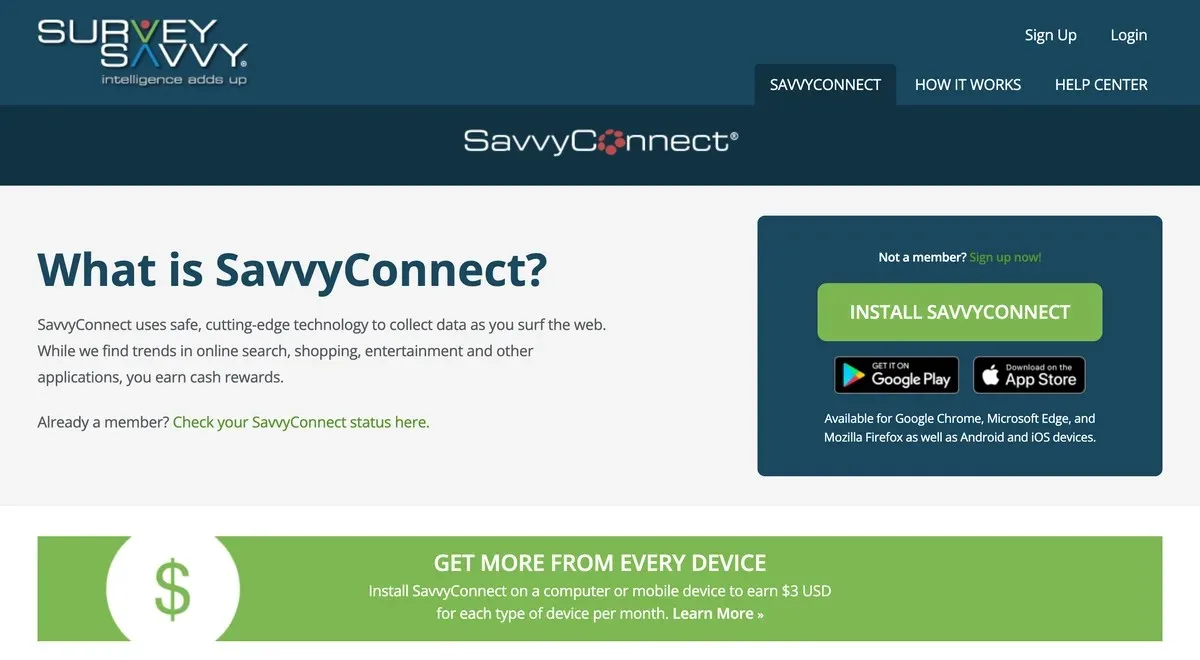
SavvyConnect, from SurveySavvy, pays a fixed amount for sharing data on how you browse.
SurveySavvy’s requirements page says US members earn $3 per device type each month. It counts one phone or tablet and one computer, so $6 a month is the cap.
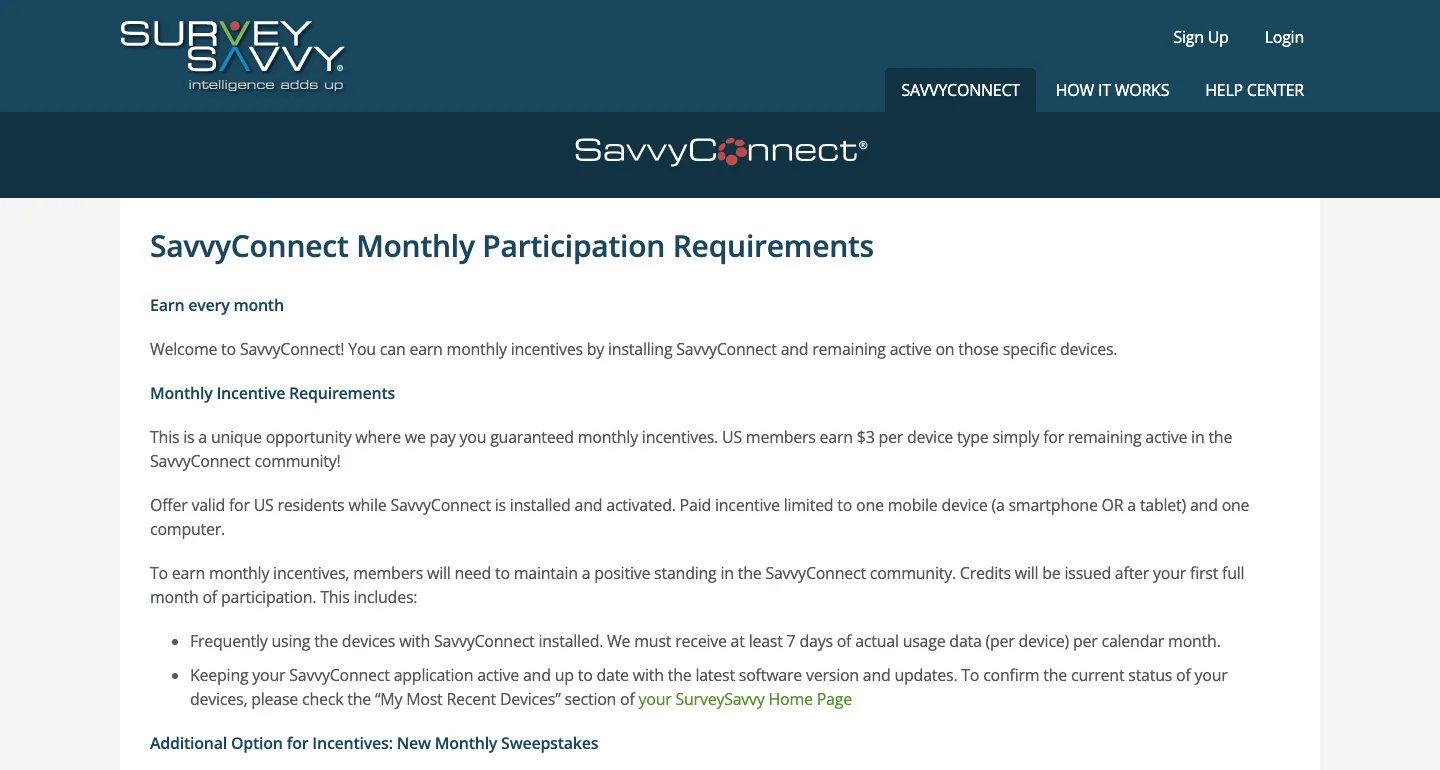
Each device must send at least 7 days of usage data a month to count. Credits start after your first full month in the program.
It installs on Chrome, Edge and Firefox, plus Android and iOS devices. The offer is only open to US residents.
SurveySavvy also runs paid surveys, which our SurveySavvy review covers.
| 🎯Best For | iPhone owners in the US |
|---|---|
| 💰Cost | Free |
| 💵Payoff | $3 per device type a month, up to $72 a year |
| ⏰Time | Credits after your first full month |
| 👉First Step | Install it on your phone and your computer the same day |
| 📝Full Review | Our SurveySavvy review |
3. Nielsen Computer & Mobile Panel [Best for Gift Cards]
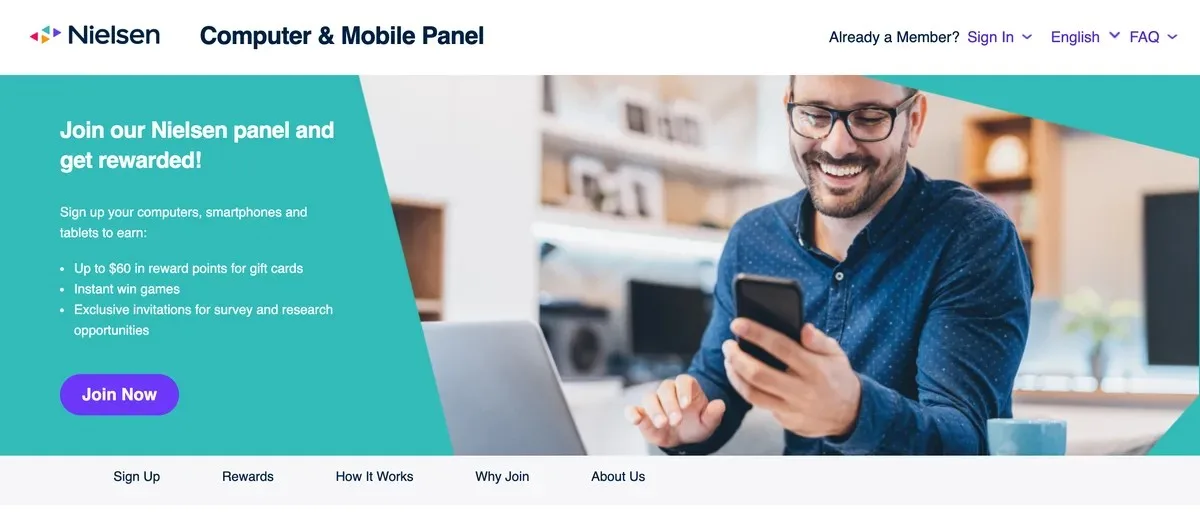
Nielsen Computer & Mobile Panel gives you weekly points for letting it measure how you use your phone and computer.
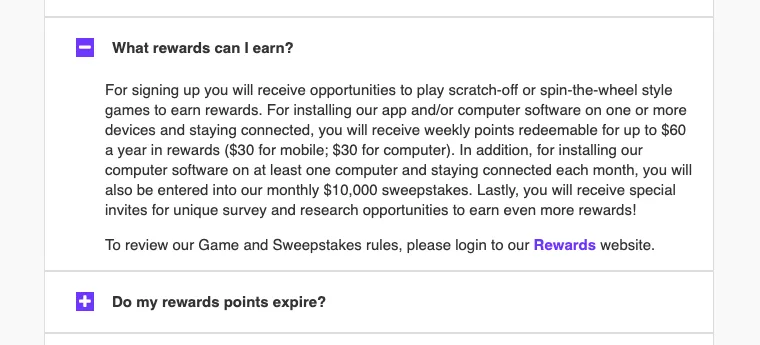
Nielsen’s panel FAQ puts that at up to $60 a year in rewards, $30 for mobile and $30 for computer. A table on the same page says up to $50, so plan on the lower figure.
Points redeem for prizes and gift cards, and they expire 1 year after you get them. Six months in a row with no activity on your devices also closes your points account.
The best part? Installing the computer software enters you in Nielsen’s $10,000 monthly sweepstakes, which has more than 500 winners each month.
| 🎯Best For | Gift card collectors |
|---|---|
| 💰Cost | Free |
| 💵Payoff | Up to $60 a year in reward points |
| ⏰Time | Points every week |
| 👉First Step | Register your phone first, then add a computer |
| 📝Full Review | Our Nielsen panel review |
4. Acorns [Best for New Investors]
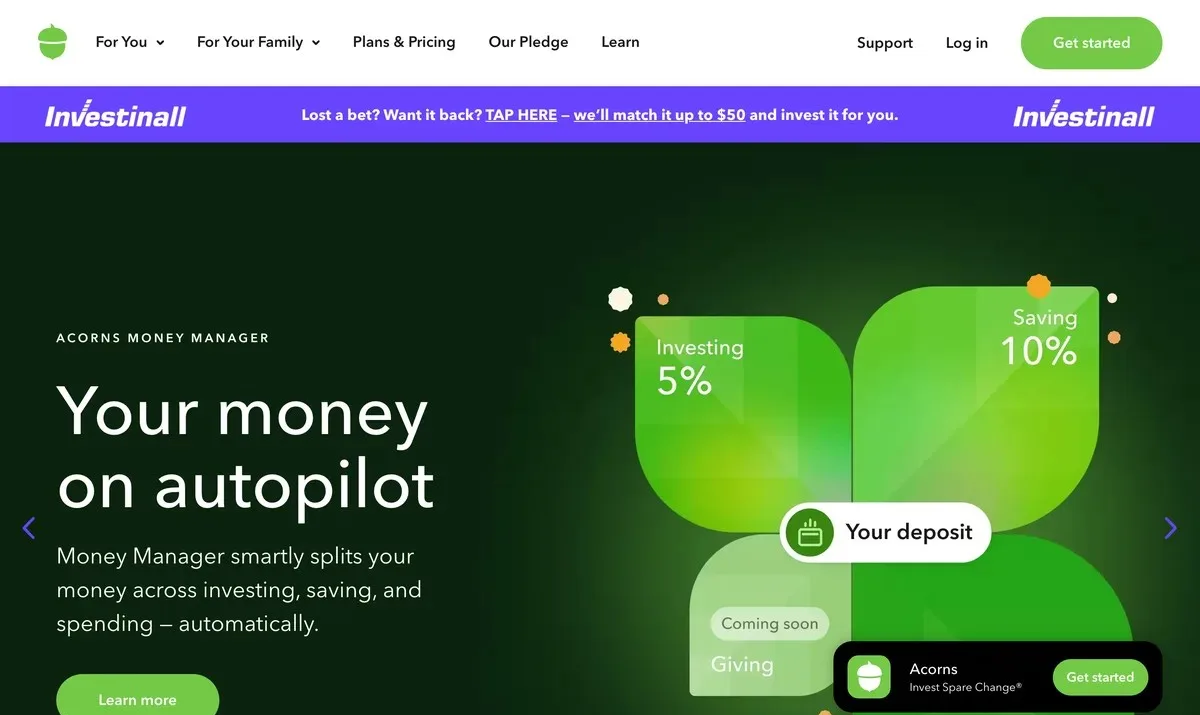
Acorns rounds up each debit or credit card purchase and invests the spare change, so you earn through growth, not payouts.
Its pricing page shows how it adds up: a $7.25 sandwich puts $0.75 into your account.
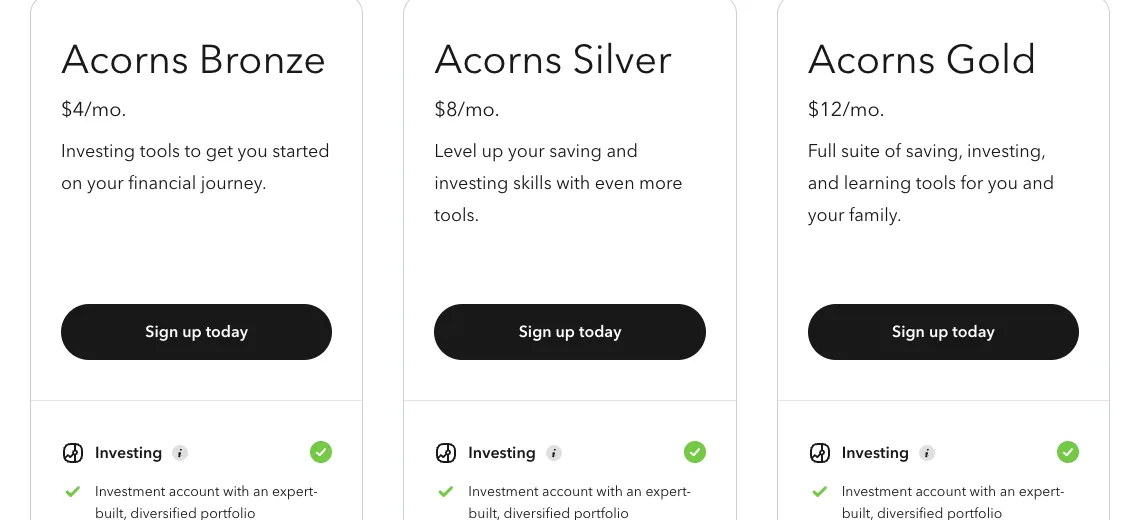
It’s the only paid pick, at $4, $8 or $12 a month for Bronze, Silver or Gold, as of October 2026.
On a small balance the fee eats the gain. Acorns itself warns that investments may lose value.
| 🎯Best For | Beginners with a steady card habit |
|---|---|
| 💰Cost | $4, $8 or $12 a month |
| 💵Payoff | Investment growth, not cash, and it can lose value |
| ⏰Time | Round-Ups invest as you spend |
| 👉First Step | Link the card you use most and turn on Round-Ups |
| 📝Full Review | Our Acorns review |
5. Rakuten [Best for Online Shoppers]
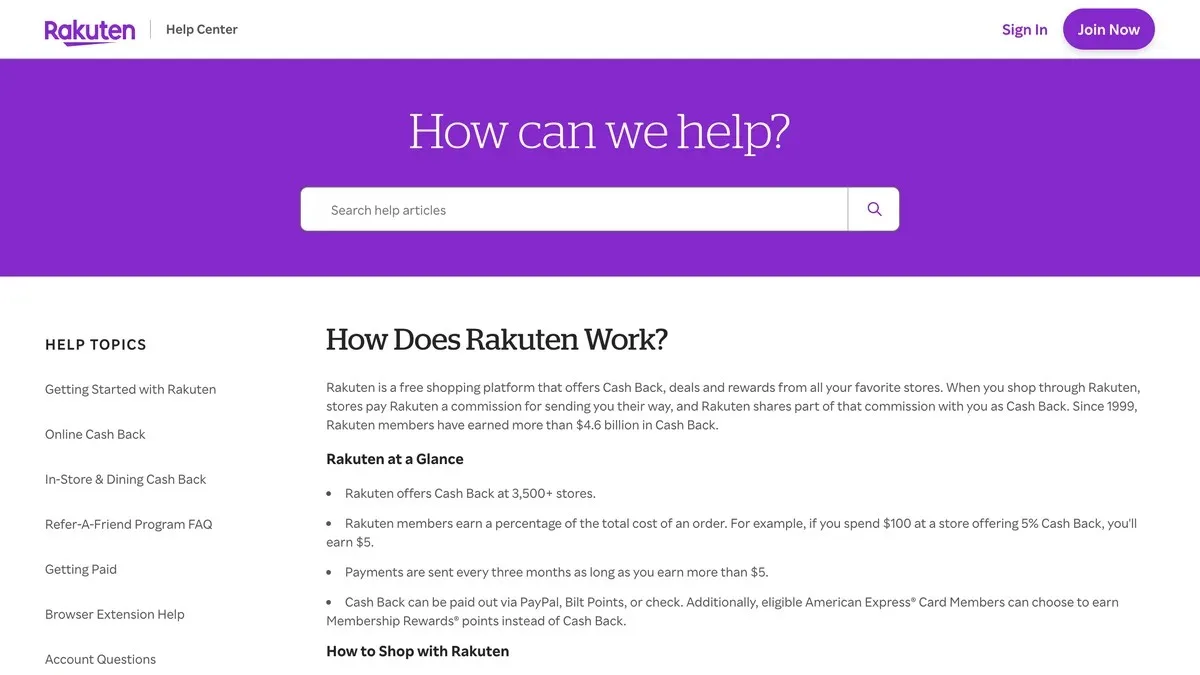
Rakuten pays you a percentage of each order at 3,500+ stores when you shop through its site, app or browser extension.
Rakuten’s own example is simple: spend $100 at a store offering 5% Cash Back, and you earn $5.
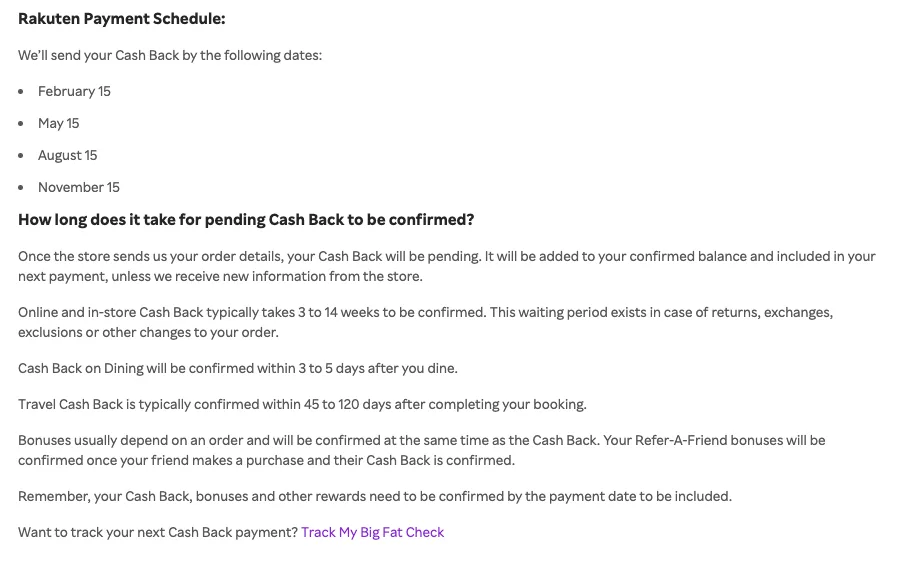
Payments go out every 3 months, on February 15, May 15, August 15 and November 15. You need at least $5.01 in confirmed cash back by each date.
Online and in-store cash back typically takes 3 to 14 weeks to confirm. You can get paid by PayPal, check, Bilt points or American Express Membership Rewards points.
Compare its rates with other cash back portals before a big order.
| 🎯Best For | Anyone shopping online every month |
|---|---|
| 💰Cost | Free |
| 💵Payoff | A percentage of each order, like $5 back on $100 at 5% |
| ⏰Time | 3 to 14 weeks to confirm, then paid every 3 months |
| 👉First Step | Add the browser extension so you never forget to click through |
| 📝Full Review | Our Rakuten review |
6. Upside [Best for Gas and Groceries]
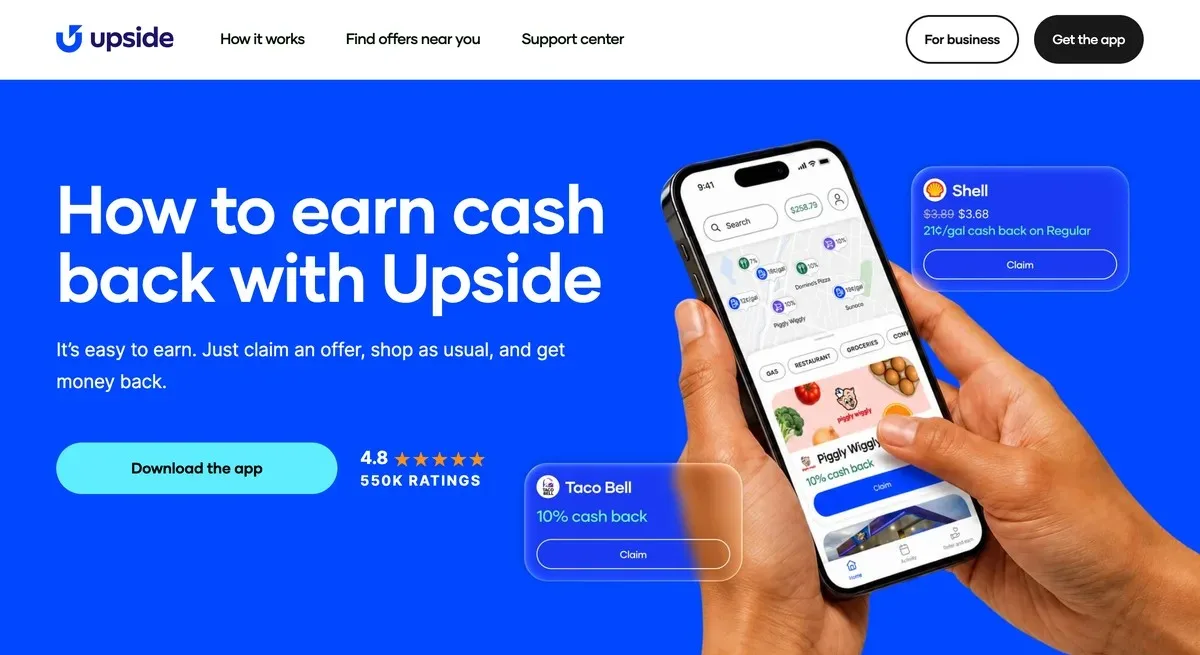
Upside pays cash back on gas, groceries and dining near you. You claim an offer, shop as usual and get money back.
Upside says users earn an average of 8% back on grocery and dining, and frequent users average $255 in their first year.
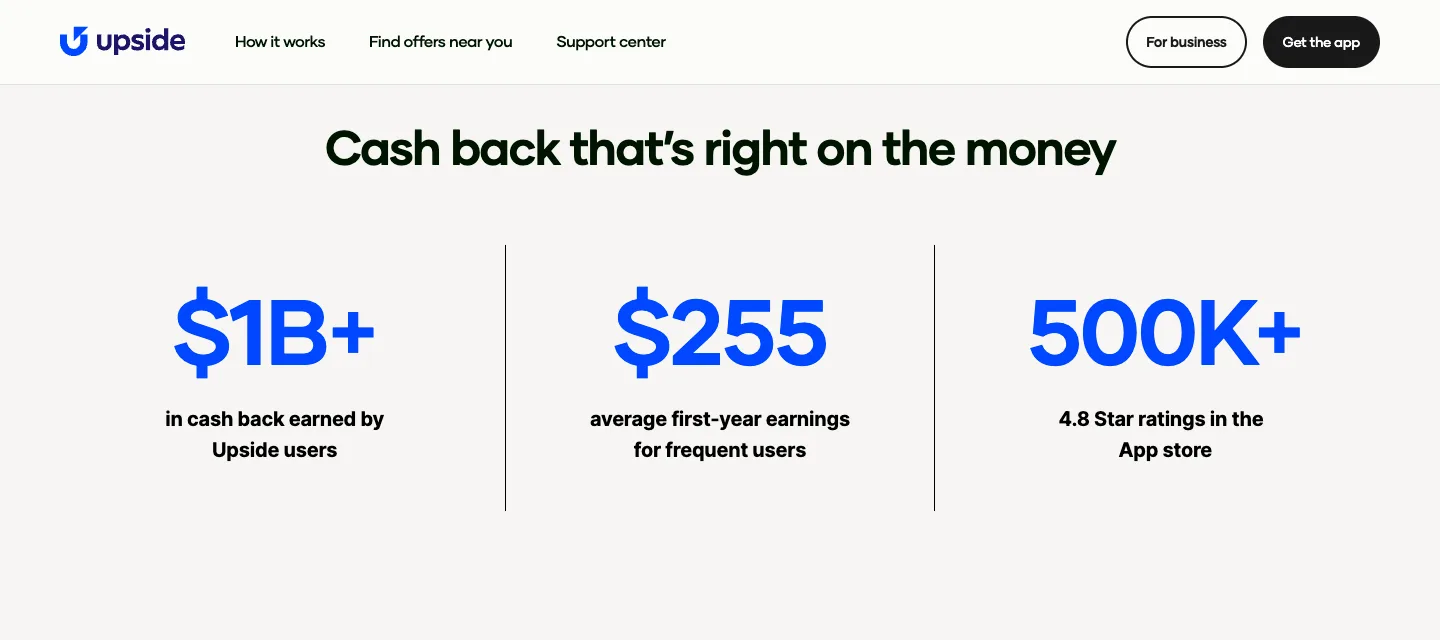
What does that mean for you? A $100 grocery trip at that average rate returns about $8.
You can use Upside on top of credit card, debit card and loyalty rewards. Cash out to your bank account, PayPal or a gift card.
Upside’s August 2025 press release counted 100,000 retailers across fuel, convenience stores, food and hardware. It’s also one of the better restaurant cash back apps, and it pairs well with these ways to save money on gas.
| 🎯Best For | Commuters and families |
|---|---|
| 💰Cost | Free |
| 💵Payoff | 8% average back on grocery and dining |
| ⏰Time | Cash out anytime to your bank, PayPal or a gift card |
| 👉First Step | Claim a gas offer near you before your next fill-up |
7. Pawns.app [Best Outside the US]
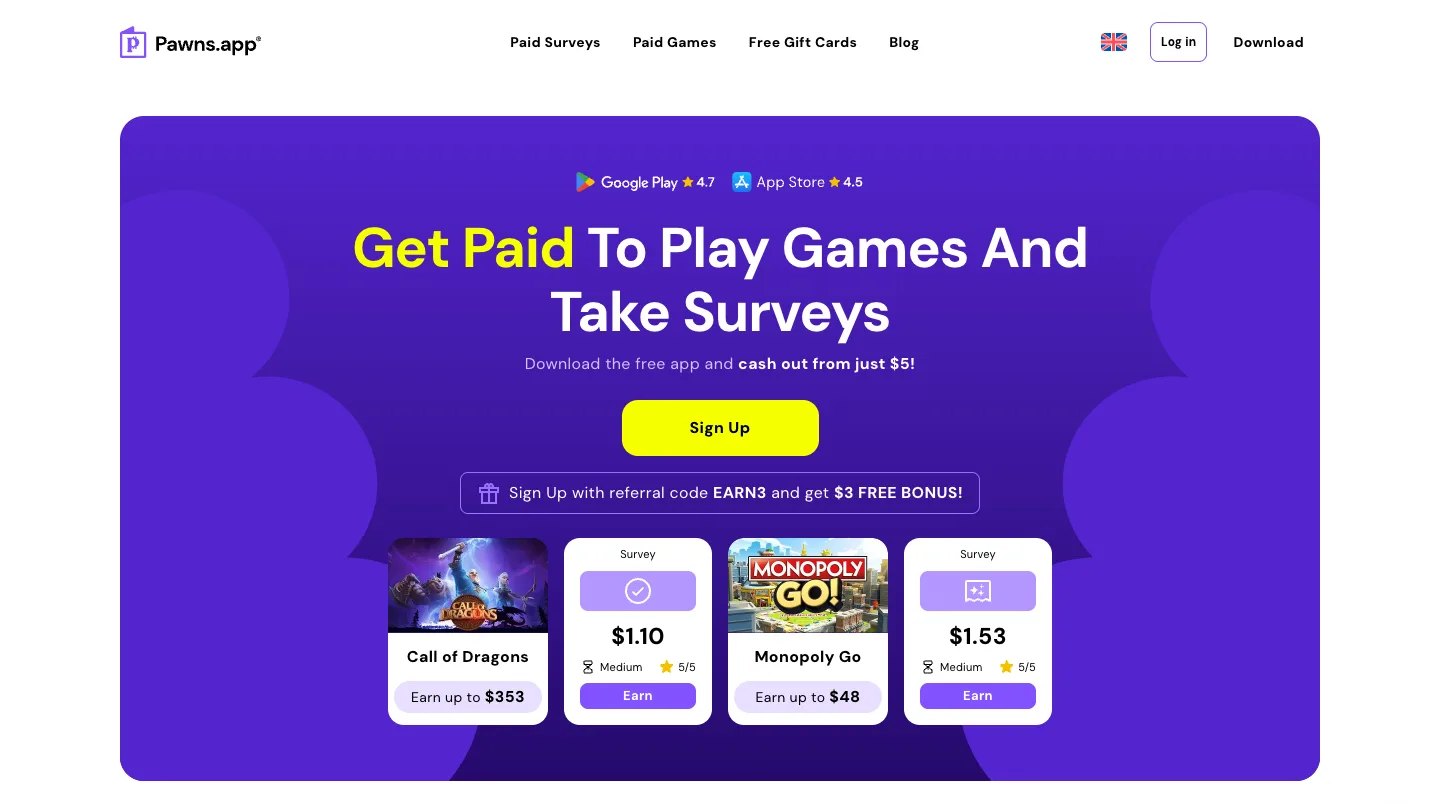
Pawns.app mixes surveys and games with a background mode. Its site says to leave the app running after surveys “to maintain a steady cash flow in a truly passive way.”
Payouts start at $5, against Honeygain’s $20. Pawns.app says you can reach that within your first day.
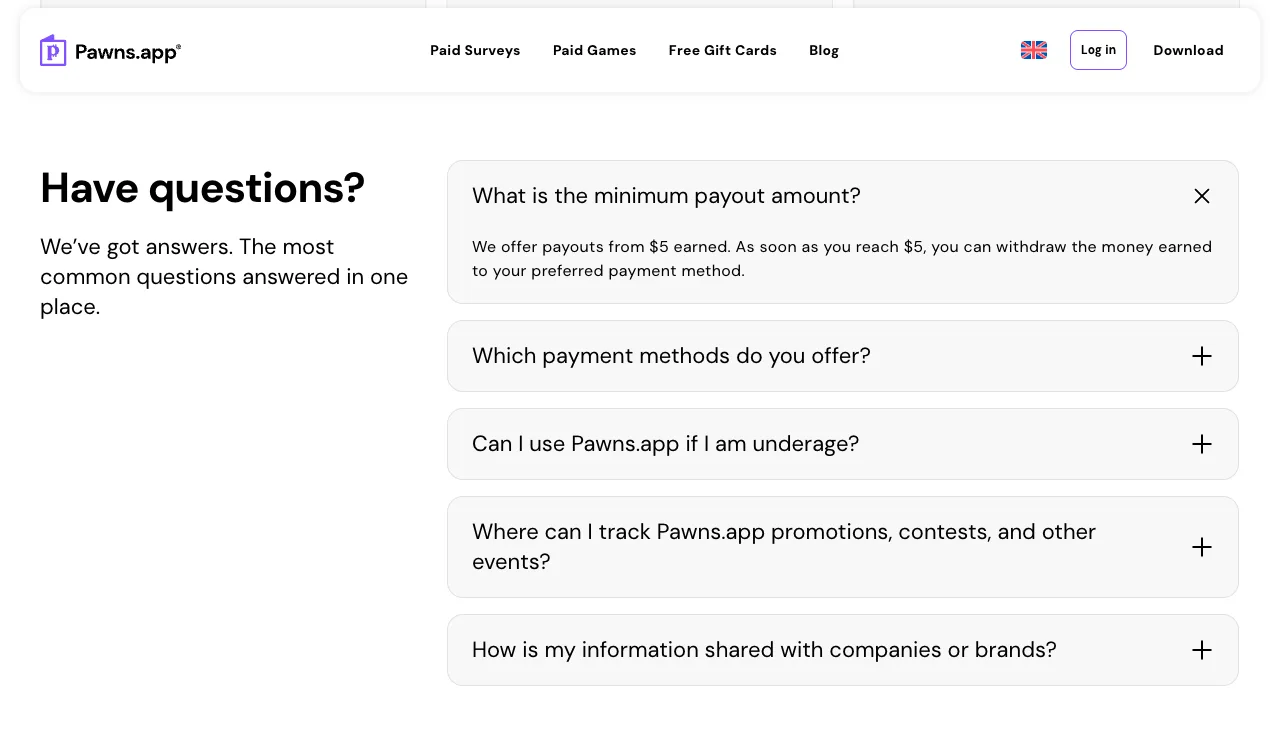
Surveys pay $1.00 or more for 5 to 10 minutes each. You can cash out by PayPal, Bitcoin, ACH, Venmo or gift cards.
It’s open in every country on iOS and Android, and its services are for people over 18.
Its background mode has no published pay rate, which is why it sits last on this list.
| 🎯Best For | Readers outside the US |
|---|---|
| 💰Cost | Free |
| 💵Payoff | $1.00+ per 5 to 10 minute survey |
| ⏰Time | $5 minimum, which Pawns.app says you can reach on day one |
| 👉First Step | Take a few surveys, then leave the app running |
How Much Can You Make With Passive Income Apps?
Fully hands-off passive income apps pay a few dollars a month each. SavvyConnect tops out at $72 a year and Nielsen’s panel at $60, so running both comes to about $11 a month.
That’s about the most you can expect from apps you never touch. Bigger numbers come from cash back on money you already spend.
Here’s the deal: run one background app on each device, plus one cash back app.
More apps that pay you to do nothing work the same way.
Are Passive Income Apps Safe?
Passive income apps are as safe as the data you’re willing to share, because they pay for spare internet, browsing habits or shopping history. SavvyConnect, for example, says you earn cash rewards “as you surf the web.”
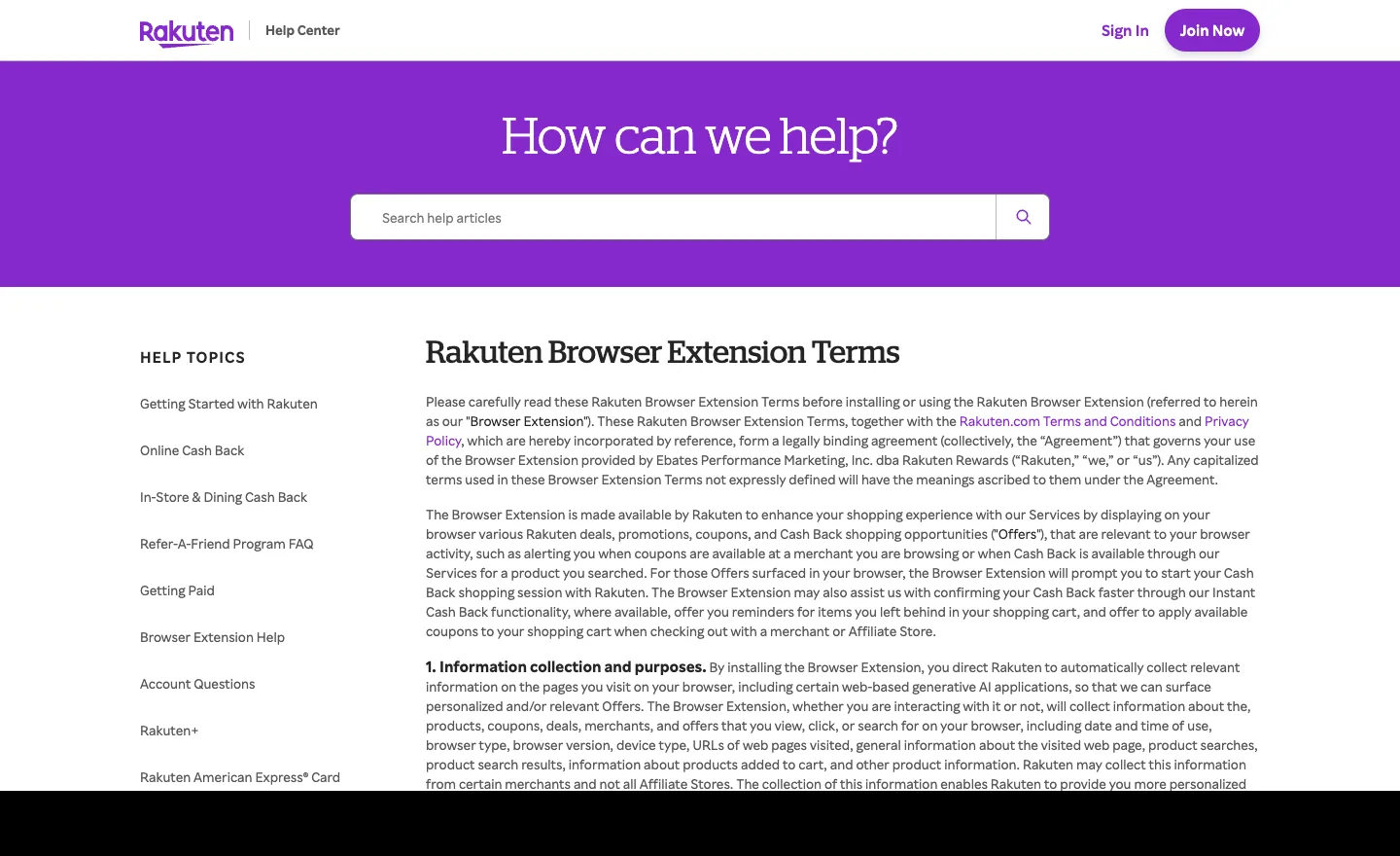
Shopping apps track you too. Rakuten’s browser extension terms, updated March 13, 2026, say it collects the web pages you visit to show you more personalized offers.
Here’s what I’d do: put research panel apps like Nielsen or MobileXpression on a device you don’t bank on, and read each permission first.
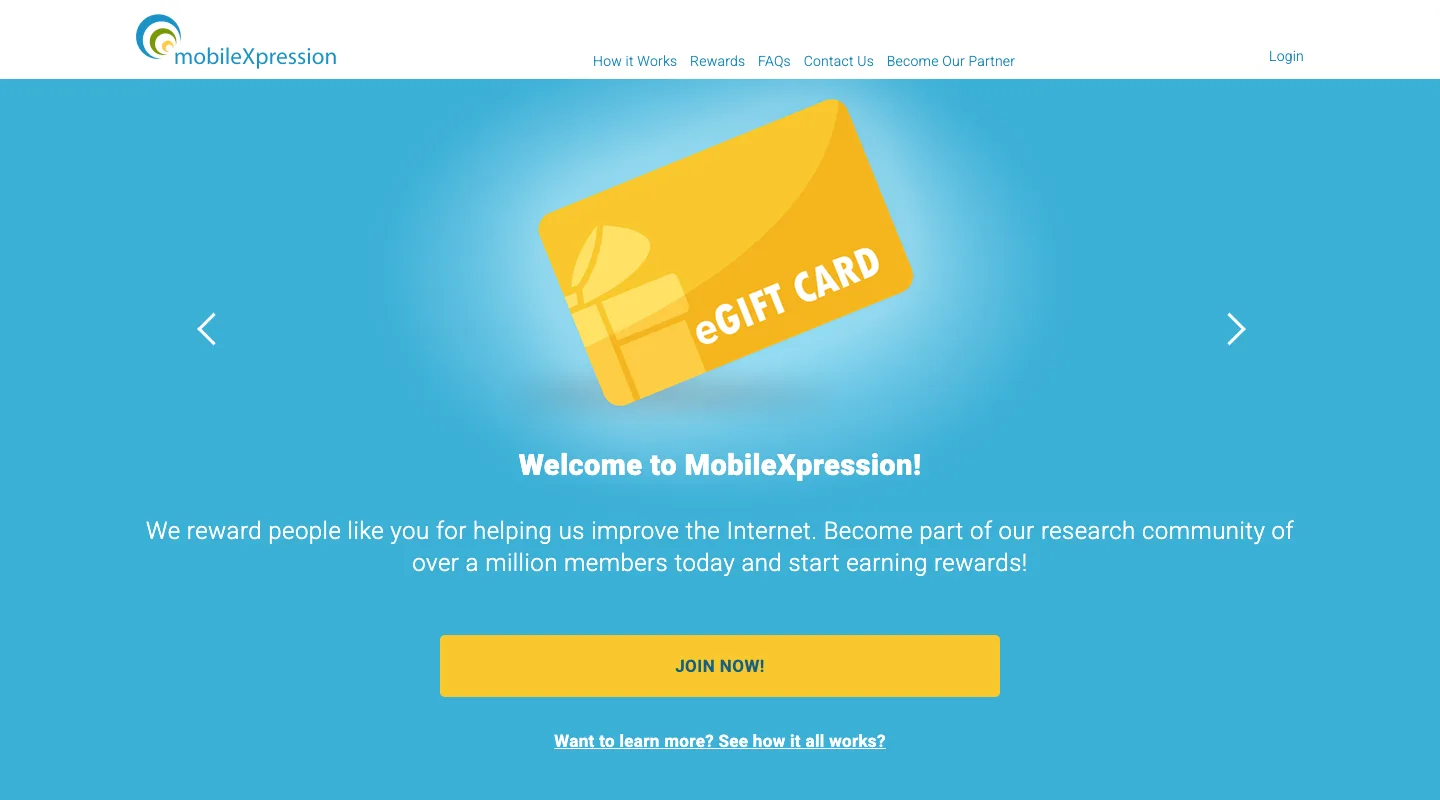
Other apps like MobileXpression pay for the same kind of data, so the same rule applies.
Which Passive Income Apps Work on iPhone?
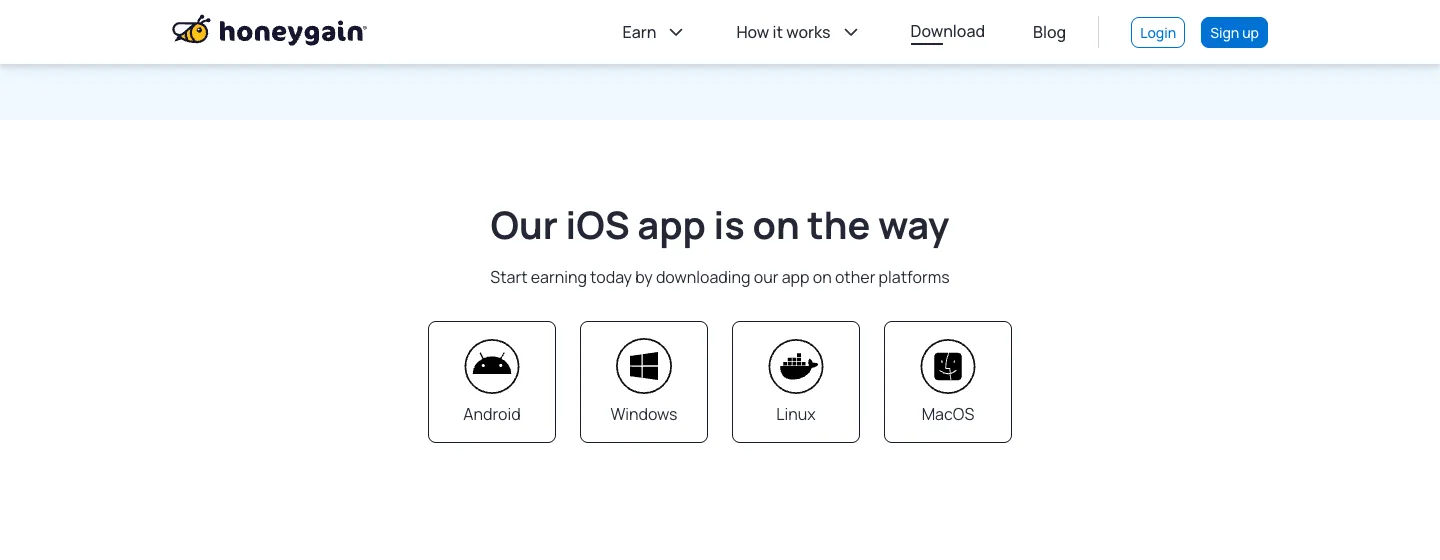
SavvyConnect, Acorns, Rakuten, Upside and Pawns.app all run on iPhone and Android, and Nielsen has an iPhone app too. Honeygain is the exception, since its download page says its iOS app is still on the way.
Android owners get more choice, including these money making apps for Android.
Bigger Earners That Need Something You Own
Airbnb, Turo, Neighbor and investing apps can pay more than these 7 picks, but each needs a spare room, an idle car or savings first.
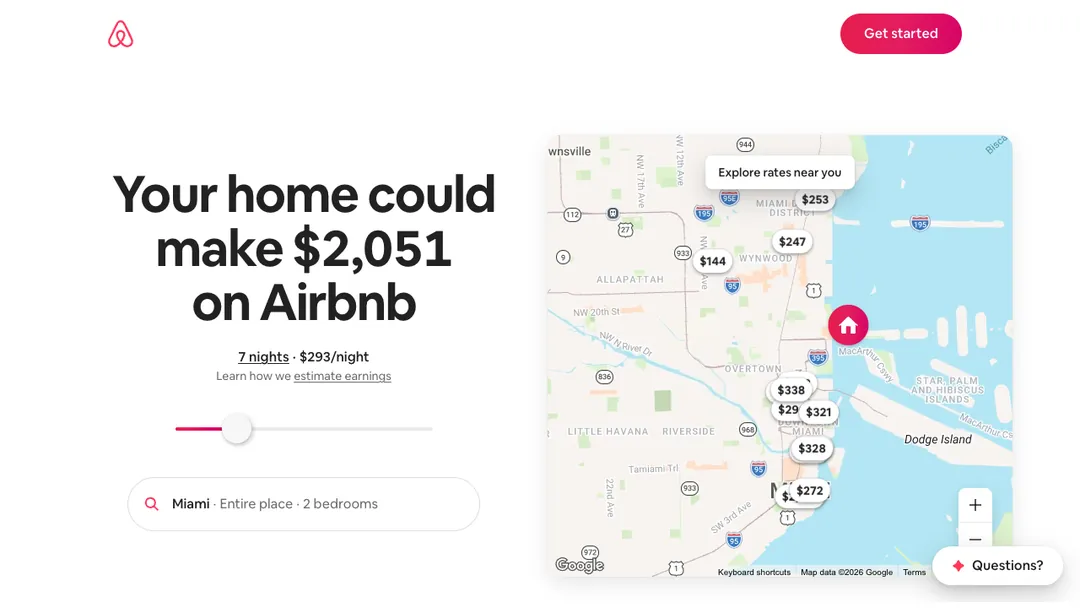
- Airbnb: renting out rooms on Airbnb can cover real bills, but you handle guests and cleaning.
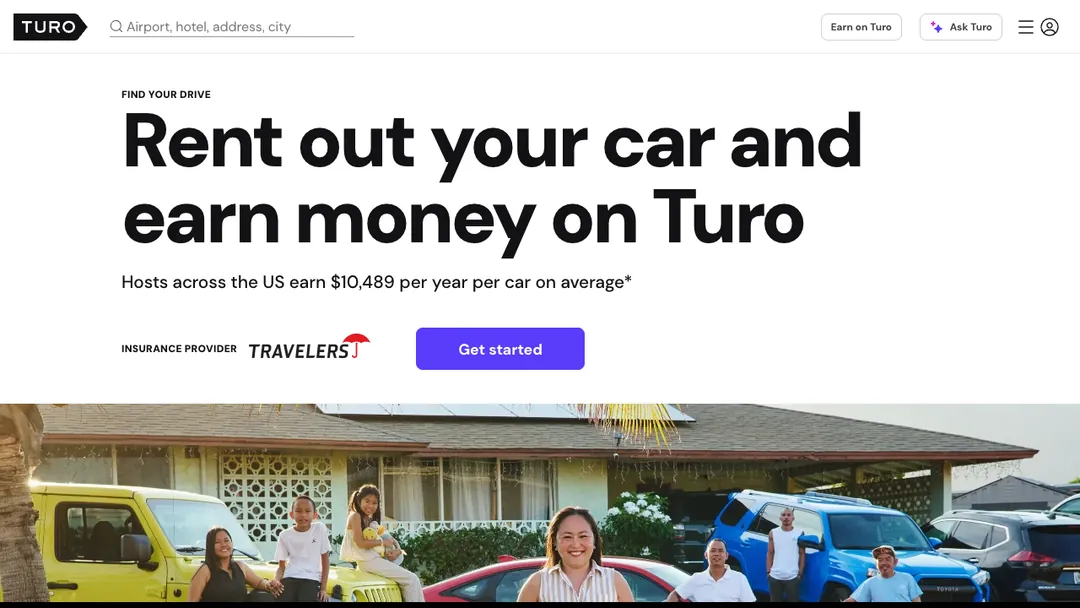
- Turo: Turo pays you to rent out a car you rarely drive, but you take on wear and tear plus insurance questions.
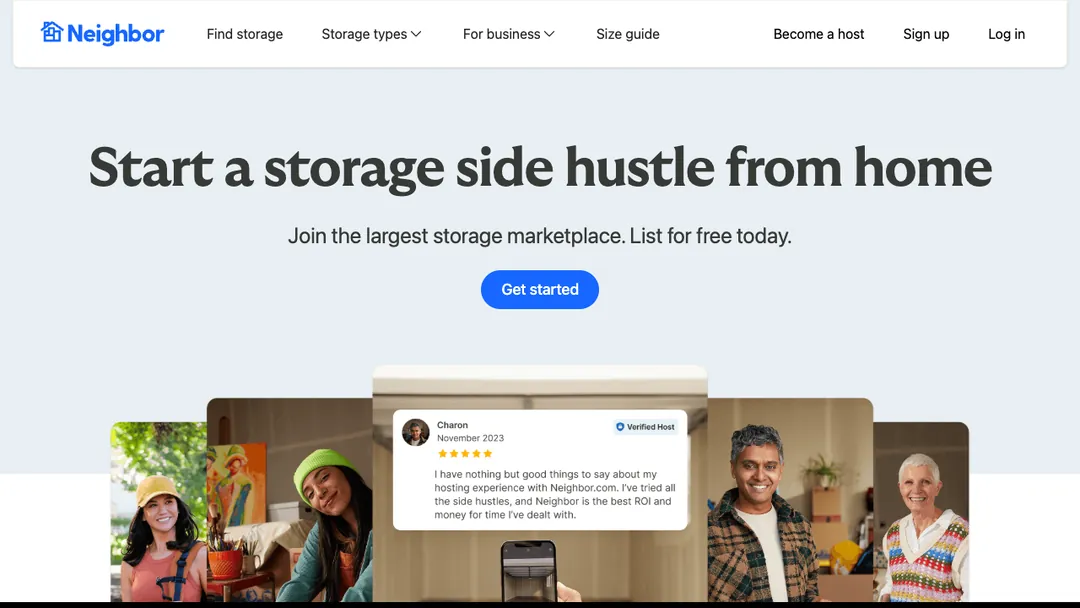
- Neighbor: Neighbor rents an empty garage or closet as storage, but strangers’ things sit in your space.
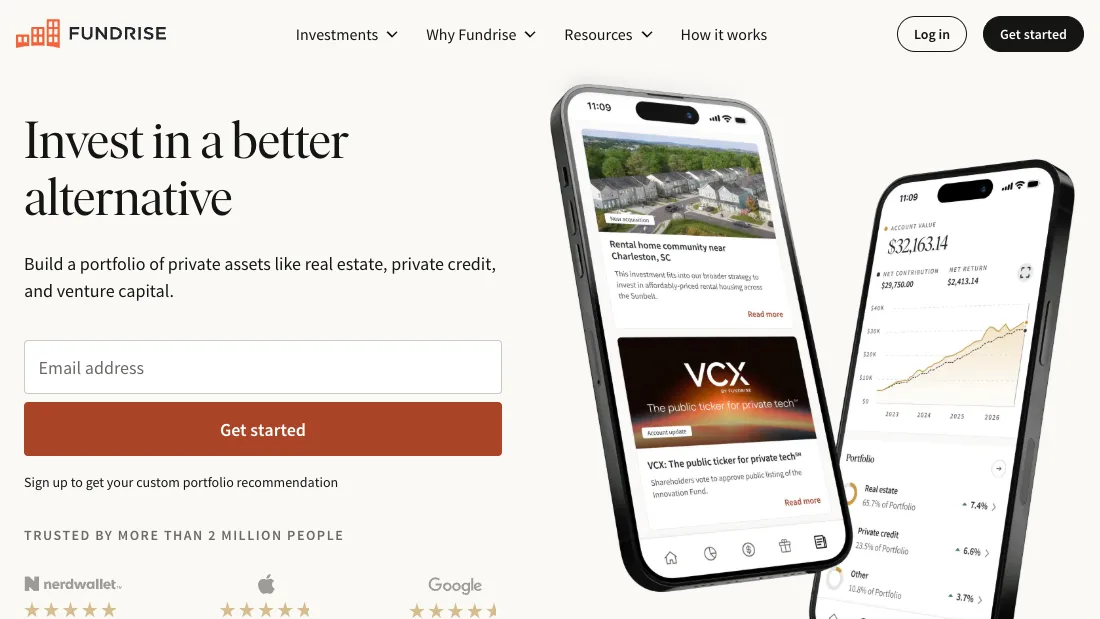
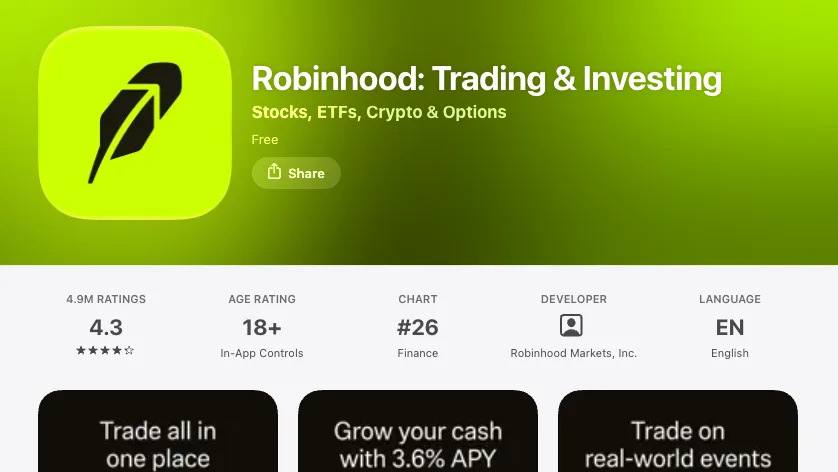
- Fundrise, M1 Finance and Robinhood: Fundrise, M1 Finance and Robinhood put savings into real estate funds, ETFs or dividend stocks, but you can lose money.

Before you invest, read these ways to invest $500 or less. More options built on assets are in these passive income ideas.
Key Takeaways
- Hands-off pay is small. SavvyConnect and Nielsen's panel together top out around $11 a month.
- Honeygain needs Android or a computer. It has no iPhone app yet, and PayPal payouts start at $20.
- Cash back pays more. Upside says frequent users average $255 in their first year.
- Acorns is the only paid pick. Its plans cost $4, $8 or $12 a month, and investments can lose value.
- Your data is the price. These apps pay for internet, browsing or shopping data, so use a spare device when you can.
Frequently Asked Questions
What are the highest paying passive income apps?
Upside has the highest published average here, $255 in first-year earnings for frequent users, the company says. Of the hands-off apps with a set rate, SavvyConnect pays the most, up to $72 a year.
How can I make $1,000 a month passively with apps?
Passive income apps alone won’t reach $1,000 a month, since SavvyConnect and Nielsen’s panel together top out around $11. Income that size needs assets, which you can build while working full-time.
What app pays $100 a day?
No passive income app here pays $100 a day. Pawns.app says only its most active users may earn up to $500 a month, under $17 a day, from surveys and games.
What are some apps like Honeygain?
Pawns.app is the closest app like Honeygain here, since it also earns in the background. SavvyConnect and Nielsen’s panel also pay you to leave an app running.
Are there passive income apps that don’t need any investment?
Six of the 7 passive income apps here are free to join. Acorns is the only one with a fee, starting at $4 a month.
The Bottom Line
Passive income apps pay in dollars, not paychecks, but the 7 here pay for things you already do.
Install SavvyConnect and one other background app this week, then add Rakuten or Upside before your next purchase.
When you’re ready for bigger amounts, see how to create passive income with savings or spare space.

Jason is a personal finance expert and the founder of Frugal For Less. He has spent over a decade researching and testing hundreds of money making apps, survey sites, and savings strategies to help readers earn more and keep more of their hard-earned cash.
More about the author