Free Netspend Money: How to Get the $20 Refer-a-Friend Bonus

Free Netspend money comes from one place: the card’s refer-a-friend bonus. Sign up through a referral link, load $40, and Netspend adds $20 to your card.

Disclosure: This post may contain affiliate links. As an Amazon Associate, we earn from qualifying purchases. This comes at no extra cost to you. Read our full disclosure, or see how we review platforms.
Want to Make Extra Money Now?
Here are our 4 favorite free ways to start:
- Survey Junkie Most Popular Earn up to $50 per survey with the #1 survey site. Start Earning
- Freecash $10 Bonus Get paid to play games, try new apps & take surveys. Start Earning
- Sproutful Free Surveys with a $5 minimum cashout & fast payouts. Get 50 Point Bonus
- Swagbucks $5 Bonus Get paid for surveys, videos & shopping online. Get $5 Bonus
Free Netspend money comes from one place: the card’s refer-a-friend bonus. Sign up through a referral link, load $40, and Netspend adds $20 to your card.
The $40 you load is your own money, and it stays on your card to spend. The person whose referral link you used gets $20 too, so the bonus pays both of you.
Fees and scams can shrink your $20 fast, and the $9.95 monthly plan alone takes about half of it. The bonus only makes sense if you won’t need that $40 for a bill in the next two weeks.
Load the money by direct deposit and spend it in 2 purchases, and you can keep $17 of the $20. The 7 steps walk you through it, from the referral link to the cheapest way to spend the money.
Jump to what you need:
- How to claim the $20 in 7 steps
- Which fees cut into it, and how to avoid them
- The scam signs that put your card at risk
How to Get Free Netspend Money Step by Step
To get free Netspend money, order a new Netspend card through a cardholder’s referral link, activate it and load at least $40. Netspend then pays $20 to you and $20 to the person who referred you, as of November 2026.
Only a cash reload or a direct deposit counts toward that $40, according to Netspend’s refer-a-friend terms.
1. Use a Referral Link From Someone You Trust
The bonus only works when you sign up through a current cardholder’s referral link. Without one, you get a normal card and no $20.
The Join Netspend buttons on this page use our own referral link, so we get $20 too when you qualify. A link from a friend, a coworker or a family member works the same way.
Links posted by strangers on referral code sites work too. Just never give a stranger anything besides a click on their link.
The bonus is only for new customers. Netspend pays nothing if you used another Netspend card in the 180 days before your $40 load.
2. Order a New Netspend Card Through That Link
Open the referral link and order your card online, so the referral is tied to your new account. Ordering online is free, while a card bought off a store rack can cost up to $9.95, depending on the card version.
Netspend cards are prepaid Visa or Mastercard cards, so they work wherever Visa or Mastercard debit cards are taken.
Your new card starts on the pay-as-you-go plan, so leave it there if all you want is the bonus. You’ll see why in the fees section below.
3. Verify Your Identity and Activate the Card
Netspend asks for your name, address, date of birth and government ID number, then checks your identity. There is no credit check, so the card is an option for people who can’t open a bank account.
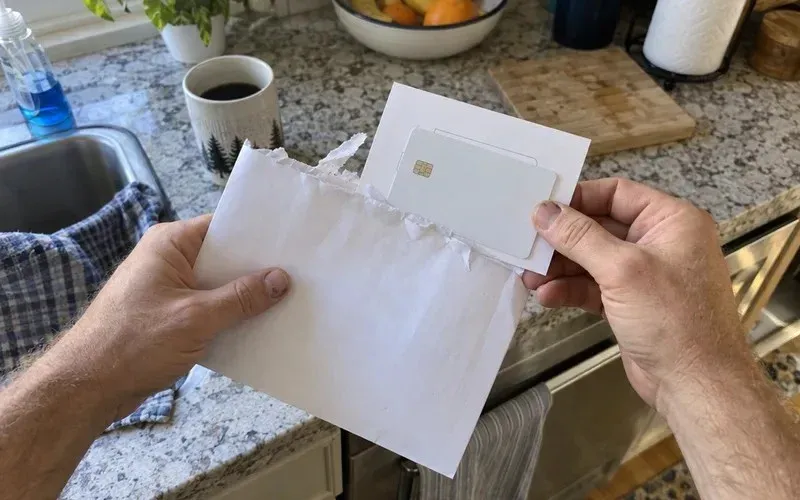
When the card arrives in the mail, activate it in the Netspend app or online account before you load anything. That way, a problem with the card shows up before your $40 is on it.
4. Load at Least $40 With Cash or a Direct Deposit
This is the step that triggers the bonus.
Load $40 or more by cash reload at a store or by direct deposit, because only those two count. A bank transfer or a transfer from another card does not count toward the $40.
Here’s how the money adds up on a $40 cash load:
- You hand the store clerk $40 plus the store’s reload fee.
- Your card shows $40.
- The $20 bonus posts, and your card shows $60.
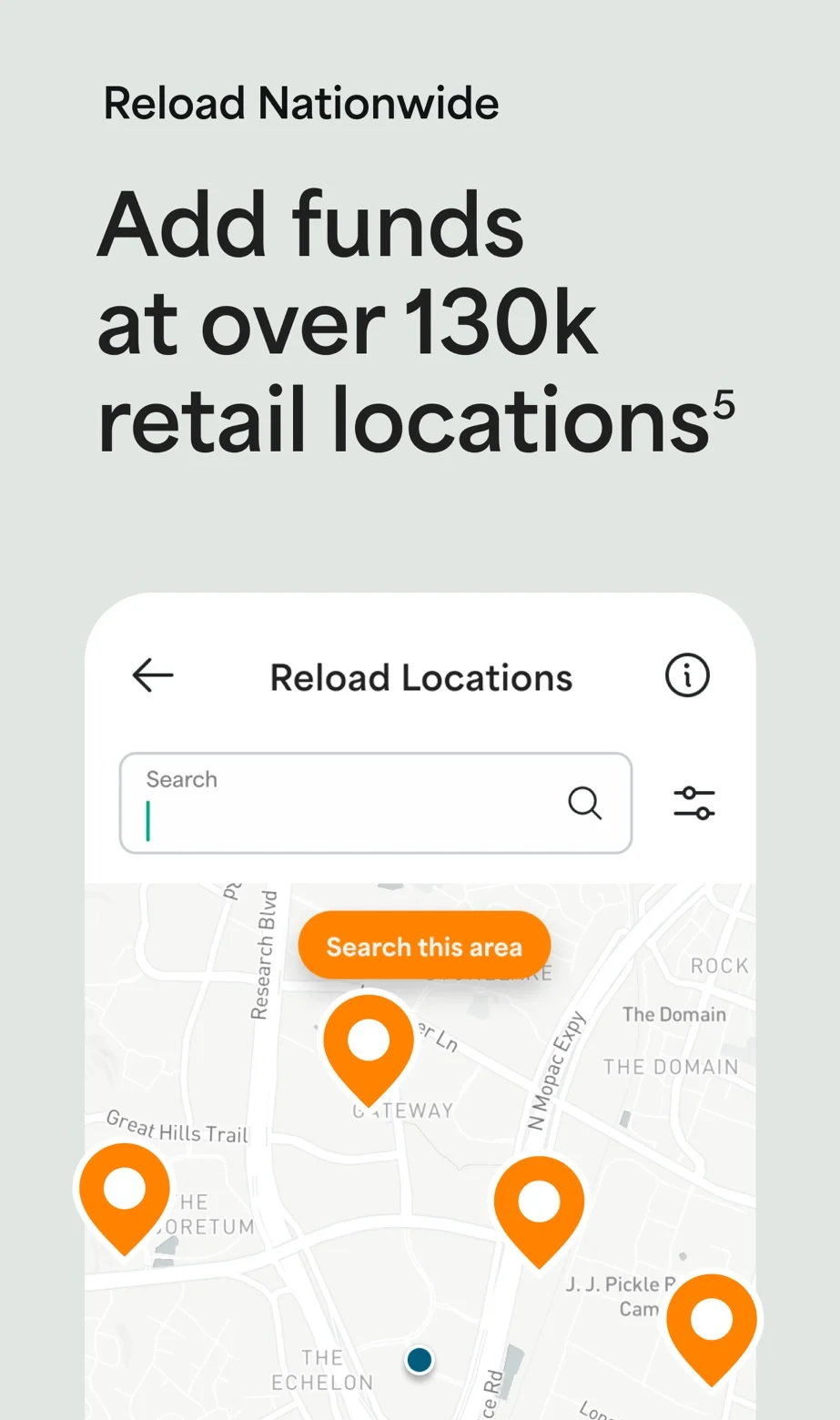
Netspend says you can add cash at more than 130,000 locations. Each store sets its own reload fee, and Netspend’s fee lists say it costs up to $3.95.
A direct deposit has no fee, so it is the cheaper way to load if your job or benefits can pay into the card. To set one up, give your payroll office the Netspend routing and account numbers from the app or online account.
Many payroll offices can send just part of one paycheck, as long as it is $40 or more. A short email to payroll does the job:
Hi, I’d like to send $40 from my next paycheck to a new account, and the rest can stay in my current account. My routing number is [routing number] and my account number is [account number].
After that first $40 arrives, you can ask payroll to stop it or keep it going.
5. Check Your Balance for the $20 Credit
Watch your balance in the Netspend app after the $40 load clears, and look for a $20 credit. Netspend’s referral terms say to allow 2 business days for it to show up.
If it does not appear, check the referral link, your identity check and your $40 load by cash or direct deposit. If all three are right, contact Netspend through the help section of the app and ask about your refer-a-friend credit.
6. Share Your Own Link for $20 More Each Time
Once your card is active, you get your own refer-a-friend link in your Netspend account. Each friend who orders a card through it, activates it and loads $40 earns you another $20.
The best part? Netspend puts no limit on how many friends you can refer.
Netspend mails you an IRS Form 1099-MISC if your referral rewards reach $600 or more in one year.
You can send a message like this one:
If you order a Netspend prepaid card with my link and load $40 by cash or direct deposit, we each get $20. Here’s my link:
Send it only to people who would use a prepaid card anyway. A friend who loads $40 just for you and then pays fees to take it back out keeps less than the full $20.
7. Spend the Money the Cheap Way
The last step decides how much of the $20 you keep.
Spend the balance on things you already buy, in as few purchases as you can. On many card versions, each purchase on the pay-as-you-go plan costs $1.50, so 2 purchases cost $3 and 10 cost $15.
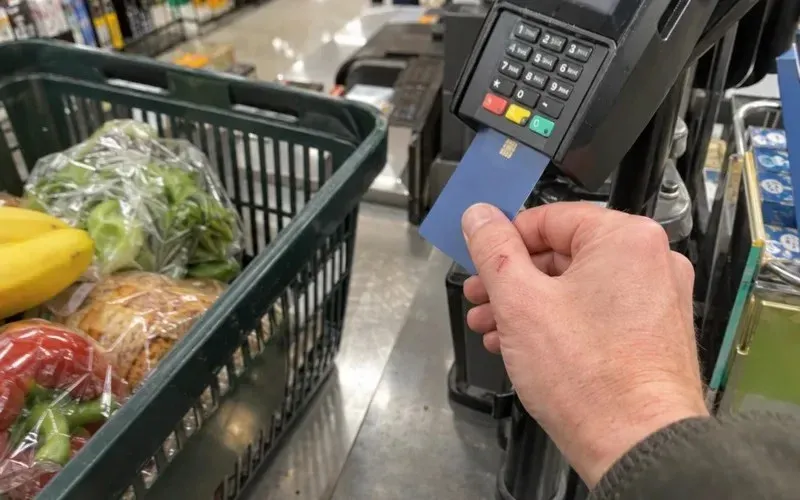
Don’t let the card sit unused, either. After 90 days with no activity, Netspend charges $5.95 a month until you use the card again.
What You Need Before You Start
You need 5 things before you start, and none of them is a bank account. Netspend runs no credit check, either.
- A referral link. It has to come from a current Netspend cardholder, and you need it before you order the card.
- $40 you can leave on the card. Plan for $40 that you won’t need for a week or two.
- Your ID details and a US address. Netspend verifies your identity and mails the card. It does not open card accounts for people who live in Vermont.
- No recent Netspend card. A Netspend card you used in the past 180 days rules you out of the bonus.
- A phone or a computer. The Netspend app and online account show your balance, your bonus and your own referral link.
How Much Is the Netspend Referral Bonus in 2026?
The Netspend referral bonus is $20 for each person, the new cardholder and the person who referred them, as of November 2026. The new card must be activated and loaded with at least $40 in cash or by direct deposit.
You may see older posts that promise $40 each. Netspend’s terms say that was a limited promotion for referrals completed between September 30, 2023, and December 31, 2023.
Other posts still say “$20 when you sign up and deposit $40” without a date. The amount matches, but always check the live terms in your account before you load money.
In other words, plan on $20, not $40.
What Fees Does a Netspend Card Charge?
Netspend fees depend on which version of the card you get. Netspend files each version’s fee list with the Consumer Financial Protection Bureau (CFPB).
One current version’s fee list on file with the CFPB shows a $9.95 monthly plan and $1.50 per pay-as-you-go purchase, as of November 2026. It also charges up to $3.95 per cash reload and $2.50 per ATM withdrawal, while other versions charge $2 to $2.95 at the ATM.
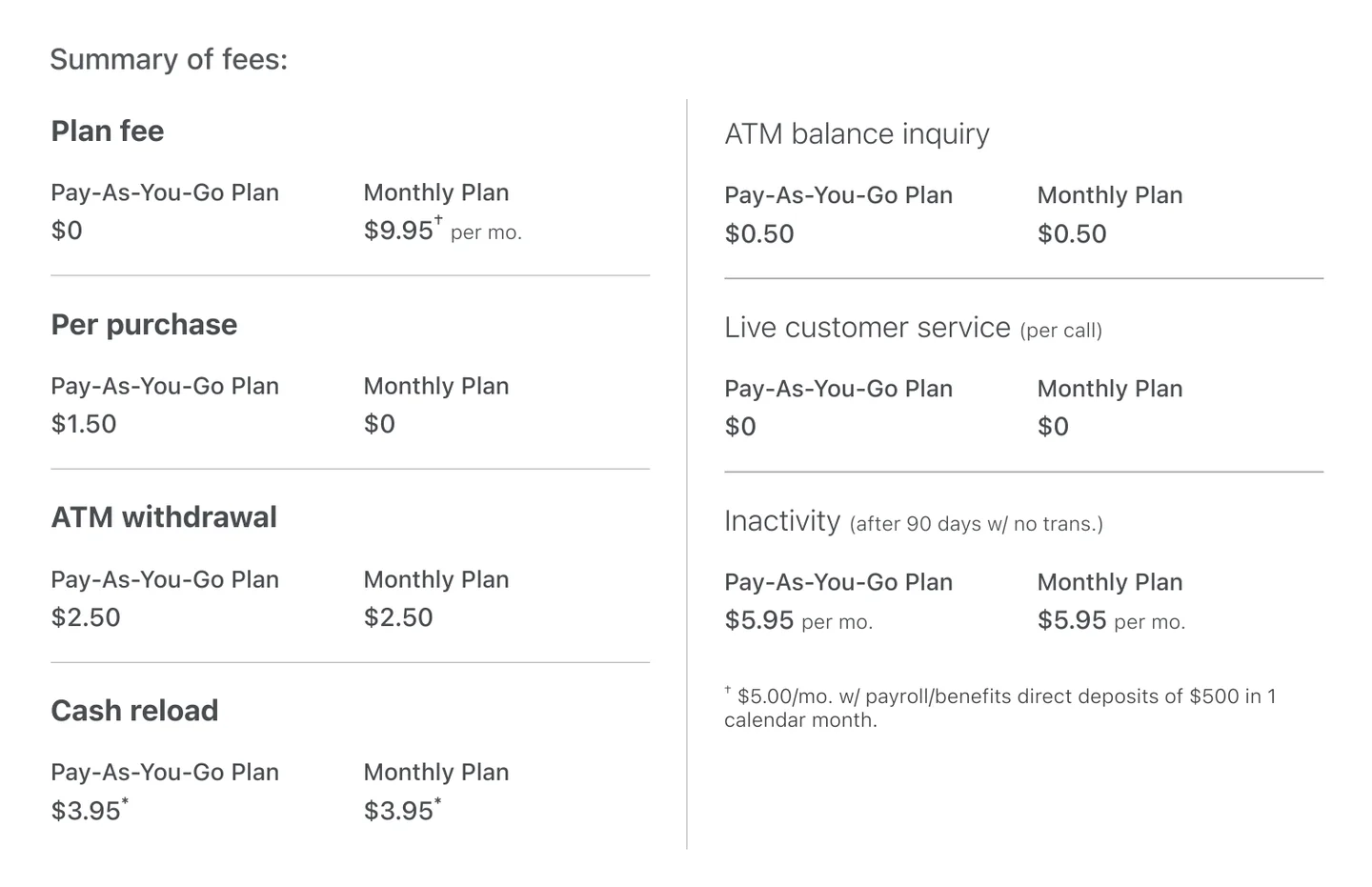
The table lists each fee and what it does to a $20 bonus:
| Netspend fee | Cost | Effect on a $20 bonus |
|---|---|---|
| Monthly plan | Up to $9.95 a month | Takes about half |
| Monthly plan with $500+ in payroll or benefits direct deposits | $5 a month on many versions | Takes a quarter |
| Pay-as-you-go purchase | $1 to $1.99 each, most often $1.50 | $3 for 2 purchases at $1.50 |
| ATM withdrawal | $2 to $2.95, plus the ATM owner’s fee | $2 or more |
| Cash reload at a store | Up to $3.95 | Up to $3.95 |
| Cash withdrawal at a reload location | Up to $4 or 2.75%, whichever is more | $4 on $60 |
| No activity for 90 days | $5.95 a month | All of it in under 4 months |
The cheapest setup is to stay on pay-as-you-go and keep the number of purchases low.
Here’s the math for a reader who loads $40 in cash and spends the $60 in 2 purchases. The $20 bonus minus a $3.95 reload fee and $3 in purchase fees leaves $13.05.
Load by direct deposit instead, and you keep $17 of the $20. Pick the $9.95 monthly plan, and half the bonus is gone in the first month.
Fees vary by card version, so check the fee list Netspend gives you at sign-up. It names the exact amounts for your card.
How to Get Money Off Your Netspend Card Without Losing It to Fees
The cheapest way to get money off a Netspend card is one or two large purchases, since each often costs $1.50 on pay-as-you-go. Cash costs more: $2 to $2.95 per ATM withdrawal on most versions, plus the ATM owner’s fee.
A cash withdrawal at a reload location costs up to $4 or 2.75% of the amount, whichever is greater.
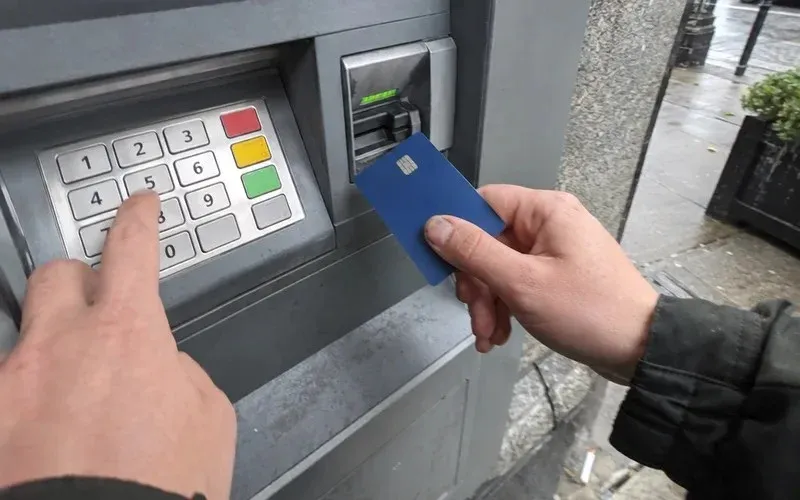
That 2.75% matters only on big withdrawals. On $60 it works out to $1.65, so the $4 minimum applies.
Need a little cash? Netspend’s fee lists say you can skip the ATM fee by choosing “DEBIT” at a store checkout, entering your PIN and asking for cash back.
The purchase fee still applies on pay-as-you-go, but it usually costs less than an ATM withdrawal plus the ATM owner’s fee. If you have a bank account, moving money to it costs $1.95 per transfer on recent card versions.
Here’s a simple plan for a $60 balance:
- Use the card for one grocery run or one bill you already pay.
- Use it again for a second purchase if any balance is left.
- Leave cash withdrawals for emergencies.
If you need cash in your hand, one ATM withdrawal of the whole balance beats several small ones. Each withdrawal adds another ATM fee.
Is Free Netspend Money a Scam?
The $20 Netspend refer-a-friend bonus is real, but most other “free Netspend money” offers are scams. Netspend’s bonus never asks you to pay anything except your own $40 load, which stays on your card.
Scammers copy the words “free money” because they get attention from people who need cash, while real free money never asks you to pay first. Watch for these signs:
- They ask you to pay a “fee” or buy a gift card to release money.
- They ask for your card number, PIN or login.
- They promise hundreds of dollars for signing up.
- They say money is already waiting on a card you never ordered.
- They offer a “generator” or “hack” that adds a balance to your card.
If any one of these shows up, stop and do not reply. Check any offer in your own Netspend account or app before you act on it.
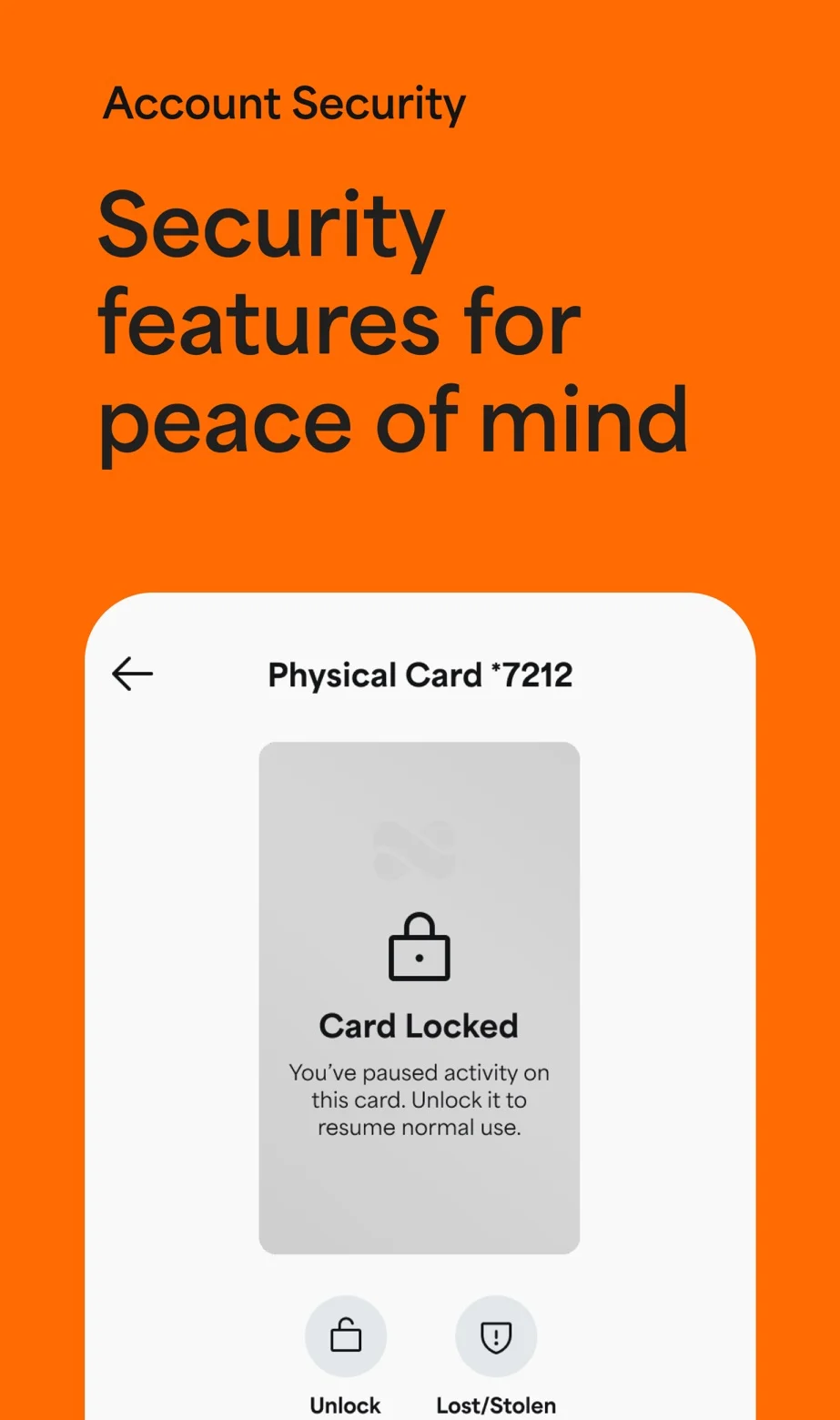
Here’s what that means for you: get your referral link from a source you trust, order through Netspend itself and keep your PIN to yourself. Those three habits block nearly every trick on the list above.
Already shared your card number or PIN with someone? Lock the card in the Netspend app right away, then call the number on the back of your card and ask for a new one.
Then change your online account password, and check your recent purchases for anything you did not make.
Is Netspend a Legitimate Company?
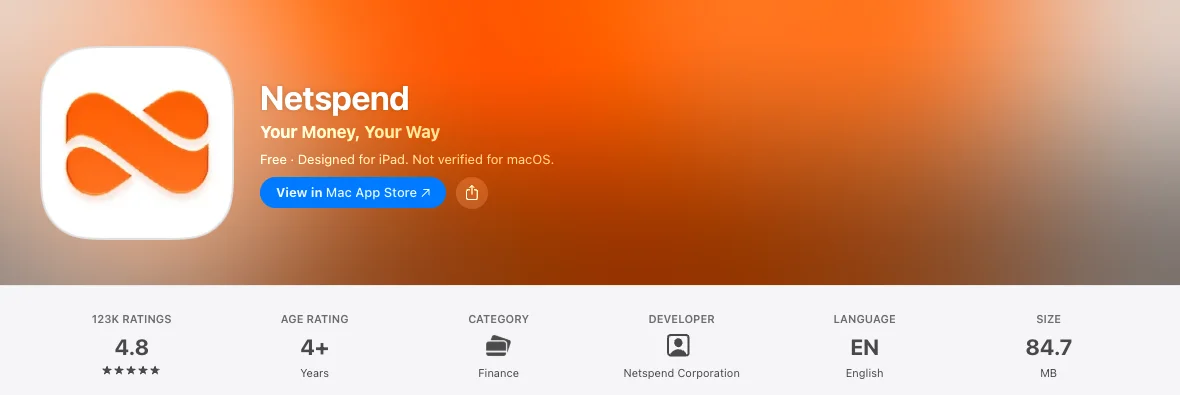
Yes, Netspend is a real company that offers reloadable prepaid Visa and Mastercard debit cards. Its app is rated 4.8 out of 5 from nearly 123,000 ratings on the US App Store, as of November 2026.
The app names two banks behind its cards, Pathward and Republic Bank & Trust Company, both Members FDIC. A few card versions on file with the CFPB come from a third bank, The Bancorp Bank.
Register your card after you get it, since Netspend’s fee lists say that makes your money eligible for FDIC insurance. That insurance comes from the bank that issued your card, and the back of your card names that bank.
Netspend’s app names Ouro Global, Inc., a financial technology company, as the service provider behind its cards. Ouro is not a bank, so FDIC insurance covers the failure of your card’s bank, not the failure of Ouro.
Legit does not mean cheap, though. A year on the $9.95 monthly plan costs $119.40, about 6 times the bonus.
Other Ways to Get More From a Netspend Account
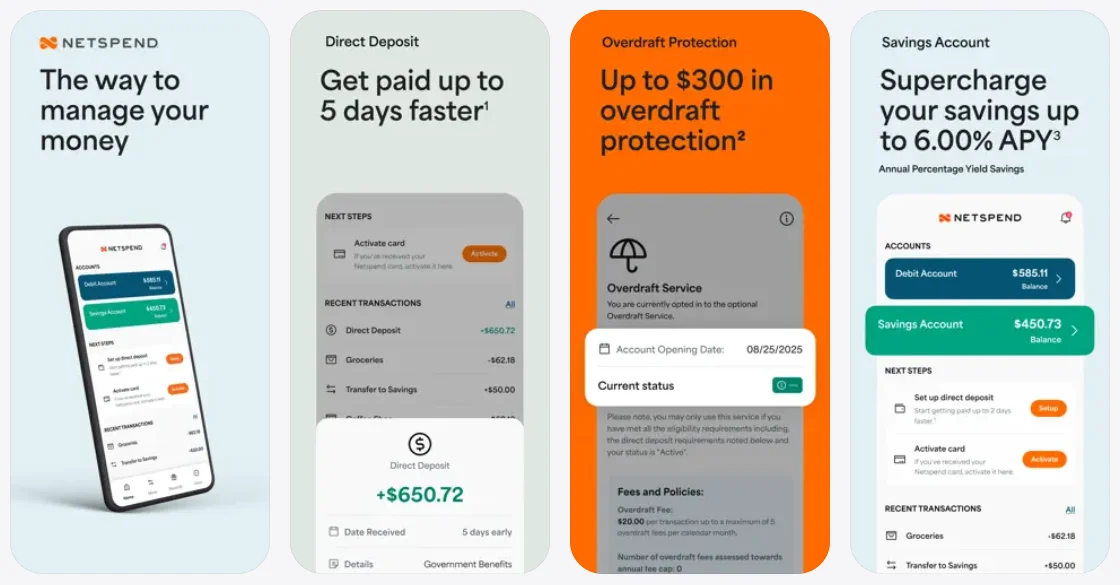
A Netspend account has a few extras beyond the bonus, and one of them can cost you money. Here is what Netspend’s app listing offers as of November 2026:
- Earlier paydays. A direct deposit can arrive up to 2 days early for paychecks and up to 5 days early for government benefits. Netspend says early access is not guaranteed.
- A cheaper monthly plan. On many card versions, the $9.95 plan drops to $5 after $500 in payroll or benefits direct deposits in one month.
- Savings interest. The optional savings account pays 6.00% APY on an average daily balance up to $2,000. The part above that earns 0.50% APY.
- Overdraft protection. This optional service covers up to $300. It charges $20 for each purchase or ATM withdrawal that overdraws you by more than $10, unless you fix it within 24 hours.
Getting paid early does not add money, but it can help you avoid a late fee somewhere else. Netspend itself calls the overdraft service expensive and asks you to look at other options before you sign up.
Say you keep $1,000 in savings for a full year: at 6.00% APY, that’s about $60 if the rate stays the same. Netspend calls these promotional rates, so they can change at any time.
Better Options If You Don’t Have a Bank Account
About 5.6 million US households had no bank account in 2023, according to the FDIC’s household survey. The Netspend bonus is one small way to earn without one, and our make money hub has many more.
For more bonuses like this one, start with apps that don’t need a bank account. Once you can open a checking account, bank refer-a-friend programs often pay $50 or more per friend.
For small, quick wins, these lists cover more of the same kind of offer:
- Apps that pay for referrals, from $1 to $10 per friend.
- Free sign-up bonuses that pay just for joining.
- Cash back apps that pay you on things you already buy.
You can also add this bonus to other free money hacks that need little or no money upfront.
Who Should Skip the Netspend Bonus
The Netspend bonus is not worth it if you need the $40 for rent, food or a bill in the next two weeks. Skip it, too, if you would keep the card on the $9.95 monthly plan.
The bonus does not help if your money sits on a new card while a bill goes late. These ways to get fast cash fit that situation better.

On the monthly plan, two months cost $19.90, which wipes out the bonus.
And if you already have a bank account, bank account sign-up bonuses can pay much more for a similar amount of effort.
Key Takeaways
- The bonus is $20, not $40. Netspend pays $20 to you and $20 to your referrer after a $40 cash or direct deposit load.
- Order online through a referral link. Online orders are free, and the link is what ties the bonus to your new card.
- Stay on pay-as-you-go. The $9.95 monthly plan eats half the bonus in one month.
- Spend it in a few big purchases. Each purchase often costs $1.50, and each ATM withdrawal costs $2 to $2.95 plus the ATM owner's fee.
- Ignore other “free money” offers. Any request for a fee, a gift card or your PIN is a scam, since the real bonus needs none of them.
Frequently Asked Questions
How much is the Netspend referral bonus in 2026?
The Netspend referral bonus is $20 for you and $20 for the friend who referred you, as of November 2026. Your new card has to be activated and loaded with at least $40 by cash or direct deposit first.
Do you have to deposit money to get the Netspend referral bonus?
Yes, you have to load at least $40 of your own money, and only a cash reload or a direct deposit counts. That $40 stays yours, so the card holds $60 once the bonus posts.
How long does the Netspend referral bonus take?
Netspend’s referral terms say to allow 2 business days after your $40 load for the $20 credit to appear. If it still hasn’t shown up, ask Netspend through the help section of the app.
Is free Netspend money a scam?
The $20 refer-a-friend bonus is real, but any request for a fee, a gift card, your card number or your PIN is a scam. Netspend’s bonus only needs a new card, a verified identity and a $40 load.
Does a Netspend card come with money on it?
No, a new Netspend card holds only the money you load onto it. Treat a card or message that claims free money is already waiting for you as a likely scam.
What banks work with Netspend?
Netspend’s app names Pathward and Republic Bank & Trust Company, both Members FDIC, and a few card versions come from The Bancorp Bank. The back of your card names the bank that issued it.
How do I get money off my Netspend card without fees?
Spending the balance in one or two purchases costs the least, since each pay-as-you-go purchase often costs $1.50. Cash back at checkout with your PIN also skips the $2 to $2.95 ATM fee.
The Bottom Line
Free Netspend money comes down to one real offer: a $20 refer-a-friend bonus for you and your friend after a $40 load.
Keep it worth the effort by ordering online, staying on pay-as-you-go and spending the balance in a few large purchases.
If you want to try it this week, order your card through a Netspend referral link today. For more small bonuses like this one, see our list of free sign-up bonuses.

Jason is a personal finance expert and the founder of Frugal For Less. He has spent over a decade researching and testing hundreds of money making apps, survey sites, and savings strategies to help readers earn more and keep more of their hard-earned cash.
More about the author