S'more App Review: Is the Android Lock Screen App Worth Your Time?

This S’more app review covers how the Android lock screen app pays you, how points become gift cards and why they can vanish.

Disclosure: This post may contain affiliate links. As an Amazon Associate, we earn from qualifying purchases. This comes at no extra cost to you. Read our full disclosure, or see how we review platforms.
S'more is a legit Android app from Airfind Corp that pays points for lock screen ads, games, surveys and offers, which you trade for gift cards like Amazon and Walmart. The pay is small, and points expire after 30 days without use, so cash out as soon as you reach the 333-point minimum.
Join S'moreThis S’more app review covers how the Android lock screen app pays you, how points become gift cards and why they can vanish.
S’more pays you 10 points a day to show ads on your Android lock screen.
But it won’t tell you how many ads you have to see to earn them.
That one rule explains most of the complaints about missing points.
This guide shows how S’more pays, how to cash out before your points expire and what to do when your daily points don’t show up.
| 🎯Best For | Android users in the US who unlock their phone all day anyway |
|---|---|
| 💰Cost | Free, but the app shows ads and asks for your location |
| 💵Payoff | 10 lock screen points a day, plus points for games, surveys and offers, traded for gift cards |
| ⏰Time | First cash-out after 10 days and 333 points |
| ⭐Ratings | 4.1 out of 5 from 72.2K Google Play reviews, as of November 2026 |
| 👉First Step | Install it, verify your email and redeem your first gift card the day you qualify |
Which S’more App Is This Review About?
This review covers the S’more rewards app from Airfind Corp, which pays points for content on your Android lock screen. Other apps share the name, like a dating app and a newsletter tool, but they have nothing to do with rewards.
On Google Play, S’more’s listing is called “Make Money & Earn Cash Rewards.” Search for that if the name alone pulls up the wrong app.
How Does the S’more App Work?
S’more puts content and ads on your Android lock screen and gives you points each day, which you trade for gift cards. Its website says you can also earn by playing games, taking surveys, trying offers, reading the news and claiming daily bonuses.
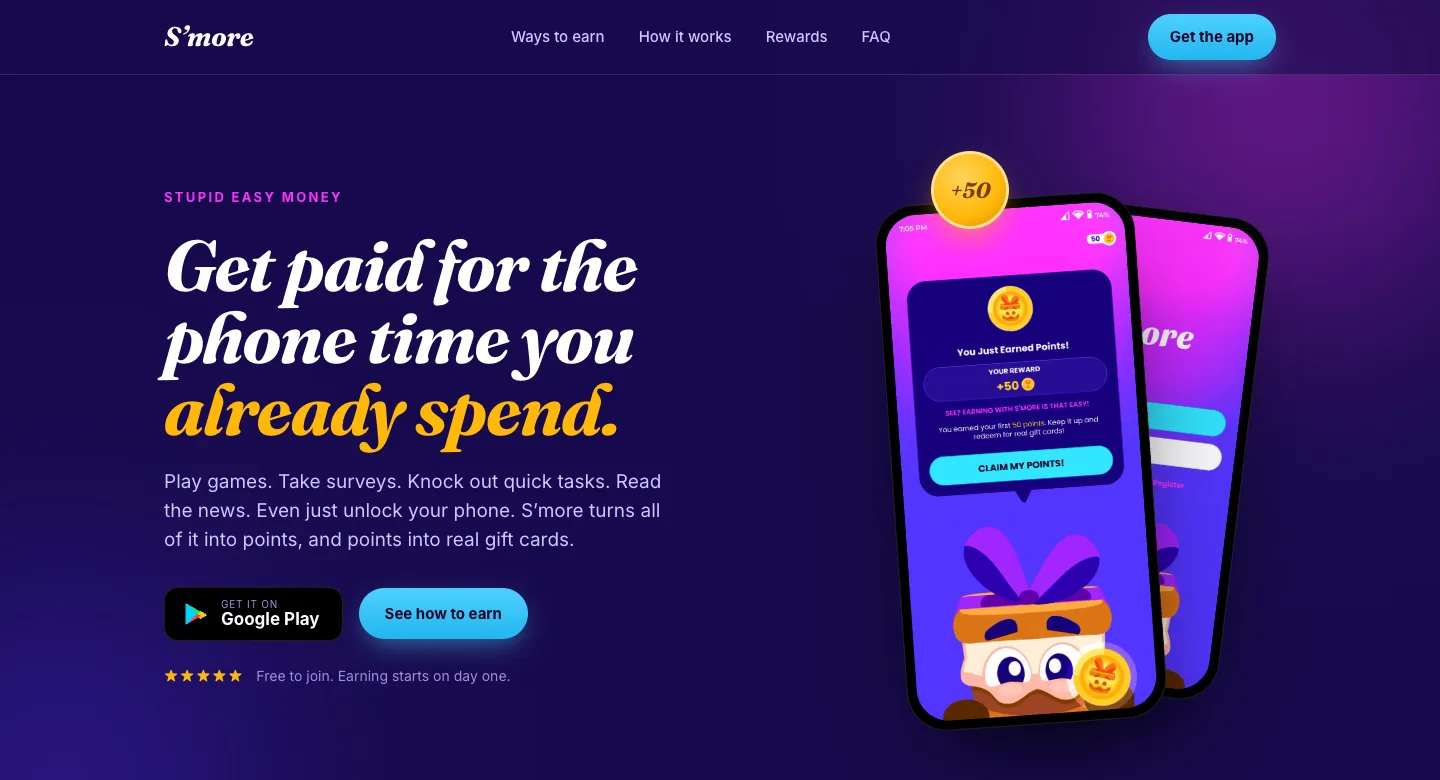
Here’s how getting started works:
- Install S’more from Google Play. It runs only on Android, and only in the US and its territories, according to its terms.
- Create your account. Verify your email and phone number, since the help center has a step for each.
- Turn on the lock screen. From then on, you earn as you go about your day and unlock your phone.
- Watch your balance. Points build up daily, and games, surveys and offers add more on top.
In other words, the lock screen does the work and you do almost nothing. That’s also why the pay is so small.
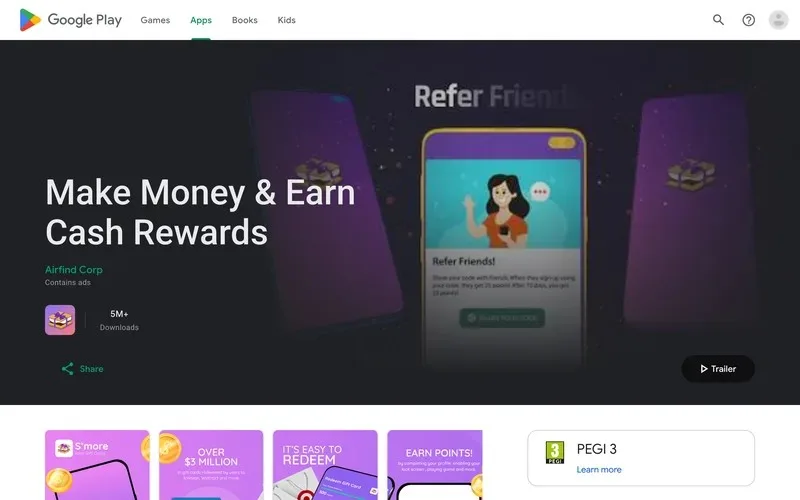
Google Play shows more than 5 million downloads and an update on October 26, 2026, so the app is still active.
Here are the pros and cons in short:
Pros
- Earns in the background while you use your phone
- Gift cards from Amazon, Walmart, Target and more
- Games, surveys and offers on top of the lock screen
- Free, with a low 333-point first cash-out
Cons
- Small pay, with no published points-to-dollar rate
- Points expire after 30 days without use
- Daily points depend on a hidden number of ads
- Android only, US only, and it asks for your location
How Much Money Can You Make With the S’more App?
S’more pays very little, and it doesn’t publish what a point is worth in dollars. Its help center lists the fixed points you can earn, last updated in March 2022.
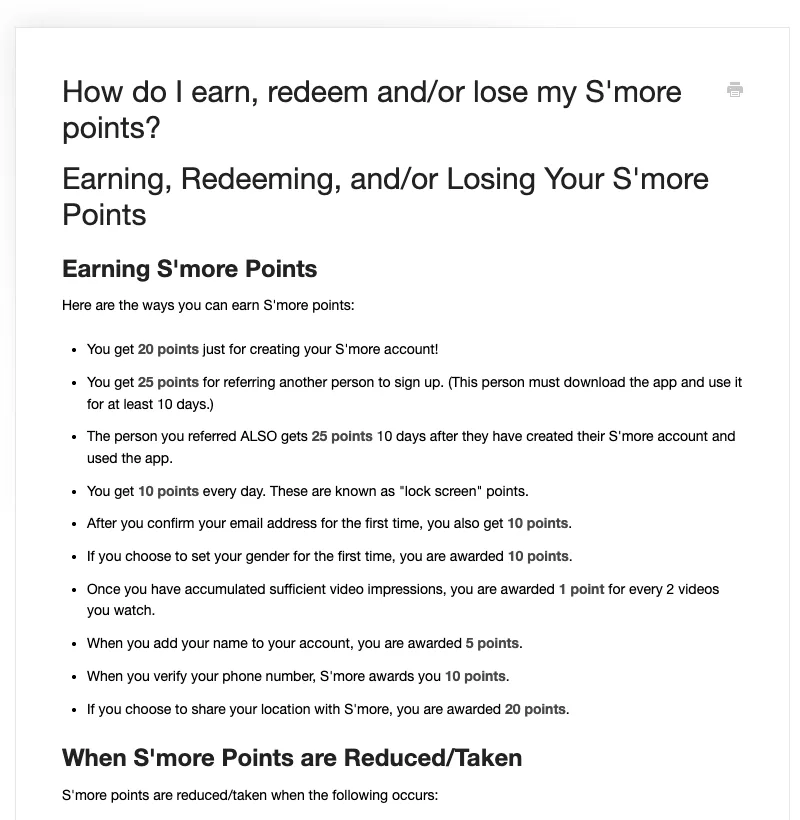
Here’s what those fixed points look like:
- 10 points a day for keeping the lock screen on, called “lock screen” points.
- 20 points for creating your account, and 10 more for confirming your email.
- 10 points for verifying your phone number, 10 for setting your gender and 5 for adding your name.
- 25 points for each friend you refer, once they use the app for 10 days.
- 20 points for sharing your location, which you lose again if you turn it off.
- 1 point for every 2 videos you watch, once you’ve seen enough of them.
Games, surveys and offers pay more, but each one shows its own points, so they’re hard to total ahead of time.
Want your own dollar number? You can work it out in 2 minutes inside the app:
- Open the redeem screen and note the points price of the cheapest gift card.
- Divide the card’s dollar value by its points price, which gives you what 1 point is worth.
- Check how many points S’more gives you on a normal day.
- Multiply your daily points by that value, then by 30.
Say, with made-up numbers, a $5 card costs 500 points and you earn 10 points a day. Each point is worth 1 cent, so you’d make about $3 a month and wait about 7 weeks for each $5 card.
If your own math lands under $5 a month, S’more is pocket change, not income.
How to Redeem S’more Points for Gift Cards
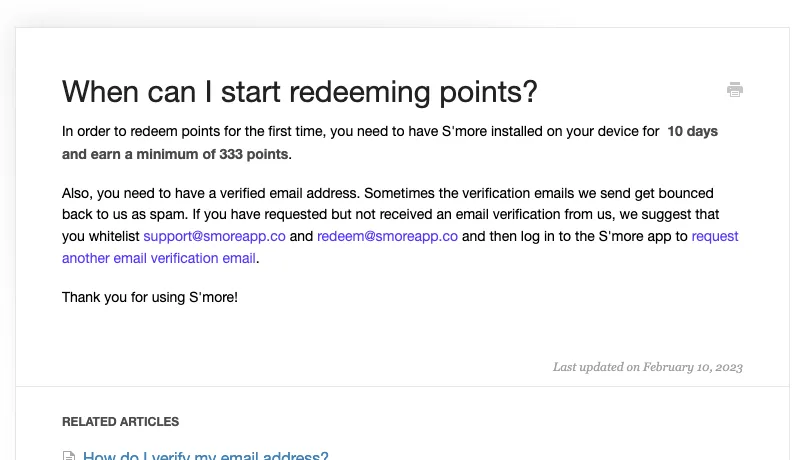
You redeem S’more points for gift cards inside the app, and your first cash-out has 3 rules. The help center says you need S’more installed for 10 days, at least 333 points and a verified email address.
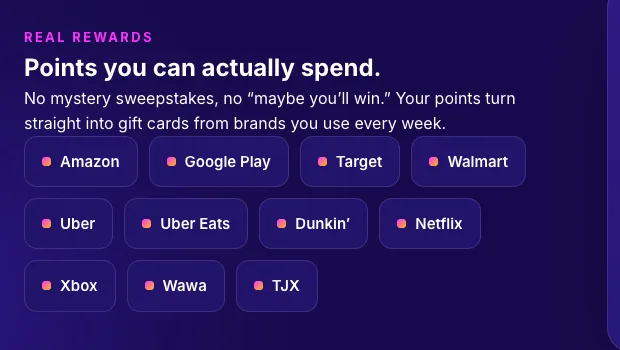
S’more’s website lists gift cards from Amazon, Google Play, Target, Walmart, Uber, Uber Eats, Dunkin’, Netflix, Xbox, Wawa and TJX, as of November 2026. Its site adds that availability may vary.
Gift cards go to the email address on your account, not to your Amazon or Target account. The help center says they should arrive right away, from noreply@vcdelivery.com, so check your spam folder if one doesn’t show up.
If Amazon is your goal, these apps for free Amazon gift cards list their cash-out minimums up front.
Can You Lose Your S’more Points?
Yes, you can lose S’more points, and the help center explains 2 ways they expire. Points expire after 30 days in a row without using the app, or if you don’t redeem a gift card within one year.
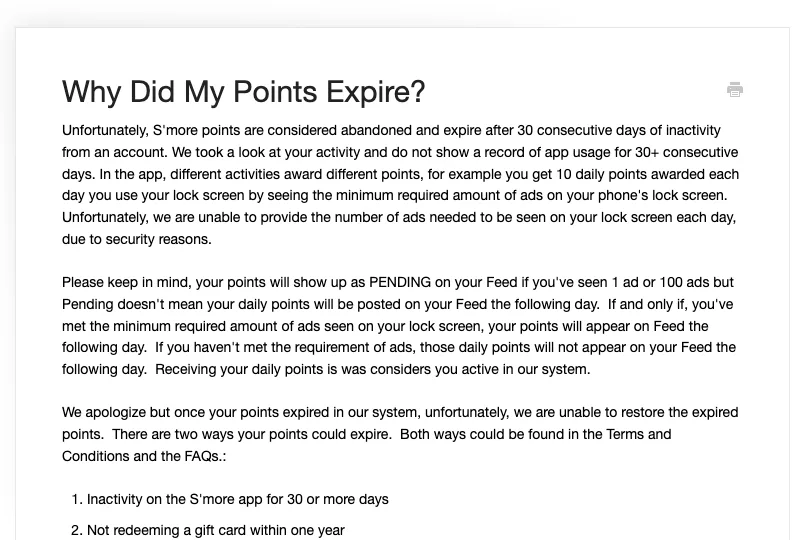
S’more says it can’t restore points once they expire. You also lose every point if you delete your account, while simply uninstalling the app keeps them.
Here’s the deal: your balance isn’t money until you cash it out.
Redeem the first gift card you qualify for, then keep redeeming as soon as each one unlocks. Treat S’more points like a coupon with an expiry date, not a savings account.
Why Isn’t S’more Adding My Daily Points?
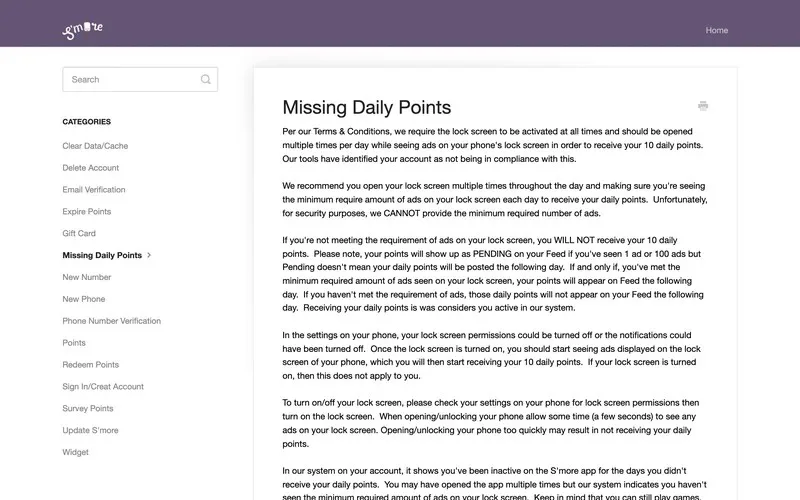
S’more only adds your 10 daily points if you see a minimum number of lock screen ads that day. It won’t say what that number is, and its “Missing Daily Points” article says that’s for security reasons.
The points show as “pending” whether you saw 1 ad or 100. They only post to your feed the next day if you met the hidden minimum.
Run through this checklist before you contact support:
- Check that the S’more lock screen and its notifications are still turned on in your phone’s settings.
- Open your lock screen several times a day, since a quick unlock may not show enough ads.
- Update the app from Google Play, then clear its cache if points still don’t post.
- Note the date your points stopped, so support can look it up.
Missing survey points work differently. S’more’s surveys come from a partner called InBrain, so support needs a screenshot of the survey before InBrain can return the points.
Still missing points? Email support@smoreapp.co with these details:
Hi, my S’more daily points stopped on [date]. I’m on app version [number] on a [phone model], I’ve updated the app and my lock screen is on. My account email is [email]. Can you check my missing points?
Clear details give support everything it needs in your first message.
Is the S’more App Legit?
The S’more app is legit: Airfind Corp runs it under terms dated January 1, 2021, and it pays in real gift cards. Its Google Play listing shows more than 5 million downloads and 4.1 out of 5 stars from 72.2K reviews, as of November 2026.
It also keeps a help center for missing points, expiring points and gift cards. Scam apps rarely explain how you lose points.
“Legit” and “worth your time” aren’t the same thing, though. The pay is small, and the hidden ad minimum makes your daily points hard to predict.
Is S’more Safe to Use?
S’more is safe enough for most people, but it collects more data than most reward apps. Its terms say the app lets Airfind and third parties collect and use your phone’s precise location.
You also get 20 points for sharing your location, and you lose them if you turn location sharing off later. If that bothers you, put S’more on a spare Android phone or skip it.
Every lock screen app works by showing you ads, so expect them every time you wake your phone.
Best S’more Alternatives
The best S’more alternatives are apps that also pay for background phone or computer time, but publish their rates up front. We compare more of them in these passive income apps.
Apps to try instead of S'more
Each one runs in the background like S’more does, and the difference is how they pay you:
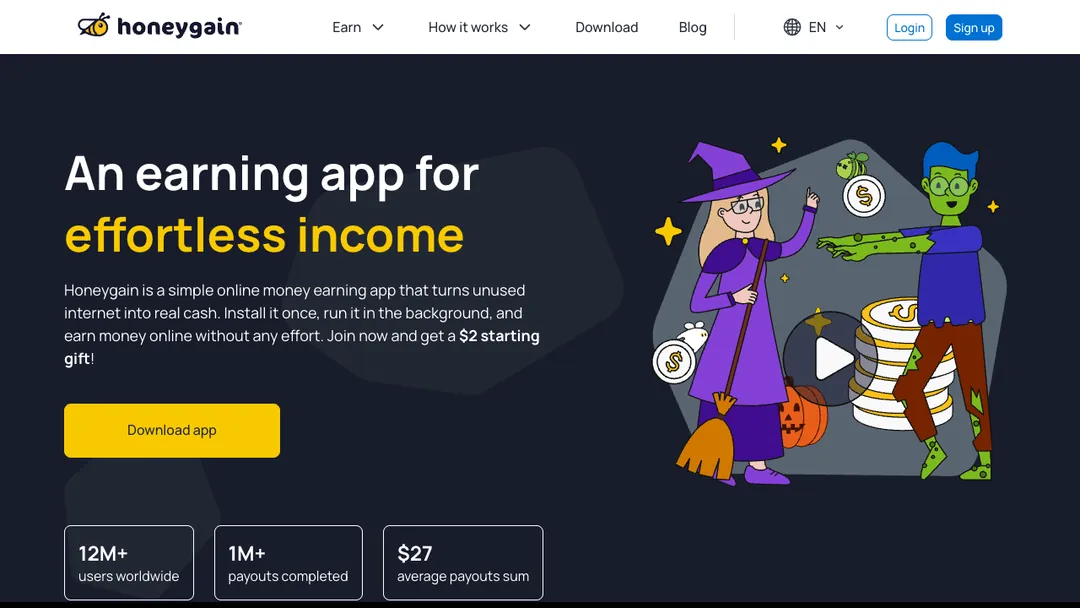
- Honeygain shares internet you aren’t using and pays out by PayPal once you reach $20. Our Honeygain review covers the details.
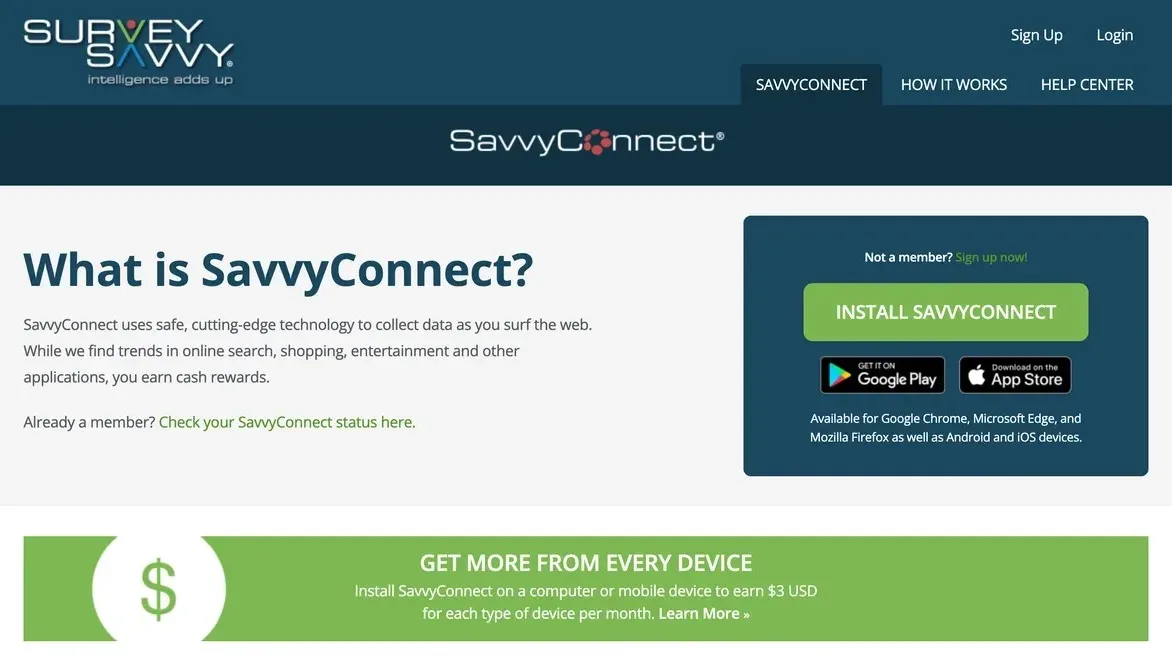
- SavvyConnect pays US members $3 a month for each device type, so a phone and a computer earn $72 a year.
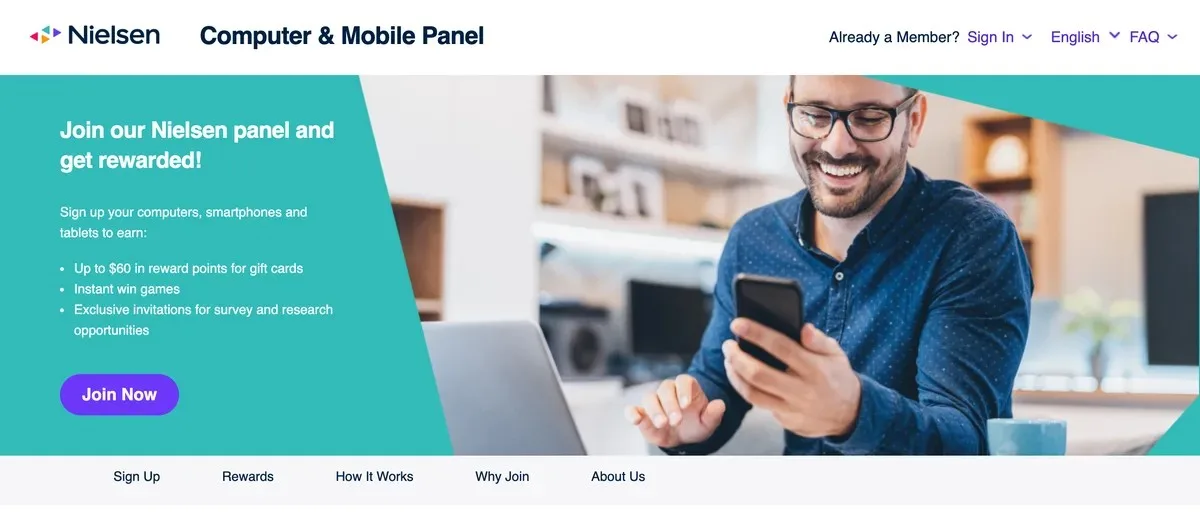
- Nielsen Computer & Mobile Panel pays up to $60 a year, $30 for mobile and $30 for computer. See our Nielsen panel review.
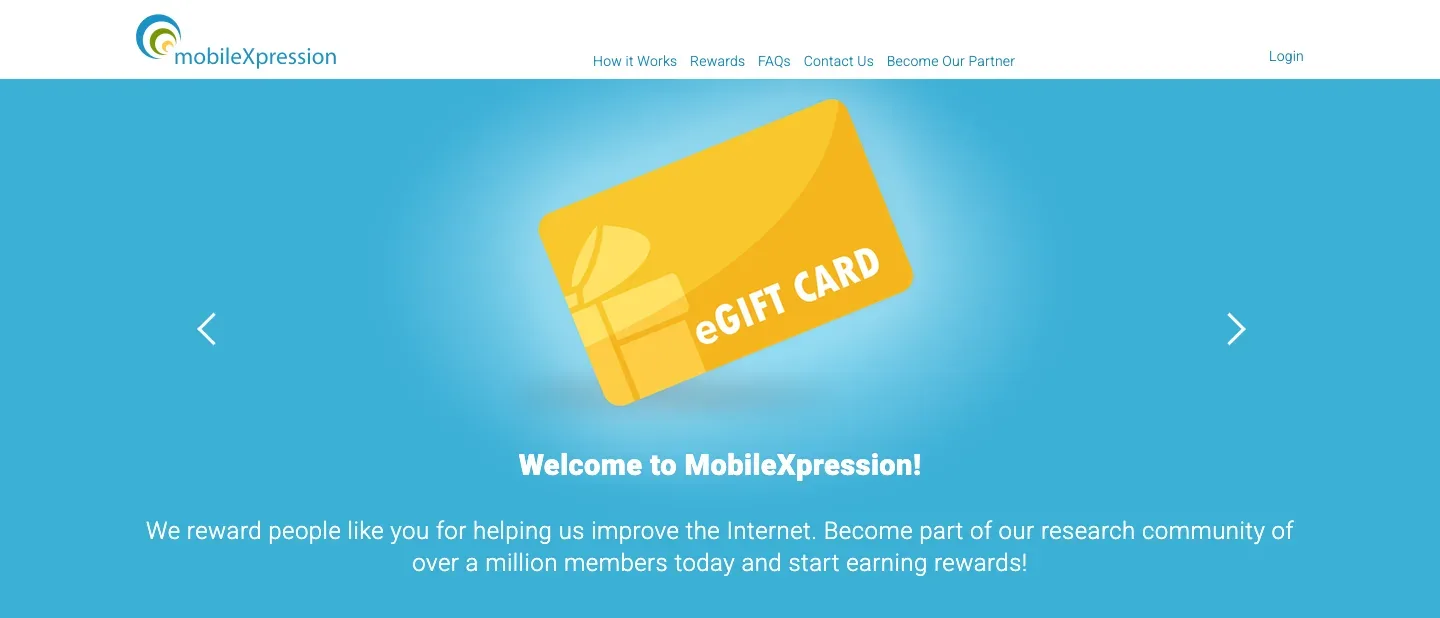
- MobileXpression pays in gift card rewards for keeping its research app installed. Our MobileXpression review explains how it works.
You can run 2 or 3 of these at once, which stacks small payouts into something you’ll actually notice.
Want a longer list? Here are more apps that pay you to do nothing.
For bigger money on the same phone, start with these money making apps for Android instead.
Is S’more Worth It?
S’more is worth keeping only as background pocket money on an Android phone you already unlock all day.
Install it, do the 2-minute points math and redeem your first gift card the moment you qualify. If that card takes more than a month, swap S’more for Honeygain, SavvyConnect or the Nielsen panel.
Key Takeaways
- It’s legit. Airfind Corp runs S’more, and it pays in real gift cards from brands like Amazon and Walmart.
- Daily points have a hidden rule. You only get your 10 daily points if you see a minimum number of ads, and S’more won’t say how many.
- First cash-out takes 10 days. You also need 333 points and a verified email address.
- Points expire. They vanish after 30 days without use or a year without a redemption.
- It’s Android and US only. It also asks for your precise location.
Frequently Asked Questions
Does the S’more app work on iPhone?
No, S’more is an Android app, and its website says it’s available on Google Play in the US. On an iPhone, pick a different rewards app, like the ones in these ways to get paid to unlock your phone.
How many points do you need to cash out on S’more?
You need at least 333 points for your first redemption, plus 10 days with the app installed and a verified email. The points price of each gift card is shown in the app’s redeem screen.
How do I delete my S’more account?
S’more’s help center walks you through uninstalling the app on standard Android, Samsung and Huawei phones. Redeem any points you can first, because deleting your account wipes your balance.
Is the S’more app worth it?
S’more is worth it only as background pocket change on an Android phone you already unlock all day. If you want real money, pick an app that states its pay rate up front.
Is S’more the same as the S’More dating app?
No, the S’more rewards app and the dating app with the same name are separate apps from different companies. This review covers only the rewards app from Airfind Corp.
The Bottom Line
S’more is a real app that pays real gift cards, but it pays pocket change.
Keep your lock screen on, cash out at 333 points and never let your balance sit for 30 days.
For more ways to earn on your phone, browse our honest app reviews.

Jason is a personal finance expert and the founder of Frugal For Less. He has spent over a decade researching and testing hundreds of money making apps, survey sites, and savings strategies to help readers earn more and keep more of their hard-earned cash.
More about the author